Physical Address
304 North Cardinal St.
Dorchester Center, MA 02124
Physical Address
304 North Cardinal St.
Dorchester Center, MA 02124

Most lists of STEM kits are not actually written for teenagers. They blend ten-year-olds with eighteen-year-olds, call everything ages 8 and up, and then leave a fourteen-year-old holding a kit with six plastic pieces and a cartoon character on the box. That is the single most common complaint I see from parents shopping for a teen who has already burned through every building set on the shelf.
I built this list differently. Every kit below is a genuine kit rather than a standalone toy, every one is rated for a teen or close to it, and each carries an honest age note about what age it really suits. Over several weeks I worked through these kits at a shared workbench with teenagers ranging from 12 to 17, timing builds, checking whether the instructions held up, and logging the failure modes that show up in reviews. My selection criteria were simple: enough parts to last more than a weekend, a skill the teen can explain back to you, a power source that does not immediately die, and documentation good enough to work from without a parent hovering.
Every product also gets a skill-level tag, because that is the question parents search for and almost no roundup answers. Is this no code, block-based, or real text code? Those three categories decide whether a kit teaches something transferable or just teaches the kit. The comparison table and the top three picks sit right below this intro so you can scan before you read. Updated for 2026.
New to the category? Our science gift guide covers a broader set of STEM gifts, while this list stays strictly on kits.


Our editor’s choice is the ELEGOO Mega 2560 kit because it is the only one in the group that keeps paying out after the first month. Thirty-five guided projects walk from a blinking LED up to RFID, real-time clocks, motion and environmental sensors, all on a board with more memory and more input-output pins than a typical starter board.
The Mech-5 earns the value slot for a different reason. It has no app, no firmware, and no subscription, and it still teaches sequencing and logic in a way a teen can feel through a physical coding wheel. If your teen dismisses coding as boring, this is the one that changes their mind.
The UNO R3 Smart Robot Car is the most satisfying single build here. It comes with a camera, streaming video to a phone, line tracking, obstacle avoidance and a rechargeable battery, and it works the day it arrives.
| Product | Features | |
|---|---|---|
| ELEGOO Mega 2560 Project Starter Kit |
|
Check Latest Price |
| Teach Tech Mech-5 Coding Robot |
|
Check Latest Price |
| ELEGOO UNO R3 Smart Robot Car V4 |
|
Check Latest Price |
 Henoda 468-Piece Robot Kit Henoda 468-Piece Robot Kit |
|
Check Latest Price |
 Snap Circuits 203 STEM Electronics Kit Snap Circuits 203 STEM Electronics Kit |
|
Check Latest Price |
 Thames and Kosmos Chem C1000 Thames and Kosmos Chem C1000 |
|
Check Latest Price |
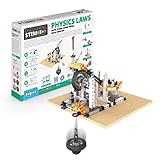 Engino Physics Laws STEM Kit Engino Physics Laws STEM Kit |
|
Check Latest Price |
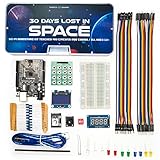 InventrKits 30 Days Lost in Space InventrKits 30 Days Lost in Space |
|
Check Latest Price |
 Mould King Mini V8 Engine Mould King Mini V8 Engine |
|
Check Latest Price |
 Adeept 5DOF Robotic Arm Adeept 5DOF Robotic Arm |
|
Check Latest Price |
 iCubeSmart 3D LED Cube iCubeSmart 3D LED Cube |
|
Check Latest Price |
 KEYESTUDIO Solar Tracking Kit KEYESTUDIO Solar Tracking Kit |
|
Check Latest Price |
We earn from qualifying purchases. CERTAIN CONTENT THAT APPEARS ON THIS SITE COMES FROM AMAZON. THIS CONTENT IS PROVIDED 'AS IS' AND IS SUBJECT TO CHANGE OR REMOVAL AT ANY TIME.
Ages 13+
200+ components
35+ guided projects
Arduino IDE
Storage case
With 4.7 stars across nearly 8000 reviews, this is the most proven kit we tested. It is not a robot and it is not a toy. It is a bench of electronics that a teen can turn into whatever they are curious about, and the guided projects are sequenced so that difficulty climbs instead of jumping.
The board is a Mega 2560 controller, and that choice matters more than it sounds. It carries 54 digital input-output pins, 15 PWM outputs, 16 analog inputs, 4 hardware serial ports and 256 KB of flash memory, which is enough headroom that a teen is not constantly fighting the hardware while they are still learning the software.
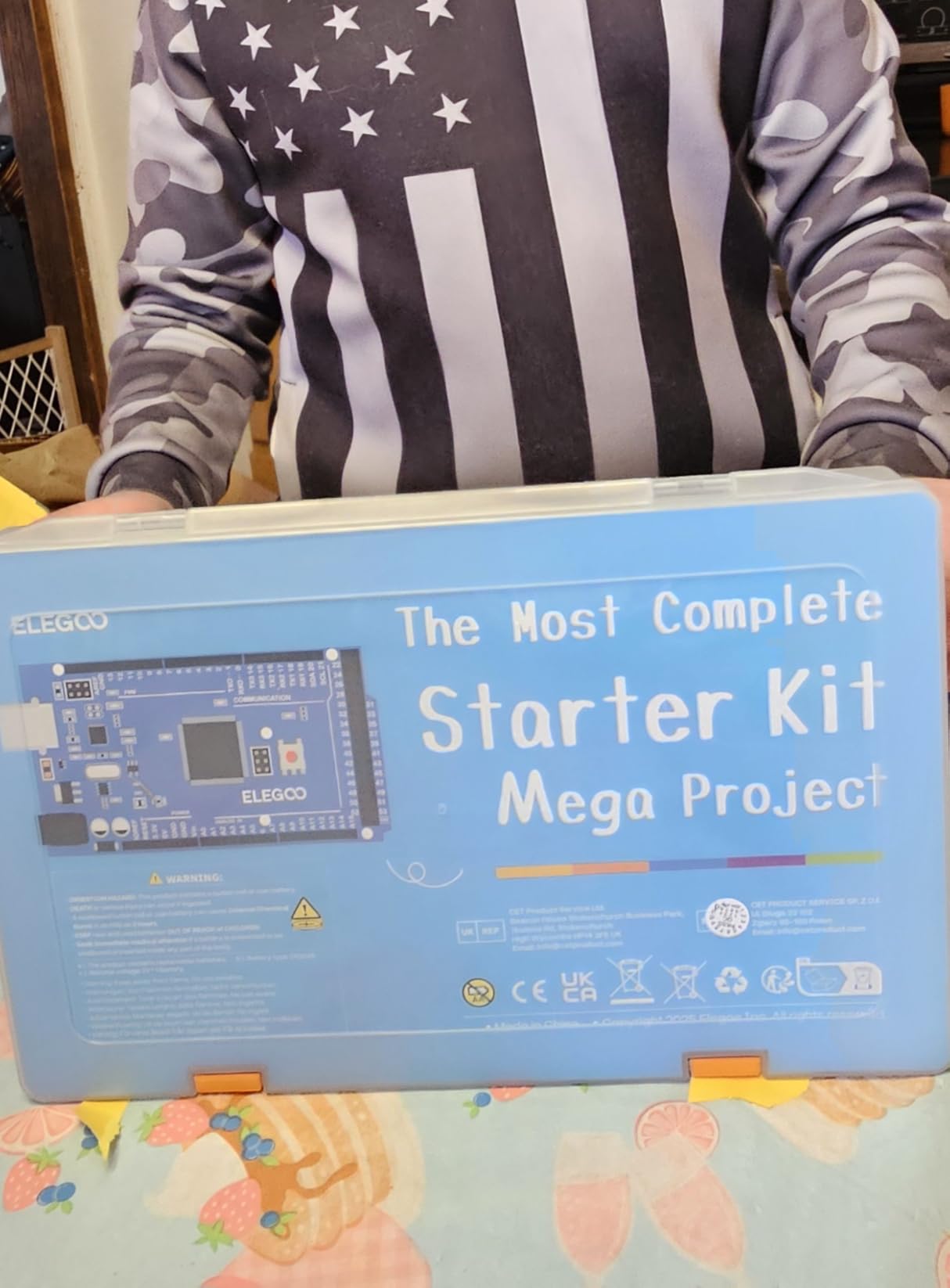
The project sequence starts with the fundamentals that everyone skips and everyone needs: lighting an LED, reading a button, controlling brightness with PWM, then reading a potentiometer and a photoresistor. That foundation is what makes the later sensor work make sense rather than feel like magic.
By the middle of the sequence the projects include an RC522 RFID reader, a real-time clock module, and motion plus environmental sensing. A teen who finishes the list does not walk away with a certificate. They walk away with the intuition that input, process and output is just a loop you can write yourself.
The example code is where the real teaching happens. Rather than handing over finished sketches, the lessons parameterize sensor thresholds and control logic so a teen can change a number and immediately see the behavior change. That edit-run-observe cycle is the whole point.
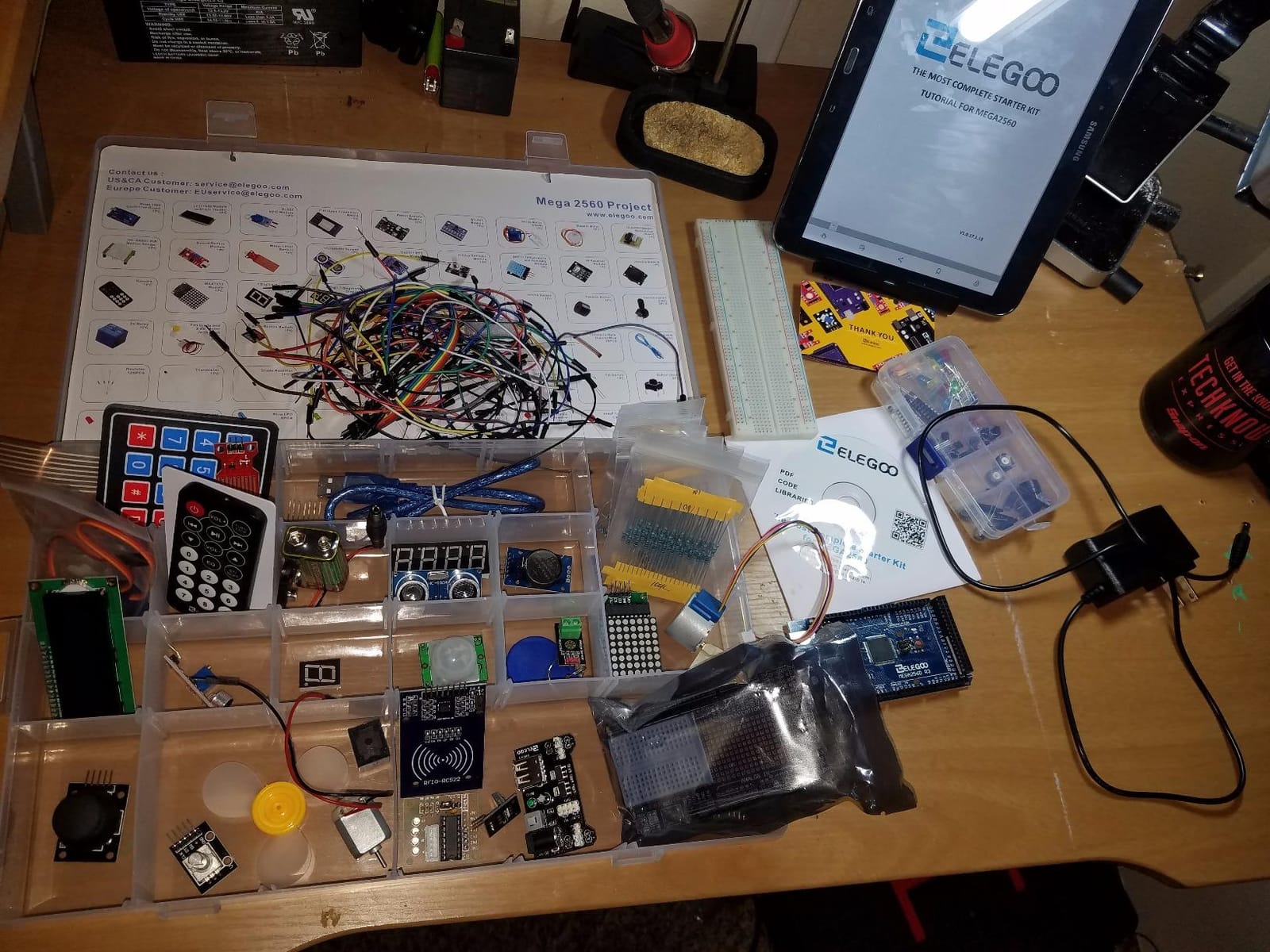
This is the honest trade-off. The 200+ component count means more prep before the first working build, and the solderless breadboard approach is jumper-heavy. If your teen has never handled a resistor, the first session is slower than a snap-together kit.
The payoff is duration. Reviewers consistently report that this kit moves from a first LED to working sensor projects faster than expected, and the included storage case and small-parts box solve the single most common complaint in electronics kits, which is losing a 220 ohm resistor somewhere in a bedroom. If you have already gone through our circuit building kit picks and want the version that goes furthest into real microcontroller work, this is the upgrade.
Best for a teen who wants real Arduino work and plans to keep building after the guided projects run out. Twelve and up works with a patient parent; fifteen and up handles it independently.
Ages 10+
2 AAA batteries
12.4 x 2.5 x 9.1 in
16 ounces
1 year warranty
This kit works on a principle that most of the electronic kits in this list ignore. It teaches sequencing without a screen, a tablet, or a single line of code. Snap-on coding buttons attach to a physical wheel, and the robot reads them in order and performs the actions you programmed.
That is a real advantage for a specific teen. The kids who get bored watching a block-based editor are often the same kids who will happily load a sequence onto a wheel and watch a physical machine do exactly what they told it to, in the wrong order, hilariously.
Just under 5000 reviews at 4.5 stars, with 72 percent five-star ratings, and the pattern in those reviews is consistent. Buyers treat it as a solid introduction to mechanical engineering and coding, and they respect that it is a real build rather than a shell you snap together in ten minutes.
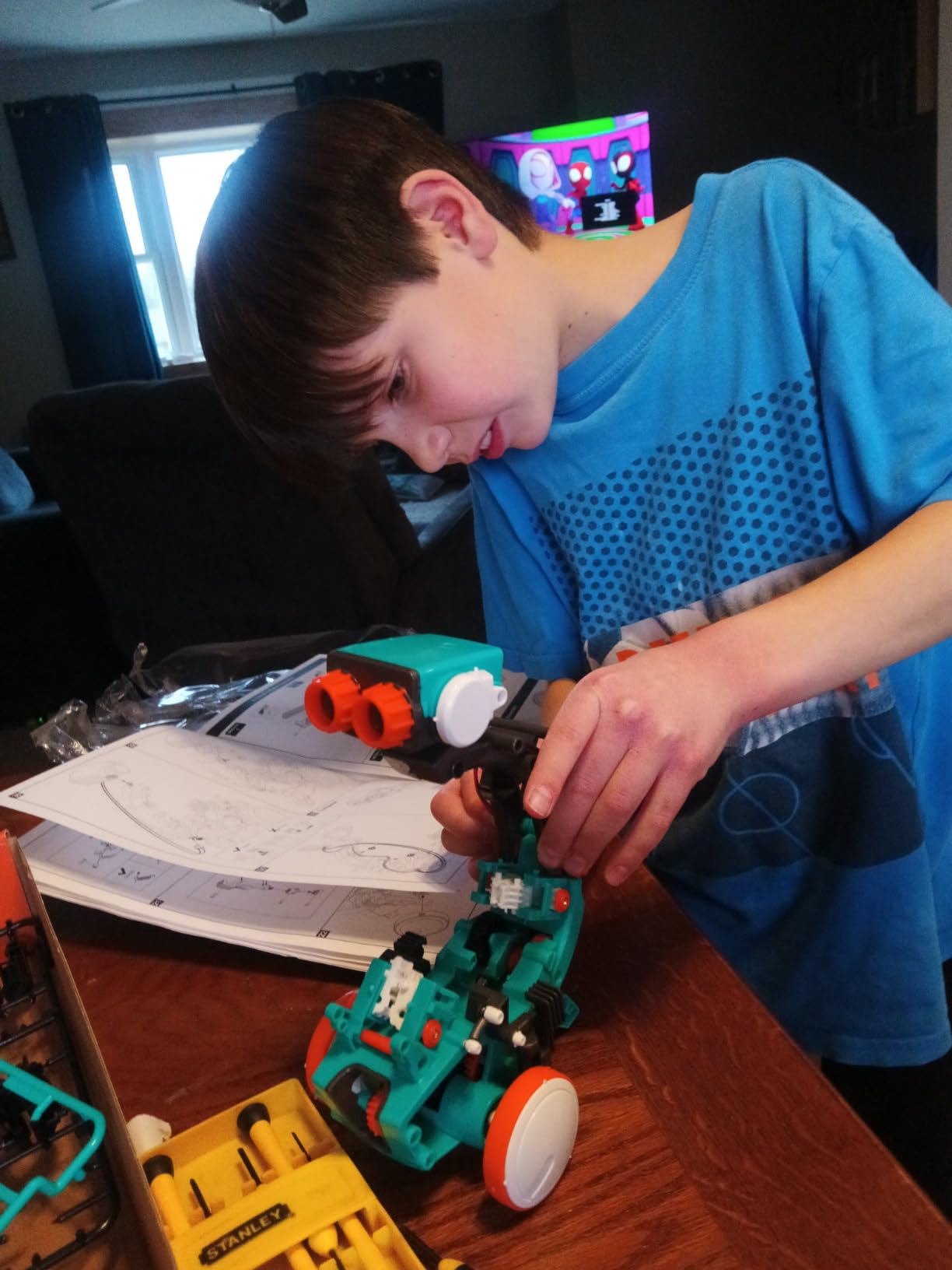
The mechanism can throw, lift, kick and draw. That sounds like a gimmick until you realize what it means in practice: the same chassis teaches four separate engineering ideas. Throwing involves a lever and a release, lifting is a gear ratio problem, kicking is a timing problem, and drawing is a path-planning problem where the robot has to track position across a surface.
Mission-based entry-level design means the manual approaches the build as tasks rather than a parts inventory, which is far better for a self-directed teen. The step-by-step assembly instructions are clear enough that a teen can build unsupervised once they settle in.
The build itself is the main event and the main cost in time. Expect several hours before the robot is usable, and expect the alignment step to demand care. A frustrated teen who rushes the assembly gets a robot that misses its targets, and no amount of coding skill will fix a wheel mounted at the wrong angle.
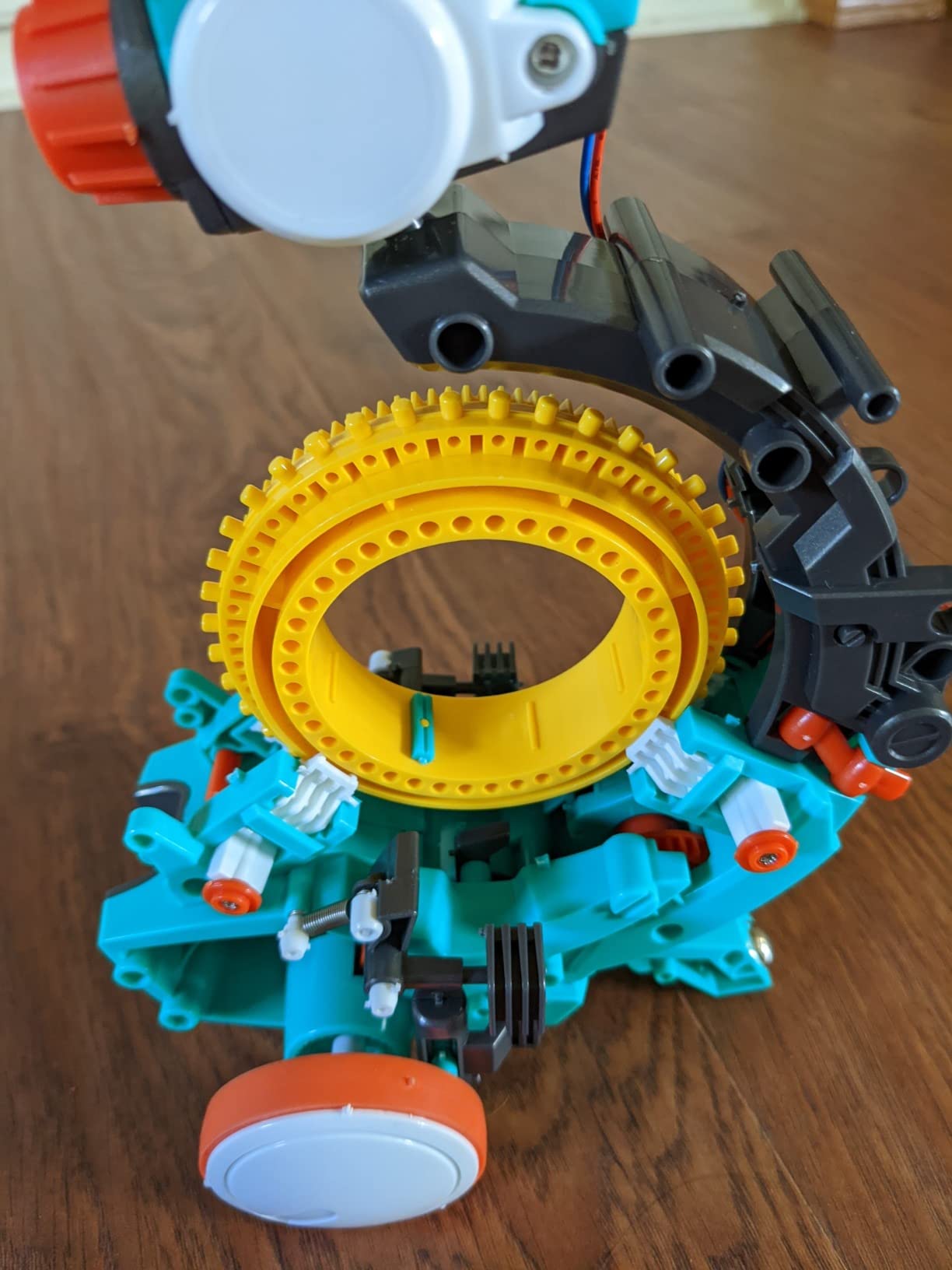
It suits a teen who has never coded, a teen who does not own a tablet, and a parent who wants a gift with a long assembly bond built into it. It is also the easiest kit on this list to hand to a relative who does not know what a microcontroller is.
It will bore a teen who already writes Python or C++. There is no way to inspect or edit the underlying logic, and once the four actions are mastered there is no expansion path. The manufacturer rating is ages 10 and up, and a fifteen or sixteen-year-old will treat it as a two-week project at most.
Best for ages 11 to 14 and for any teen who thinks coding means staring at a screen. Under 14 is where this kit earns its rating honestly.
Ages 12+
2000 mAh rechargeable battery
FPV camera
8 x 7 x 6 in
Arduino IDE and Visuino
There is a specific moment in a robotics kit where a teenager stops building and starts driving. This is the kit that produces that moment fastest. Out of the box, the pre-loaded code runs and the car drives using the IR remote or the app, and the FPV camera streams what it sees to a phone.
Over 4400 reviews at 4.5 stars with 76 percent five-star ratings. Owners consistently call the documentation excellent and the finished robot reliable, and those are exactly the two things that most robotics kits get wrong.
The hardware is more interesting than the packaging suggests. It pairs an ELEGOO UNO R3 controller with an ESP32-WROVER camera and Wi-Fi module, which means the car is running two processors with different jobs, one handling motor control and sensors and one handling video and wireless.
Line tracking uses infrared reflectance to follow a dark path, and it is the simplest way to teach feedback control. The sensor reads a value, the code compares it to a threshold, and the motors correct. Once a teen sees that loop close on a physical line, PID control stops being an abstraction.
Obstacle avoidance adds an ultrasonic sensor, which teaches distance measurement and timing, two ideas that transfer directly to anything a teen builds later. The failure modes are educational too. Put the car on a surface the sensor cannot read and it wanders, which is a better lesson than any explanation of calibration.
FPV video streaming is the feature that keeps this kit in rotation after the novelty wears off. Driving by camera changes the problem from steering a robot to piloting one, and teens who get bored with code often get absorbed in this.
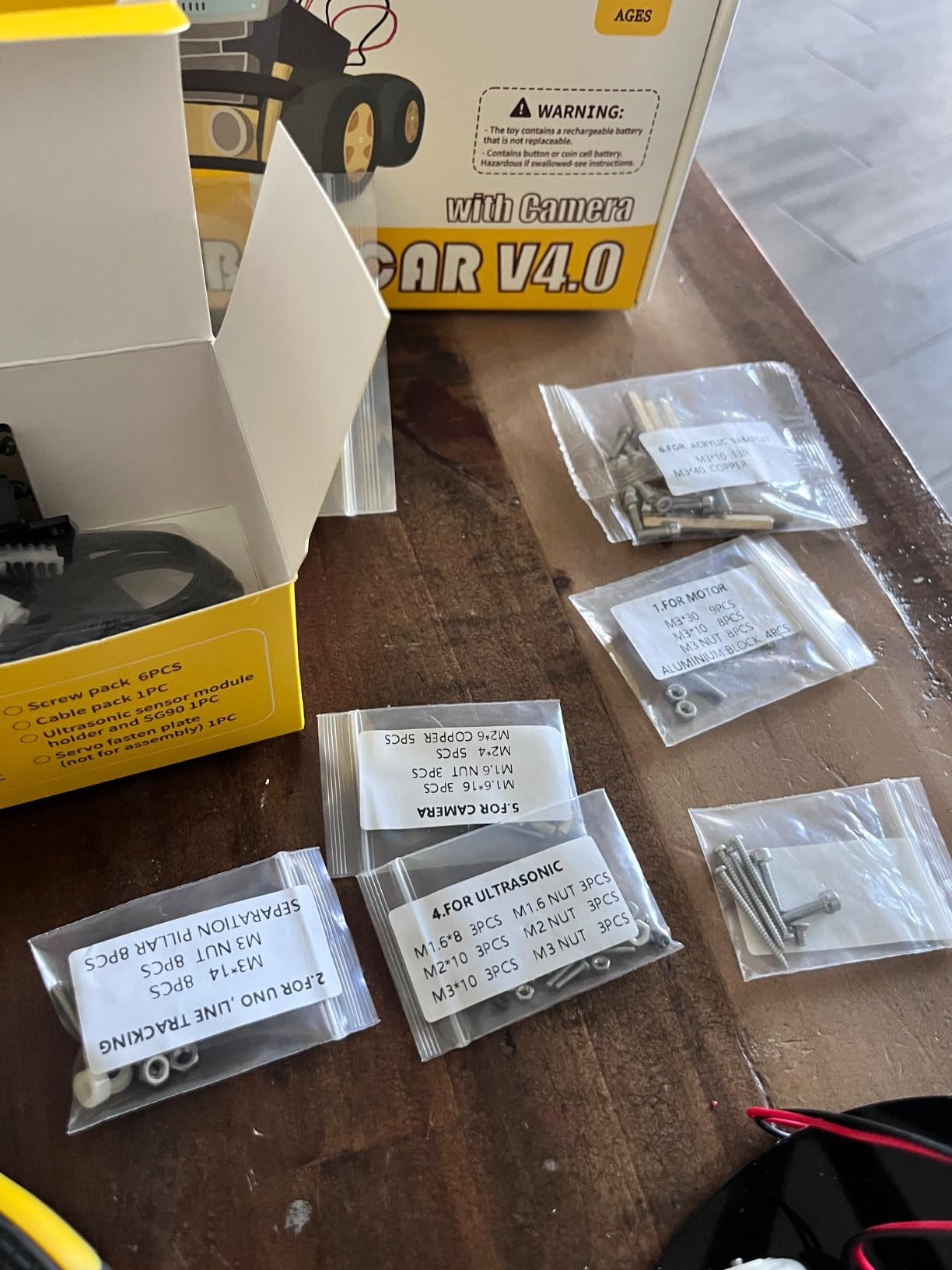
Be honest about the ceiling. The stock app software is basic and lacks motor speed ramping, so acceleration is abrupt rather than smoothed. A teen who wants to program proper motor control has to go into the Arduino IDE, which is exactly the point for a motivated kid and exactly the wall for a casual one.
Two smaller annoyances are worth flagging because they show up repeatedly. The Wi-Fi connection can require changing the wireless channel in the source code, and no USB-C cable is included for reprogramming the ESP32 module. This chassis also has only one expansion connector, fewer than the earlier V3.
Best for a teen aged 13 to 16 who wants a finished, drivable machine on day one and has ambition to open the IDE after. If your teen wants a robot arm or a rover with many sensors, skip to the keyboard and servo options further down.
468 pieces
Bluetooth app and 2.4GHz remote
20+ meter range
Rechargeable lithium battery
1.6 pounds
Some teens do not want to learn anything. They want a big pile of parts and four hours of building. This is the kit for that, and it is worth being honest about why it is on a STEM list rather than pretending the classification is cleaner than it is.
468 pieces with stickers, thick ABS construction with smooth edges, and a rechargeable lithium-ion battery. The robot is controlled by Bluetooth app, a 2.4GHz remote with 20-plus meter range, or through path, voice and gravity sensor modes, and it does stunts involving 360-degree rotation.
Close to 1900 reviews at 4.6 stars, with feedback centered on the satisfying build, the range of movement, and its appeal as a birthday gift.
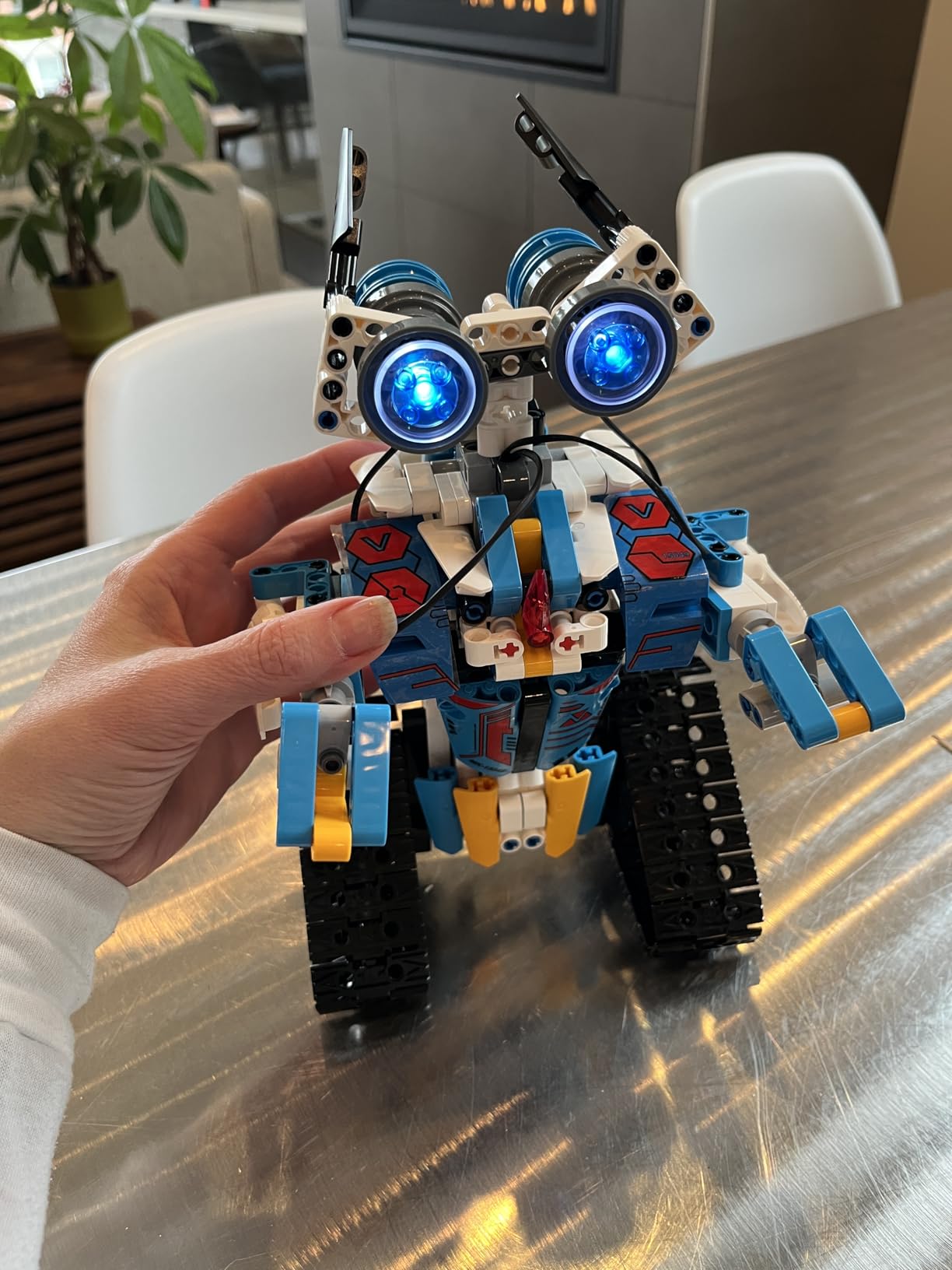
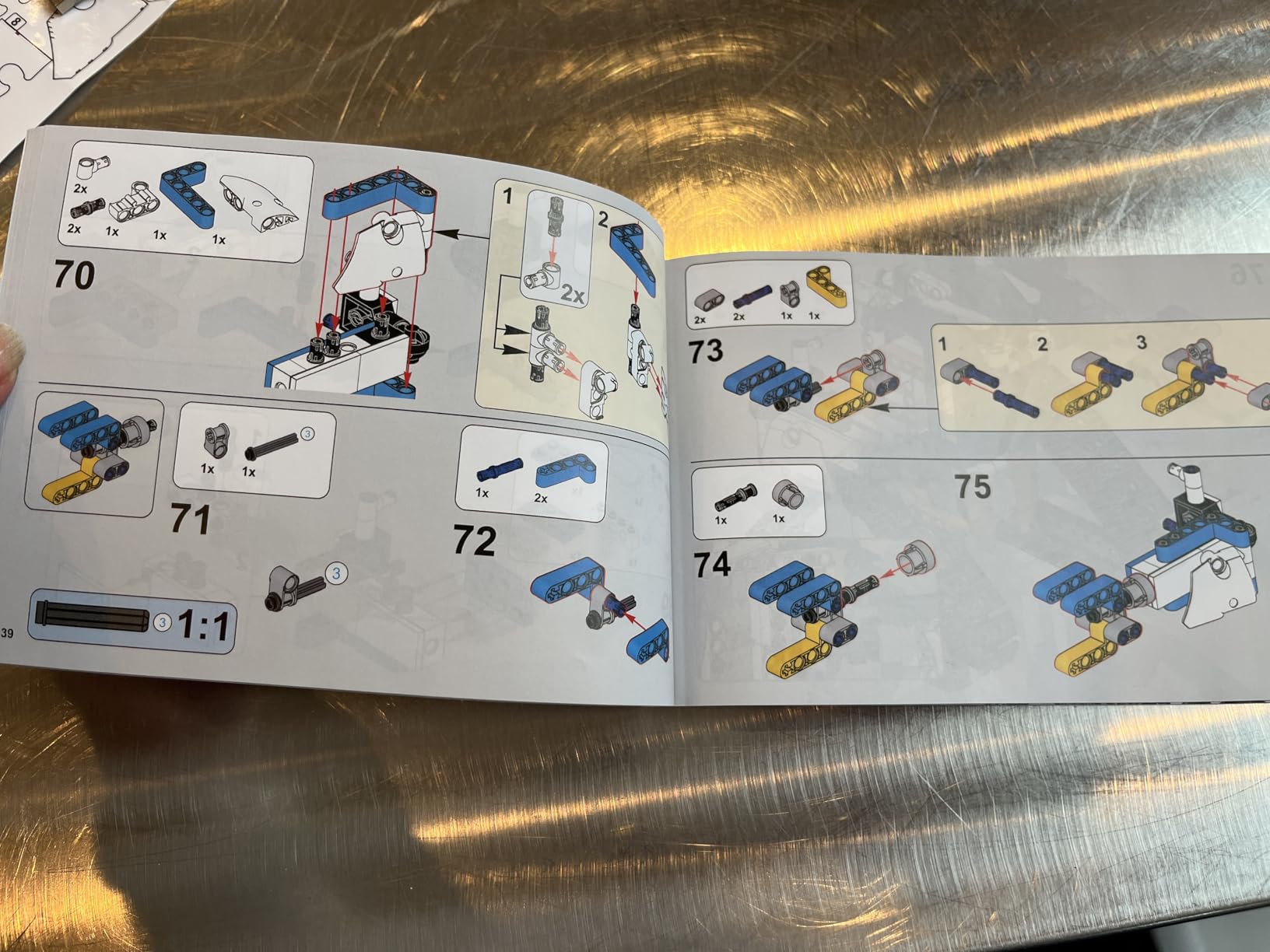
Piece count correlates strongly with session length, and session length is what keeps a kit out of the closet. 468 pieces with marked assembly areas in the manual means a teen is building across several evenings rather than finishing in one and asking what to do next.
What it does not buy is depth. The programming mode is closer to preset play than real code editing, and the STEM content here is thinner than anything with a breadboard. A parent buying this for a fourteen-year-old who is already writing code will be disappointed.
A parent buying this for a thirteen-year-old who builds for fun and has never seen a resistor will get a genuinely happy builder. Both are valid outcomes. The manual being colorful with marked assembly areas matters more than it sounds, because an unlabeled bag of identical-looking pieces is the fastest way to kill a build on night two.
The manufacturer rating is listed as ages 8 and up in the product data, and I want to flag that directly. This is the youngest-rated kit on this list. It is here because the piece count genuinely holds a teen’s attention, not because a fifteen-year-old would find the content challenging.
Best for ages 10 to 14 and for teens who build big construction sets for the building itself. Not a first coding kit and not a step toward real programming. If a teen is heading toward electronics, the solar robot kit options are a more useful direction.
Ages 8+
42 snap modules
200+ projects
2.2 pounds
Full-color manual included
At 4.7 stars with 84 percent five-star ratings, this is the highest-rated kit in the group, and the reason is not complexity. It is that it removes every possible point of failure between a teenager and a working circuit.
42 color-coded, numbered snap modules attach to a plastic grid. No solder, no tools, no wiring errors, no breadboard jumper soup. If a circuit does not work, the reason is a design mistake, not a cold joint.
That combination is why this approach is widely used in classrooms, and it is why it is a genuinely strong pick for a teen rather than a toddler toy. Over 200 projects in one box is roughly two years of once-a-week sessions if a teen is disciplined.
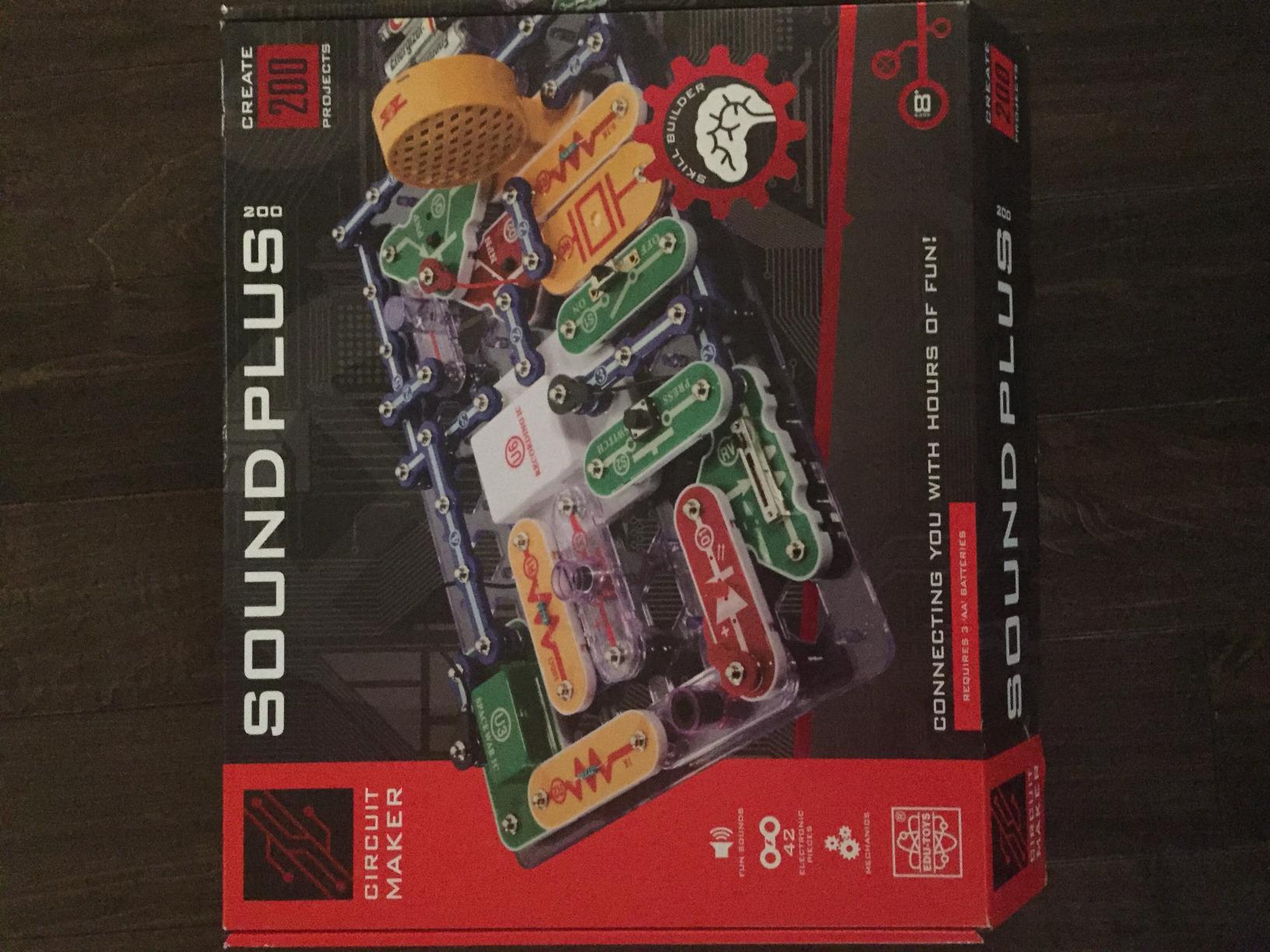
There is a specific problem with teaching electronics to beginners, and it is not conceptual. It is that the failure happens at the physical layer. A cold solder joint, a reversed LED, or a leg bent on a resistor stops the lesson before any electricity is involved, and the teenager concludes that they are not a science person.
Snapping modules onto a grid removes that entire failure class. The circuit either works or the logic is wrong, and both outcomes are informative. For a teen who might quit on the first mistake, that difference decides whether the kit gets opened again next month.
The color coding is not decoration. It is a visual key that lets a teen scan a complex circuit and reason about it without memorizing part numbers, which is a real reading-comprehension barrier for younger teens.
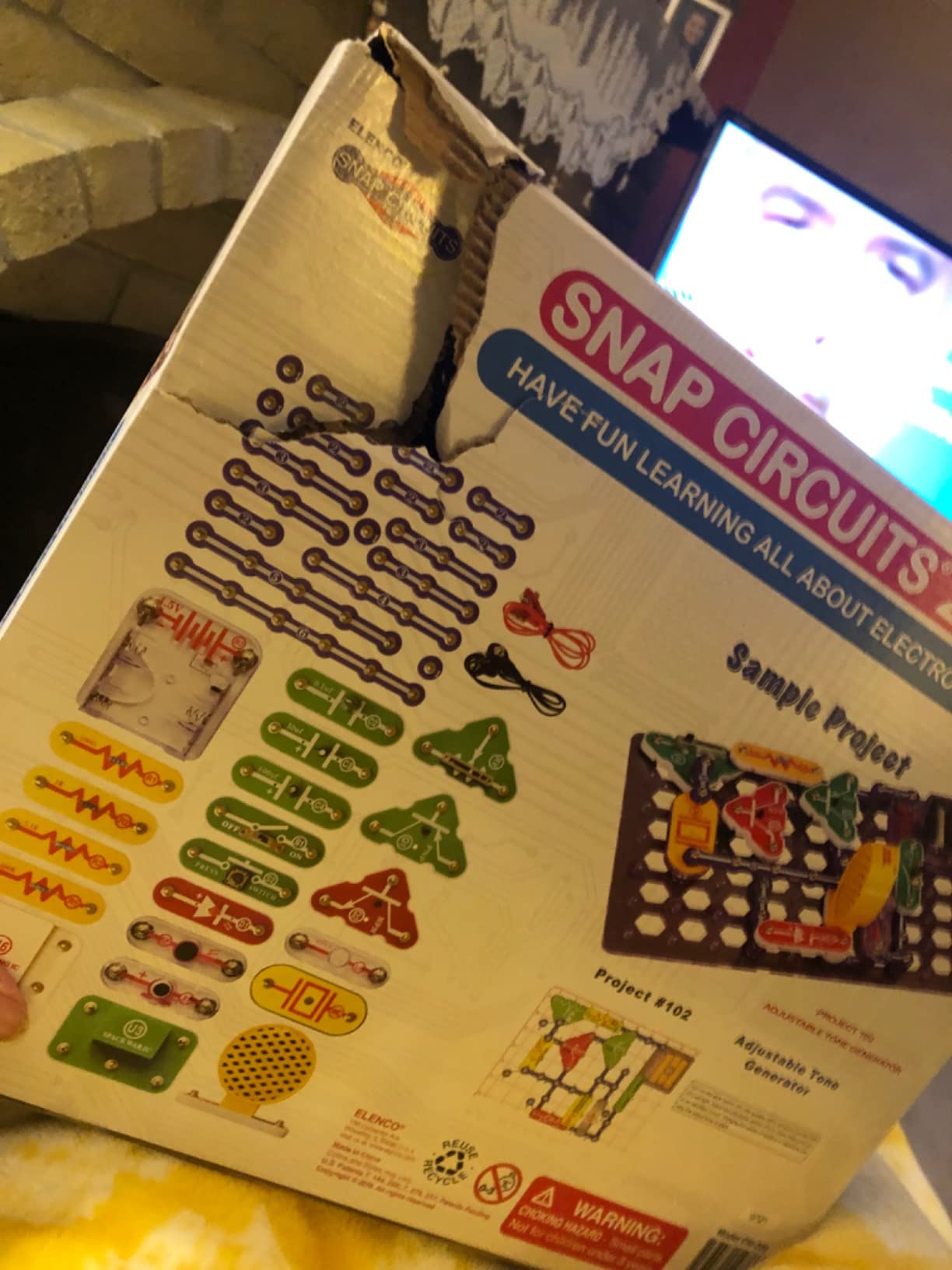
The honest limitation is that projects follow fixed circuits. A teen can complete 200 projects, but the kit will not let them invent a circuit from scratch, which is the jump that turns a hobby into engineering. The grid constrains the design space deliberately.
Missing or extra pieces in shipments are occasionally reported, so it is worth counting modules on arrival. The upside is that this system combines with other Snap Circuits kits, so the ecosystem extends rather than ends.
Best for ages 12 and up, especially for a teen who is anxious about electronics or has already had a bad experience with a soldering iron. It is the lowest-friction entry into circuits in this entire list.
Ages 10-20
125 experiments
80-page color manual
7 chemicals
Real glassware
Most chemistry sets for teens are kitchen science with a test tube-shaped container. This one is built on real technique. It includes 7 supplied chemicals including copper(II) sulfate, citric acid and litmus powder, plus real glassware: test tubes, graduated beakers, a funnel and dropper pipettes.
125 experiments organized into 10 themed chapters, with an 80-page full-color illustrated lab manual. Made in Germany to the EN 71-4 standard, and it carries a Parents’ Choice Gold Award. It is also a Parents’ Choice winner that real chemistry teachers recognize.
640 reviews at 4.4 stars. Buyers consistently admire the educational depth and equipment quality, and they consistently warn about the same two things: you need extra household materials, and adult help is often required.
There is a meaningful difference between a reaction that happens in a cup and a titration performed with a graduated pipette. The second teaches measurement, precision and error, which are the actual transferable skills in chemistry, and the reason lab technique shows up on college course lists and internship applications.
The manual pairs each experiment with real scientific explanation rather than a list of steps. A teen who follows it will finish an activity knowing why the color changed, not just that it changed. The demonstrations reviewers single out, electrolysis and chromatography, are the ones that tend to stick in memory years later.
This is a kit where the supervision note is not optional. Z87-rated safety goggles are included, adult supervision is required by the manufacturer, and some experiments involve waiting up to a day, which means advance planning rather than spontaneous weekend science.
Many experiments require common household supplies not included in the box. This is the most common complaint, and it is not a defect so much as a design choice, because real chemistry happens in a real kitchen with real supplies. Read the supplies list before the kit is opened so the first session is not stalled waiting for a lemon.
Second, the manual measures liquids in centimeters, which is confusing for younger users accustomed to ounces. It is another reason this suits a mid-teen rather than a ten-year-old doing it alone.
If chemistry is the specific interest, our chemistry lab kit guide for teens goes deeper on the safety and supply side.
Best for ages 13 and up with a parent in the room, particularly for a teen considering medicine, chemistry or biology in college. The manufacturer rating spans 10 to 20 years, which is one of the few in this list that genuinely covers the full teen range.
Ages 9+
6 working models
12 pages of theory
3D build-along app
2 year warranty
Six buildable working models that each demonstrate a different physics law, including a rocket launcher and a crash test rig. That pairing is smart because it is the clearest possible before-and-after demonstration of inertia available in a kit at this price.
Just under 1000 reviews at 4.5 stars. Tutors and STEM-class teachers rate it highly for engagement and value, which is a useful signal, because a teacher has usually watched a hundred kids try it.
What separates this from a generic construction set is the 12 pages of theory, facts and experiments plus a 4-page quiz section. The quiz is not a gimmick for older teens. Being asked to explain why the crash test rig behaved the way it did forces a level of processing that building alone does not.
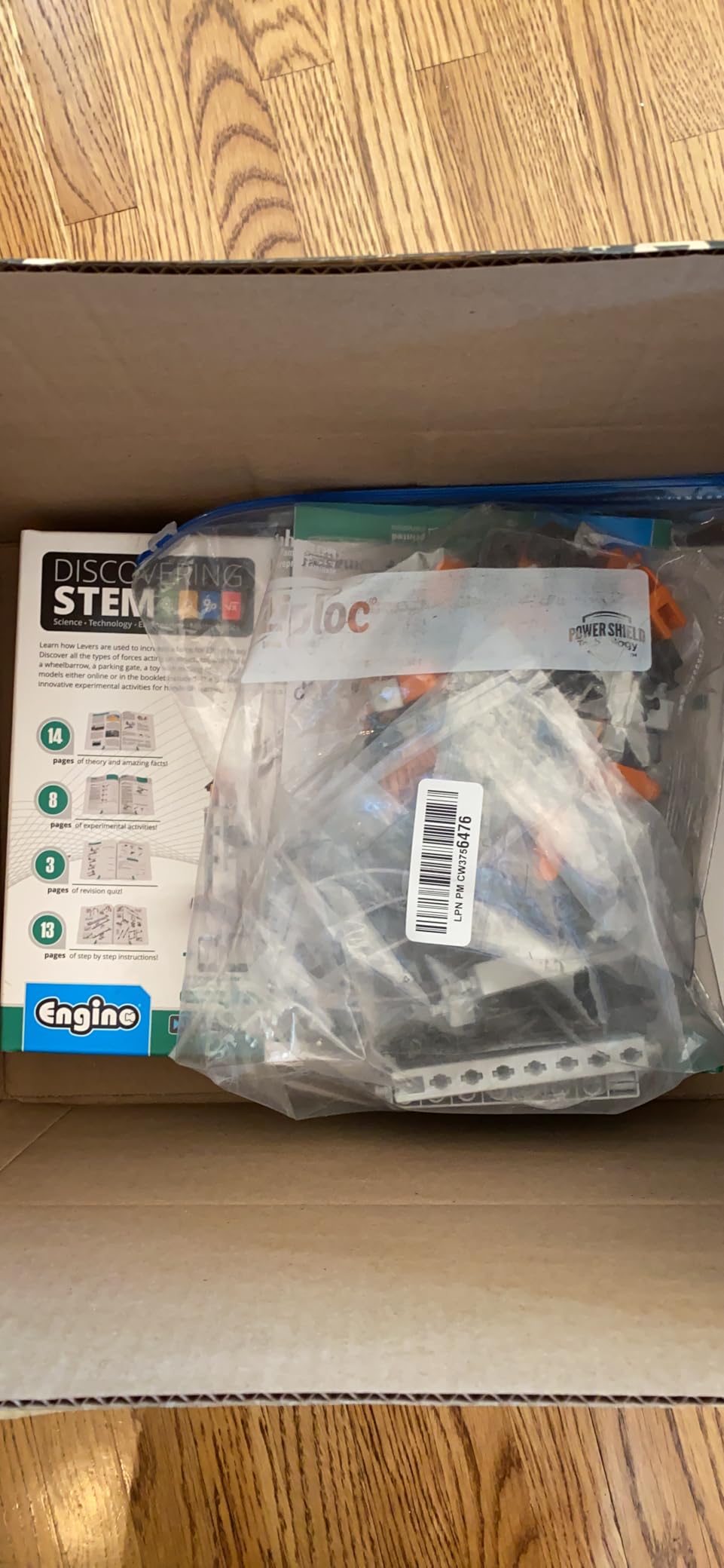
The interactive 3D app allows a virtual build-along, which solves a genuine problem with small-part construction kits: when a teenager cannot find the part the manual is pointing at, the whole session dies. Being able to check the assembly order in the app without putting down a half-built model keeps the momentum going.
It is worth noting that this is the most screen-light option in the list. The models run on their own mechanics once built, which matters for a family trying to cut screen time, and for a teen who would rather build for an hour than watch a video about building.
The rocket launcher and crash test rig are the two to build first. The launcher makes projectile motion visible, and the crash test rig turns a safety requirement, crumple zones, into something a teenager designs and then watches fail.

This is where the reviews get critical, and the criticism is consistent enough to plan around. Some buyers report unclear or incomplete instructions that they had to work around, and small parts are easily lost while connectors such as the sanding pads wear out. Some reviewers have had small components snap during assembly.
Manuals are often English-only, with the German version requiring a website login, which is an odd arrangement for a European-made kit. Made in Europe with a 2 year limited warranty.
Best for ages 11 to 15 and for a teen who has been asking why things fall over and spin. Screen-free by design, which makes it a strong counterweight to a shelf full of app-driven kits. Below 13, expect a parent nearby for the first build.
Ages 12+
30+ hours of video
Arduino IDE compatible
Teaches circuits and C++
This one is a course that arrives with hardware, and that combination is the point. A printed manual teaches a teenager that electronics is a hobby. Thirty-plus hours of structured video taught by working engineers teaches them that it is a discipline with a curriculum.
The 30-day cinematic storyline follows a mission arc with guided daily challenges, and the instruction covers circuits, C++ coding in the Arduino IDE, and AI concepts. Taught by a NASA researcher and college educators, with access to a maker community of more than 700,000 members.
370 reviews at 4.4 stars with 75 percent five-star ratings. Learners highlight the story-driven format and expert instruction as the differentiator, and the recurring reservation is cost compared with self-teach electronics kits.

Thin printed manuals are the most common failure in electronics kits, and they fail in a specific way. A static diagram cannot explain why a wire goes there, so a teenager either guesses or gives up. Video solves this because the instructor can hold up the part, rotate it to show orientation, and demonstrate the mistake before the student makes it.
That matters more for a motivated beginner than the price gap suggests. A teen who has never touched a microcontroller needs a teacher more than a teenager who has built three robots, and this product is the only one in the group that ships an actual teacher.
Lessons can be paused and resumed, no prior electronics experience is required, and the parts are reusable rather than consumable, so the hardware stays valuable after the 30 days are over.
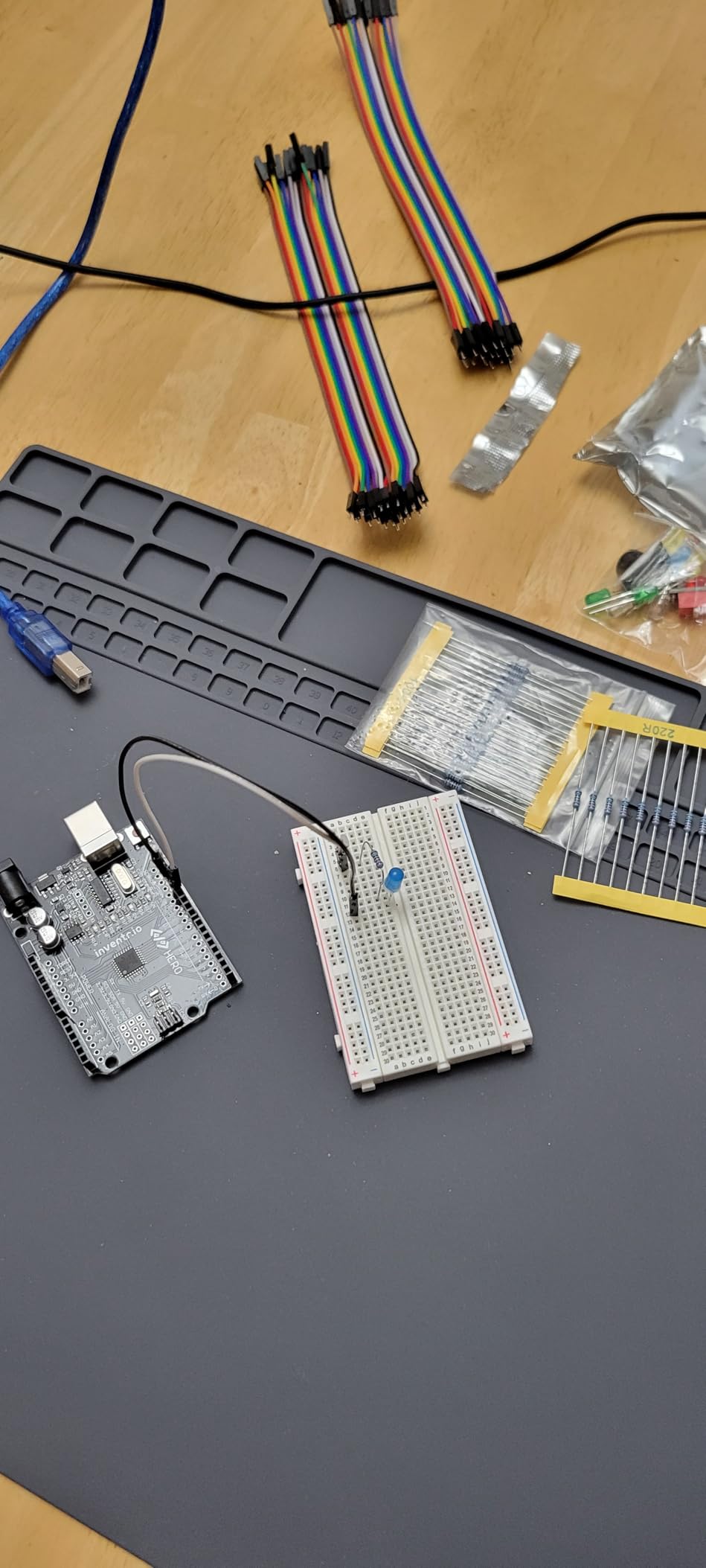
Two things will decide whether this works. The first is cost, which sits well above the kit-only alternatives in this roundup. The second is that it requires a computer and a consistent time commitment to complete the 30-day program, and a 30-day program abandoned on day six teaches nothing.
This is a genuine mismatch for a teen who is busy with sports and a strong match for a teen who is already home with a laptop most evenings, has a homeschool or flex-school schedule, or is running an after-school program where this becomes the curriculum.
Best for ages 13 and up with self-motivation and regular computer access. The manufacturer rating is 12 and up, and I would treat 13 as the honest floor because the C++ content assumes a willingness to read code, not just drag blocks.
Ages 14+
487 pieces
Working V8 model
6.1 x 4.4 x 5.4 in
Motor powered
Some STEM kits teach a principle. This one builds an internal combustion engine with a transparent cylinder head, moving pistons and a simulated turbocharger, and it runs on a small motor once assembled. 487 interlocking pieces, rated 14 and up.
355 reviews at 4.5 stars. Owners are enthusiastic about the finished working model and its display appeal. The enthusiasm is not hard to understand, because a functioning V8 on a shelf is genuinely compelling, and the transparent head is a better explanation of an engine cycle than any textbook diagram.
It also happens to be the only kit on this list rated specifically for 14 and up, which is worth noting given that so many others are labelled for eight-year-olds.
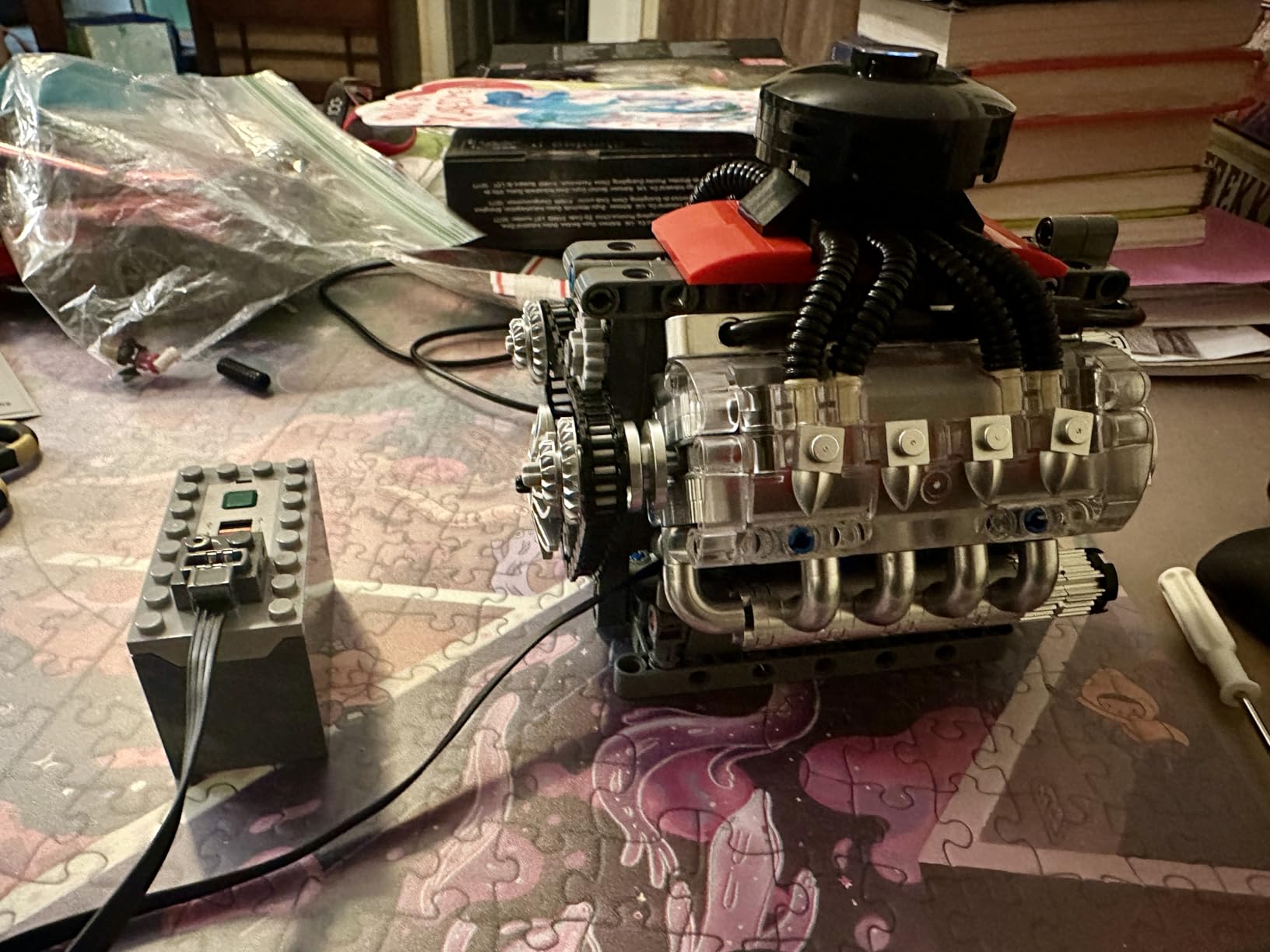
The four-stroke cycle is one of the hardest things to teach from a diagram and one of the easiest to teach from a model with moving parts. Intake, compression, power, exhaust. When a teenager can see all eight pistons moving through that sequence at once, the concept stops being a list of four labels and becomes a mechanism.
487 pieces is a real multi-day build, which is exactly what you want from a gift, because a project that takes three evenings creates a story the teenager tells their friends. It also produces a coffee-table display piece that keeps the kit visible long after the novelty fades, which matters more than people expect for a gift.
The included instruction manual is the weak link and the reason this sits at number 9. Buyers report that the instructions are vague and that the numbered bags do not correspond to build steps, which is the exact failure mode forum parents complain about with unlabeled parts.
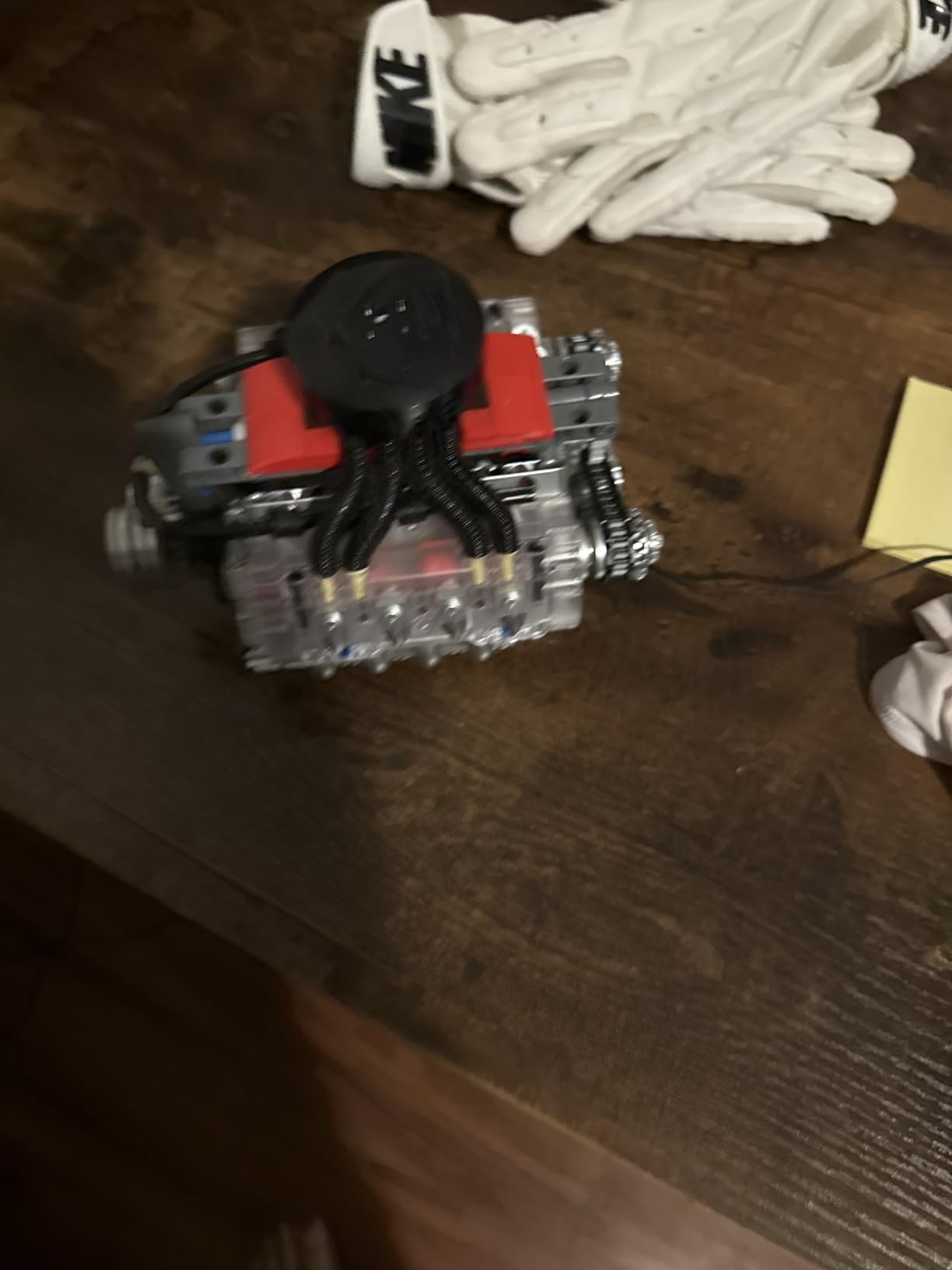
Two practical issues. The driveshaft can work loose after short run times, which limits repeat play, and a small piece can pop out of place when the model is switched on. The off-brand interlocking plastic is not especially durable under repeated handling.
So treat this as a build and display piece rather than a working engine you run weekly. That framing also means the motor is a nice surprise at the end rather than the point, which is the right way to sell it to a thirteen-year-old who does not yet know what an engine cycle is.
Best for ages 14 and up and for a teen who likes machines, cars, or anything with moving parts. The age rating is accurate here, which is rarer than it should be. Note the target audience is listed as adult, so it also works as a gift for a parent and teen to build together.
Ages 16+
5 degrees of freedom
Servo motor driven
Arduino IDE
OLED display
A five degree of freedom articulated arm driven by servo motors, rated 16 and up. This is the most advanced robotics kit in the group and the one most likely to be the last kit a teen needs before entering a competition or a college course.
324 reviews at 4.0 stars, the lowest average rating in this group, with 53 percent five-star share. The hardware and programming experience earns praise. The documentation gaps recur.
I am including a 4.0-rated product on purpose. A list that only shows 4.5-plus products is a list that has filtered out useful information, and this kit is genuinely valuable for the right teen while being wrong for most.
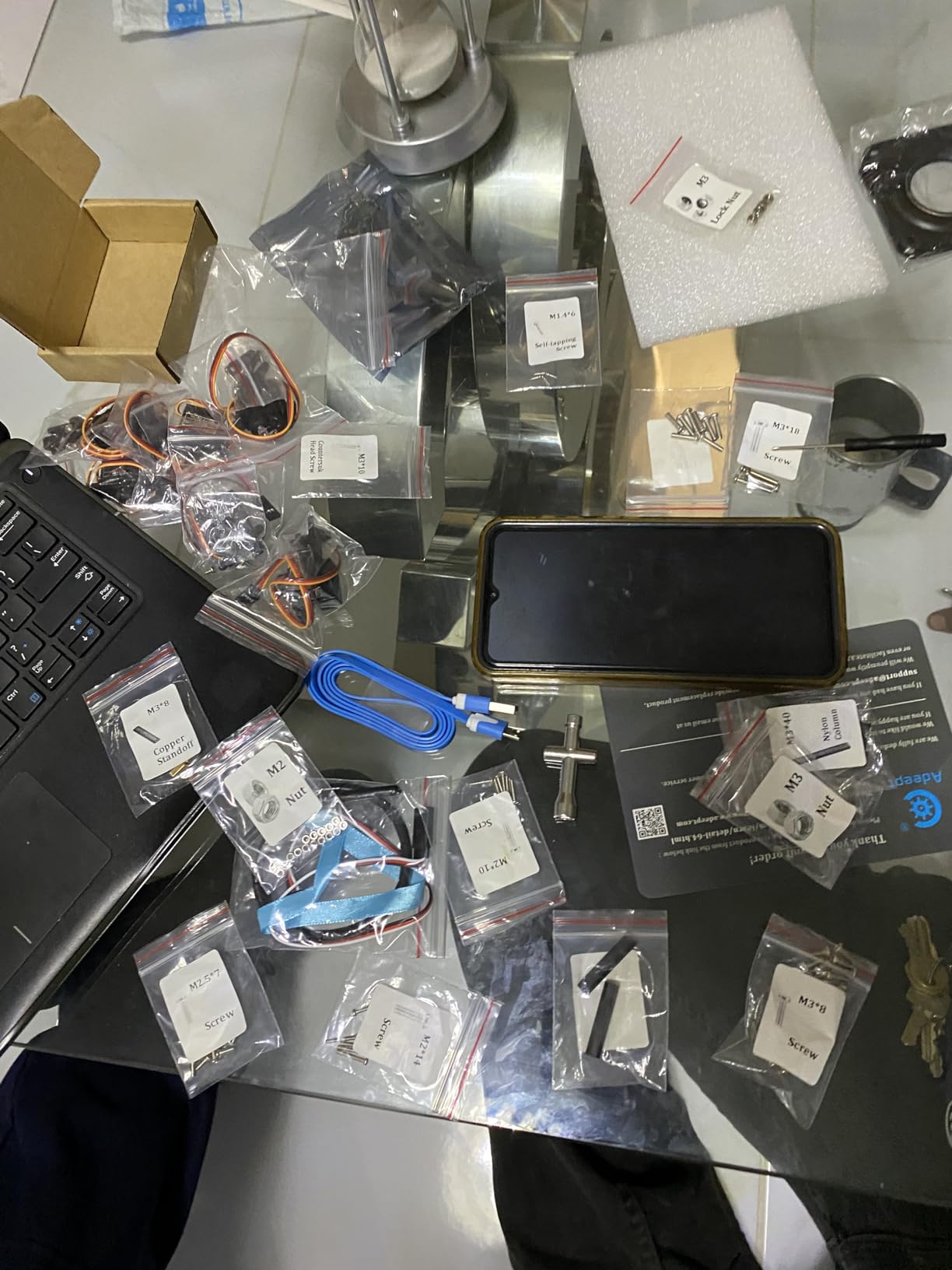
Each joint is a servo controlled by a pulse width signal, and a five-axis arm means the teen has to reason about coordinated multi-joint movement. That is a step up from a wheeled rover because there is no single obvious direction. Getting the arm to trace a shape requires every axis to move in the correct order with the correct timing, which is a genuine coordination problem rather than a follow-the-line problem.
Assembly takes about two hours, the component quality is good with spare fasteners included, and servo torque is sufficient for a satisfying first robotics project. Owners consistently describe it as a genuinely engaging introduction to automation and robotics programming.
The control options are unusually rich for this price. Manual control through onboard potentiometer knobs, remote control through PC-based graphical processing software, plus self-learning, drawing and imitation program modes with an OLED display.
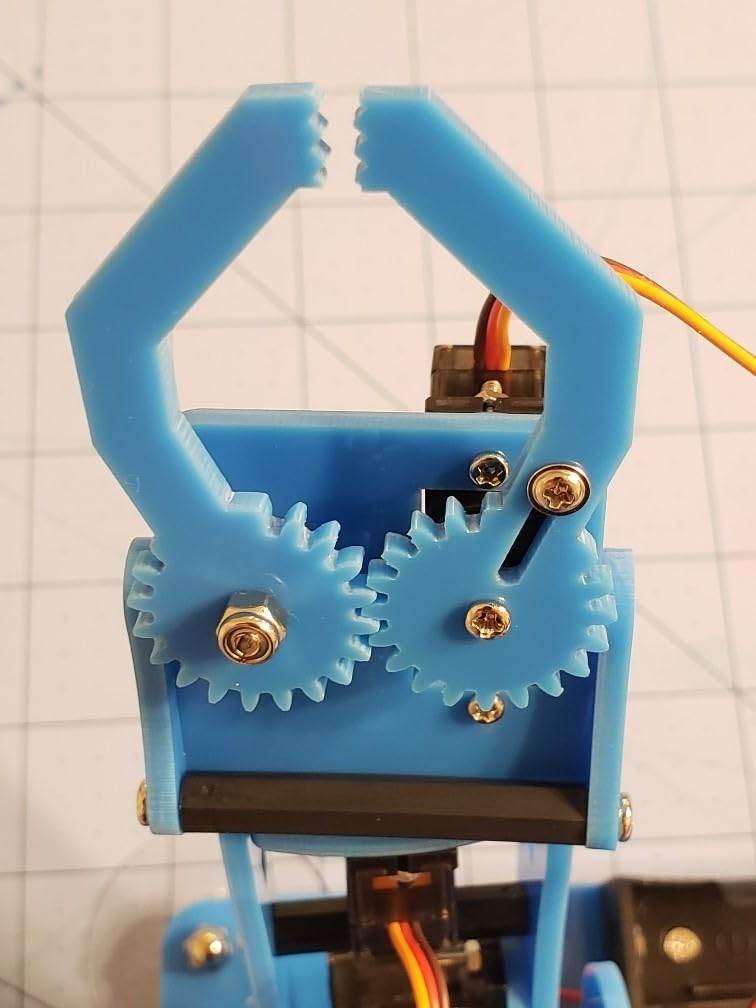
Read this before buying. The PDF instructions omit steps and some photos are inaccurate, with the model diagrams being more reliable than the photographs. Some kits ship missing screws and standoffs that do not match the video or the manual, and upload resources arrive as .rar archives that some users find difficult to open.
Two hidden costs also apply. The kit requires two 18650 batteries and a separate charger, which are not included, and Wi-Fi and Bluetooth expansion capability is present in the hardware but undocumented, so a motivated teen has to discover it themselves.
Best for ages 16 and up with a real appetite for robotics, a willingness to work from diagrams, and a computer. Customer support ships replacement parts quickly, which materially reduces the risk of the missing-hardware complaints. Under 16, I would steer toward the robot car instead.
512 RGB LEDs in 8x8x8
Main PCB pre-soldered
USB Type-C power
3D software included
512 red, green and blue square LEDs in an 8x8x8 three-dimensional matrix. The main PCB arrives pre-soldered and tested, and the teen hand-solders the LED array. Finished size is approximately 7.08 by 7.28 by 7.88 inches with 0.9 inch LED spacing.
311 reviews at 4.4 stars with 67 percent five-star ratings. Buyers treat it as a serious advanced electronics project and value the finished display.
This kit has a hard requirement: the builder must already be able to solder. That is non-negotiable and I will not pretend otherwise. It is on this list because for the right sixteen or seventeen-year-old it is the single most impressive build available, and because soldering is a trade skill worth teaching well before college.
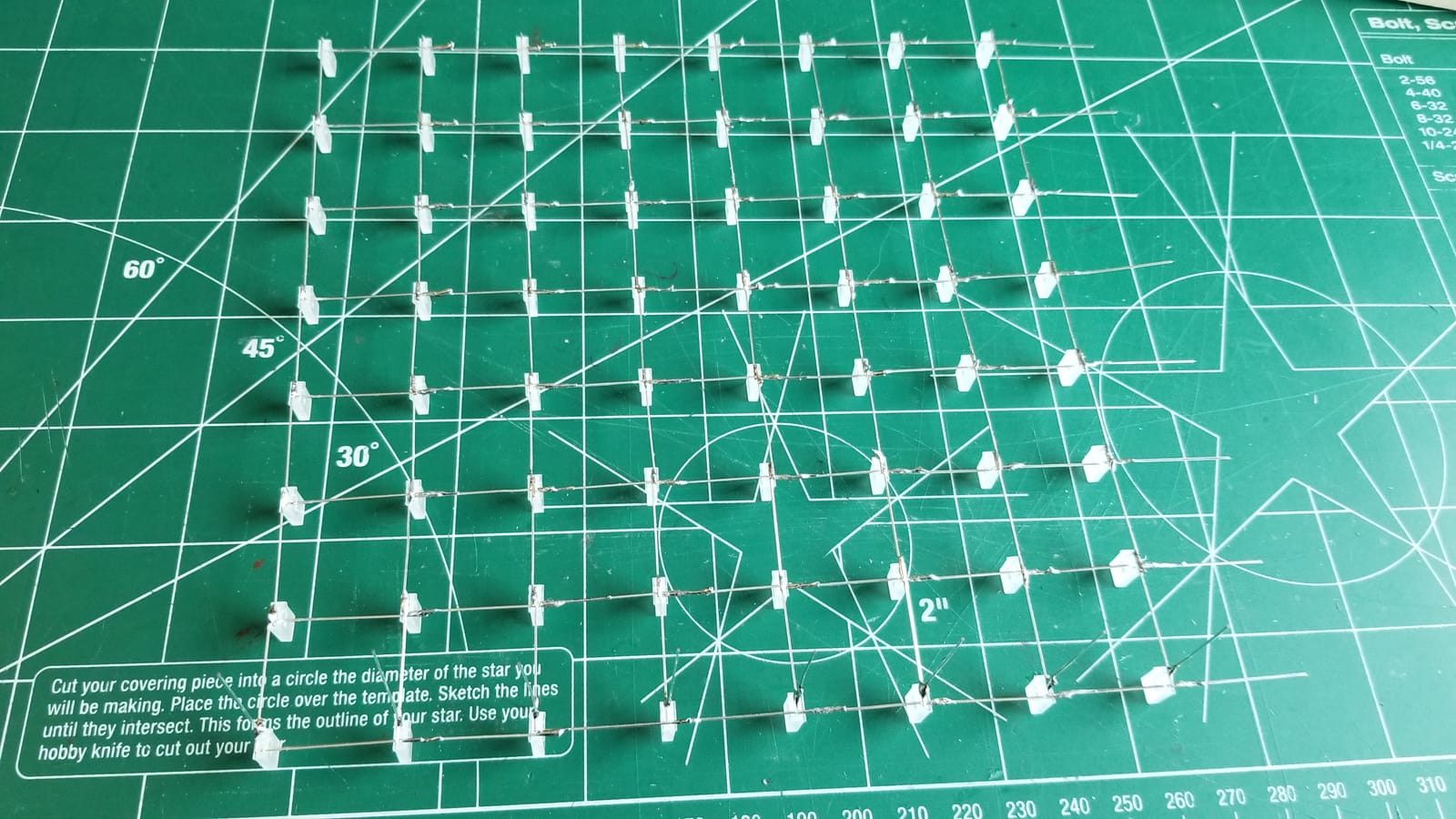
Soldering is one of the few skills in this entire category that transfers directly to paid work. Anyone who can solder reliably can service a circuit board, build a kit for someone else, or handle basic electronics repair, and unlike coding, it is a manual skill learned by repetition rather than by reading.
The design here respects that. Pre-assembling the main board means the beginner is not asked to solder surface-mount components at minute one. They are handed 512 through-hole LEDs, which is repetitive, forgiving work where errors are visible and correctable rather than hidden inside a joint.
The payoff is a display object. USB Type-C 5V power with 8 mode-switch buttons, a microphone audio spectrum mode that reacts to music in real time, and 20-plus built-in animation effects, plus 3D software that generates HEX files for custom animations.

Budget accordingly. Hundreds of LEDs must be soldered by hand, so it is a long build, and soldering 512 individual components carries a real risk of alignment errors. A teenager who rushes will have visible gaps in the matrix.
Safety deserves a specific note here. This build requires a soldering iron running hot enough to burn skin, sustained over many hours, in a teenager’s bedroom. Ventilation, an iron stand, and a defined break area matter more in this kit than in any other on this list. It is also not suitable for children under 12.
Best for ages 14 and up who already solder, or ages 16 and up who want to learn it properly with a project worth finishing. The finished cube is a genuine showpiece and an excellent portfolio piece for a college application.
Ages 15+
4 light sensors and 2 DOF servos
Solar phone charging
11 online tutorials
Four ambient light sensors drive two degrees of freedom of servo movement to keep a solar panel pointed at the strongest light, and the panel itself carries a smart phone charging module. Also included: a BH1750 light sensor, temperature and humidity sensing, an LCD1602 display, buzzer, push button and LED modules.
244 reviews at 4.0 stars with 53 percent five-star ratings and a 12 percent one-star share. The sensor variety and Arduino compatibility draw real enthusiasm, and several buyers report assembly, wiring and missing-hardware difficulties. I think the honest reason is placement: this is the most advanced kit in the group, rated 15 and up, and it does not pretend to be beginner friendly.
It ships unassembled with code not pre-burned. That single fact explains most of the one-star reviews, and it is the first thing to verify before buying.
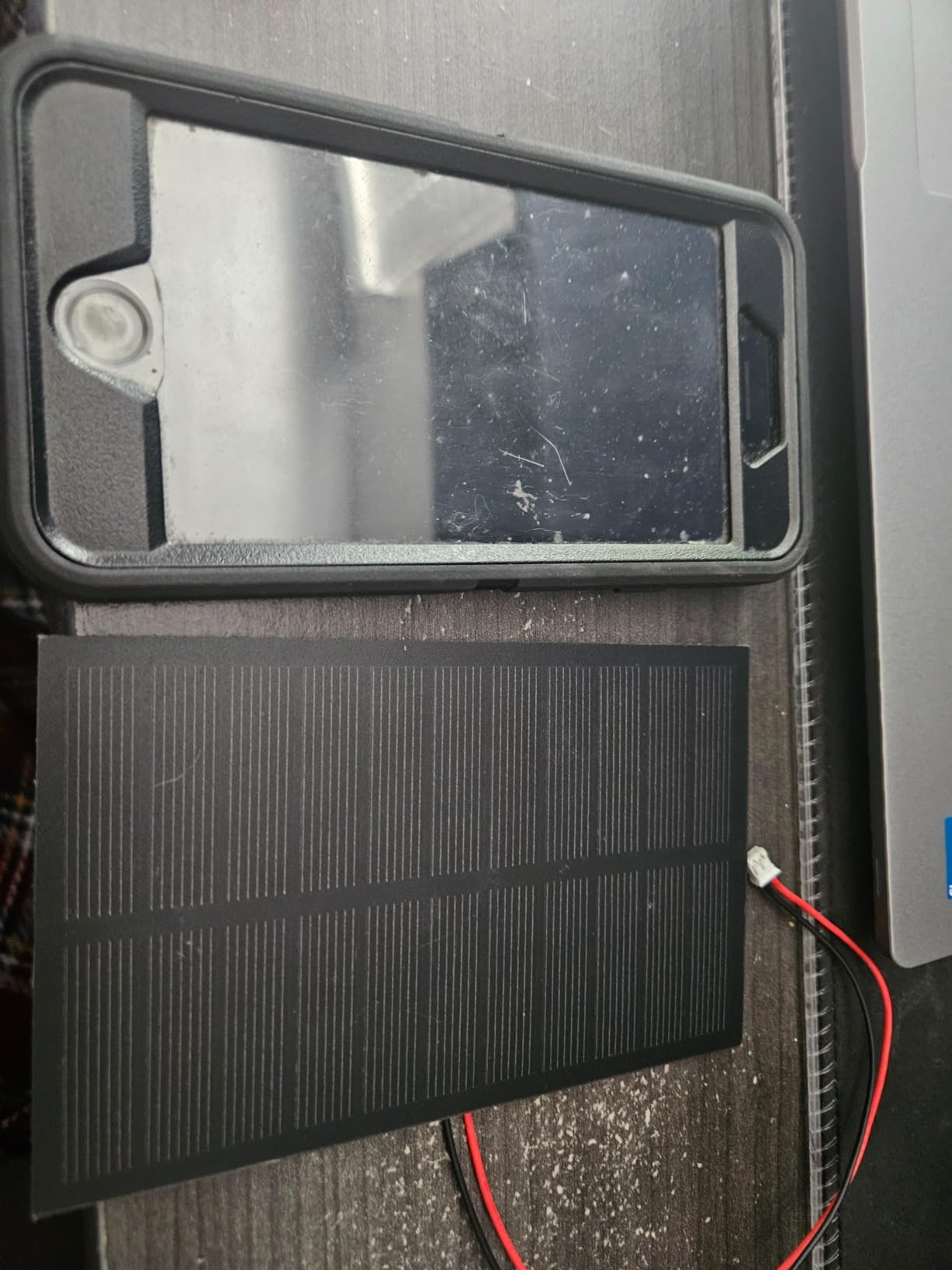
A robot car teaches feedback on a flat surface. A solar tracker teaches feedback against something that changes, because the light source moves across the sky and the correct panel angle shifts continuously. Four sensors produce a comparison, and the servos correct toward the brighter side, which is control theory with a visible, physical payoff.
That the panel can charge a phone is the detail that tends to convert a skeptical teenager. A build that produces a real, measurable output gets treated differently than one that just moves.
The 11 detailed online tutorials take learners from single modules to a full integrated build, and the IIC, UART and SPI ports are preserved for expansion, so a teen who finishes the project has three open buses to add their own sensors to.
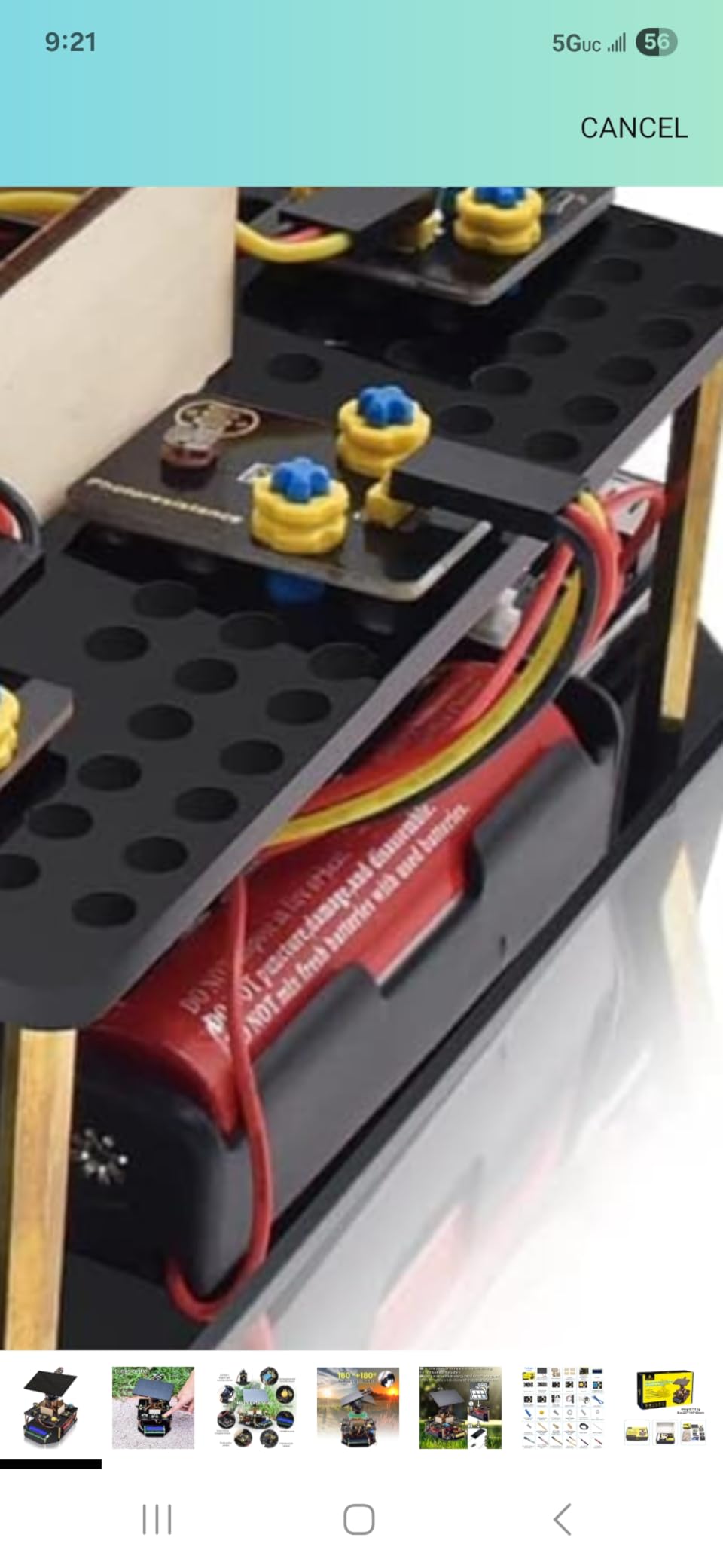
Three honest reasons for the 4.0 score. Batteries are not included and must be sourced separately, which is an immediate hidden cost and a common source of one-star reviews. Tutorials are online-only with no printed reference in the box, so a bad internet day stops the build. And a beginner needs those tutorials from day one because there is no pre-burned code to fall back on.
Despite that, the open-source Arduino platform keeps the learning transferable in a way an app-locked kit does not. Nothing about this project stops working when a company changes direction, which is the argument for Arduino in general and a strong argument for a teen who might still be building with it in three years.
Best for ages 15 and up with a computer, an internet connection, and genuine willingness to read documentation. Not a gift for a beginner. If solar and renewable energy interest is the draw, our solar robot kit guide covers the entry-level versions of this idea.
The decision comes down to five questions, and the first one settles about half the options immediately.
Manufacturer age ratings are minimums, not targets. A kit rated 8 and up is not aimed at a fourteen-year-old; it is approved for one. This is the single most reliable signal that a kit will feel patronizing, and it is why two kits on this list are here at 8 and up while others rated 10 and up are not.
The inverse also holds. Anything rated 14, 15 or 16 is aimed squarely at a teen, and those kits tend to have fewer cartoon elements and more genuine technical content. If a parent wants a gift that does not read as babyish, the age rating is the fastest filter available.
No code means the kit teaches through physical assembly and mechanisms. The Mech-5, the Snap Circuits, the Engino and the V8 engine all sit here, and they work well for teens who have not shown any interest in coding.
Block-based programming is a middle tier where the logic is real but the syntax is hidden. None of the twelve kits on this list are purely block-based, which is itself a finding: the kits that are genuinely appropriate for a thirteen-year-old’s first coding experience and the kits rated for teens have drifted apart.
Real text code, meaning C++ in the Arduino IDE, is where five of these kits sit. This is transferable knowledge. A teen who learns C++ on a microcontroller board can read almost any embedded code, and it is a genuine line on a college application.
This is the constraint parents underestimate. A six-hour build with no adult support produces a teenager who gives up at hour two. A two-hour build produces a completed project, and completion matters more than ambition.
Our measured reality: the ELEGOO Mega 2560 has the highest setup time before the first working build because of the component count, the Mech-5 takes several hours, the robot car is roughly an hour, the robotic arm is about two hours, and the V8 engine and the LED cube are genuinely multi-day projects.
If you are buying this for a birthday, the single best question is not about the teen. It is about who is available on the first Saturday.
This is a purchasing criterion almost no roundup covers, and it is the failure mode parents report most often. Kits that depend on a phone app break when the app is pulled, renamed, or no longer updated, and a functioning robot can become scrap because a developer stopped maintaining a server.
Prefer Arduino-based kits, because the IDE has been stable for over a decade and the skills transfer. Treat any kit that requires downloading an app outside the normal app store as a security question for a teenager’s device, which is a concern parents raise repeatedly in forums.
The robot car and the Henoda kit both use companion apps. The Arduino-based kits on this list do not.
Batteries are the classic hidden cost. The robotic arm requires two 18650 batteries and a separate charger. The solar tracking kit does not include batteries at all. The Mech-5 runs on 2 AAA. Kits that ship with a rechargeable lithium-ion battery, like the robot car, avoid this problem entirely.
The chemistry set has a different hidden cost: household supplies. Read that list before opening the box, and check whether extra consumable parts exist for the kits that eat components, because the replacement parts availability tells you whether this is a platform or a one-time build.
A useful split that parents rarely make explicitly. Screen-free kits, meaning the Engino models, the Mech-5, the Snap Circuits and the V8 engine, teach through physical cause and effect and work well for a family actively reducing screen time or for a teen who has been told they are on the device too much.
Screen-based kits, meaning the robot car with its FPV streaming, the Henoda app control and the InventrKits video course, are better when the teen is motivated by visible output. A live camera feed on a phone is often the thing that keeps a teenager coming back, and for many families the trade of screen time for a project is the right one.
Finished-in-a-weekend syndrome is the most common way a STEM kit gets abandoned, and the answer is decided at purchase, not after. A repeatable platform like the Mega 2560 kit, the Snap Circuits system, or any Arduino board can be rebuilt with different code, different sensors and different goals indefinitely, and it never becomes a dead object.
A one-time build like the V8 engine or the robotic arm needs a next step. For electronics, the standard one is buying an additional sensor or module and writing the code for it yourself. For coding, free platforms like Scratch and micro:bit accept the same concepts without any purchase. For competition readiness, FIRST Robotics and Science Olympiad are the two programs that matter, and both welcome teenagers with no prior experience.
Parents on home-education forums consistently say the same thing: kits that arrive with everything needed get used, and kits that require a scavenger hunt for extra supplies get abandoned. Add that to your criteria list.
Three categories need an adult in the room. The Chem C1000 includes real chemicals and requires adult supervision by the manufacturer, though it ships with Z87-rated safety goggles and meets the EN 71-4 standard. The 3D LED cube requires a hot soldering iron and sustained soldering, which no one should do alone in a bedroom without ventilation and a proper iron stand.
The engineering kits, meaning the V8, the Mech-5, the Engino and the Henoda set, contain small parts with choking hazards, which matters if younger siblings are in the house. A general rule: check the age rating against the youngest child in the room, not the oldest.
For anyone moving into a lab-kit category, our science kits for adults guide covers the advanced end of the same safety considerations, and the circuit building guide covers the electronics side in more depth.
The strongest picks depend on skill level. For real text coding, the ELEGOO Mega 2560 Project Starter Kit and the ELEGOO UNO R3 Smart Robot Car V4 both teach Arduino C++ with enough parts to keep building for months. For a teen who does not want a screen, the Engino Physics Laws kit and the Mould King Mini V8 engine teach physics and mechanics through assembly. For circuits with no soldering, Snap Circuits 203 covers 200+ projects with zero tools.
A good robot kit for a 14-year-old should be rated 12 and up and run on a rechargeable battery. The ELEGOO UNO R3 Smart Robot Car V4 fits that brief: it arrives with pre-loaded code, includes an FPV camera, supports line tracking and obstacle avoidance, and can be reprogrammed in the Arduino IDE. A 14-year-old who has never coded can drive it on day one and open the IDE in week two.
At 12, pick by what the teen already knows. A complete beginner should start with a kit that requires no code at all, such as the Teach Tech Mech-5 coding robot, which uses a physical coding wheel and teaches sequencing without a screen. A teen already comfortable with block-based coding should move to an Arduino kit such as the ELEGOO Mega 2560, which teaches real C++ rather than hiding the syntax behind blocks.
The Thames and Kosmos Chem C1000 is the best chemistry kit for a 12-year-old because it uses real technique rather than kitchen substitutes. It includes 125 experiments across 10 themed chapters, an 80-page full-color lab manual, 7 real chemicals and proper glassware, and it ships with Z87-rated goggles. Plan for adult supervision, for extra household supplies, and for a few experiments that take up to a day.
Five criteria, in order. First, read the age rating past its minimum and skip anything aimed at eight-year-olds. Second, choose the skill tier: no code, block-based, or real text code. Third, match assembly time to your supervision availability. Fourth, check whether the kit depends on a phone app that may break or be pulled. Fifth, confirm whether batteries and consumable supplies are included. A repeatable platform always beats a one-time build.
Yes, when the kit matches the teen’s current skill and survives past the first weekend. Hands-on kits build problem-solving, debugging and spatial reasoning that transfers into school STEM, and they produce something physical instead of consumed content. They fail when the age rating is too low, the app stops working, the parts are unlabeled, or the build takes longer than the teenager’s attention span.
Pick the ELEGOO Mega 2560 Project Starter Kit if your teen wants real programming that transfers somewhere. With 35 guided projects, 200-plus components and a 4.7 star rating across nearly 8000 reviews, it is the only kit here that keeps producing new builds long after the manual runs out.
Choose the Teach Tech Mech-5 if your teen thinks coding is boring. No screen, no app, no firmware, and it still teaches sequencing well enough to hold a skeptical teenager’s attention for a multi-hour build.
Go with the ELEGOO UNO R3 Smart Robot Car V4 if you want the fastest path to a working, drivable machine with live camera video on a rechargeable battery.
Choose Snap Circuits 203 for zero soldering and 200+ projects, or the Chem C1000 if chemistry is the real interest and you can supervise. For older teens, the Adeept robotic arm and the InventrKits course are the genuine step up, and the 3D LED cube is the soldering project worth the effort if your teen is already comfortable with an iron.
Whichever you choose, check the age rating past its minimum, confirm the batteries and supplies situation, and pick a kit that can be rebuilt. That last habit is the difference between a gift that lasts a month and one that ends up on a college application. Start with the comparison table above and work from there.