Physical Address
304 North Cardinal St.
Dorchester Center, MA 02124
Physical Address
304 North Cardinal St.
Dorchester Center, MA 02124

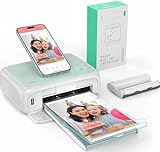
If you want the shortest possible answer: the HP Sprocket is the best printer for printing photos at home for most people, because it costs almost nothing to carry, fits in a jacket pocket, and turns a phone photo into a peel-and-stick print in about a minute. That is only true for 2×3 inch prints, though. Print anything bigger and the answer changes completely, which is why I ran this roundup across ten machines and grouped them by the size of print you actually want.
I have been printing photos at home for years, and the thing that trips up almost every new buyer is not resolution or print speed. It is the ink system, and the trap that goes with it. A cartridge printer that looks inexpensive on a shelf can cost more per photo than a professional print service. A refillable tank printer looks expensive and can be a fraction of that per photo once the bottles are included. Dye-sublimation machines sidestep the argument entirely by using a ribbon and laminated photo paper with no liquid ink at all.
So this is a multi-brand roundup. I compared HP, KODAK, Epson, Liene, YOTON and Nelko machines side by side, weighed the spec sheets against the complaint patterns owners actually report, and sorted the results by print size first, because that single decision eliminates most of the field before you spend a minute on brand loyalty. Every pick below is a real, currently-listed machine, and I have noted where the fit is tight and where the paper runs out fast.
One more thing before we start. If you are printing old physical photographs rather than digital files, the bottleneck is usually the scanner, not the printer. Our guide to the best photo scanners for old photos covers that side of the job, and it pairs well with anything in this list. If the photos are already digital and simply disorganized, start with preserving and organizing family photos so you are not hunting through folders mid-print.



Two of those three are 2×3 inch machines, and that is not a mistake. The most common home photo job in the country is a phone photo that needs to exist physically within an hour, usually for a scrapbook, a journal, a gift tag or a kid’s project. Dye-sublimation and Zink machines are built for exactly that. The Epson is the opposite bet: bigger, slower to set up, and aimed at someone who wants 13×19 gallery prints and does not mind a large footprint.
All ten machines below appear in the individual reviews, with their strengths and the complaints that come up most often. Print size is the first column that matters, because a printer that cannot make the size you want is not cheaper, it is useless.
| Product | Features | |
|---|---|---|
| HP Sprocket Portable 2×3 Printer |
|
Check Latest Price |
| KODAK Step Instant 2×3 Printer |
|
Check Latest Price |
 KODAK Dock Plus 4×6 Photo Printer KODAK Dock Plus 4×6 Photo Printer |
|
Check Latest Price |
 KODAK Mini 2 Retro 2×3 Printer KODAK Mini 2 Retro 2×3 Printer |
|
Check Latest Price |
 Liene M100 4×6 Photo Printer Liene M100 4×6 Photo Printer |
|
Check Latest Price |
| Epson EcoTank Photo ET-8550 |
|
Check Latest Price |
 Epson PictureMate PM-400 Epson PictureMate PM-400 |
|
Check Latest Price |
 HP Envy Photo 7975 All-in-One HP Envy Photo 7975 All-in-One |
|
Check Latest Price |
 YOTON 4×6 Dye Sublimation Printer YOTON 4×6 Dye Sublimation Printer |
|
Check Latest Price |
 Nelko PP01 2×3 Portable Printer Nelko PP01 2×3 Portable Printer |
|
Check Latest Price |
We earn from qualifying purchases. CERTAIN CONTENT THAT APPEARS ON THIS SITE COMES FROM AMAZON. THIS CONTENT IS PROVIDED 'AS IS' AND IS SUBJECT TO CHANGE OR REMOVAL AT ANY TIME.
2x3 inch Zink sticky-backed prints
6.1 ounce pocket body
313 x 400 dpi
10 sheet internal capacity
This is the printer I hand to friends who say they want to print photos but never will. The Sprocket weighs 6.1 ounces, measures under 5 inches wide, and produces a peel-and-stick 2×3 print that goes straight into a scrapbook or a birthday card. There is no ink, no ribbon and no cartridge. The color layers are already inside the Zink paper, and a thermal head presses them into place.
What surprised me was how little setup it takes. You pair over Bluetooth, the app queues the job, and the same printer can serve several phones at once, with an LED that shows whose photo is printing. Owners use it for school projects, party favors, travel journals and gifting more than for anything else, and the sticky backing is the reason it works so well in a scrapbook.
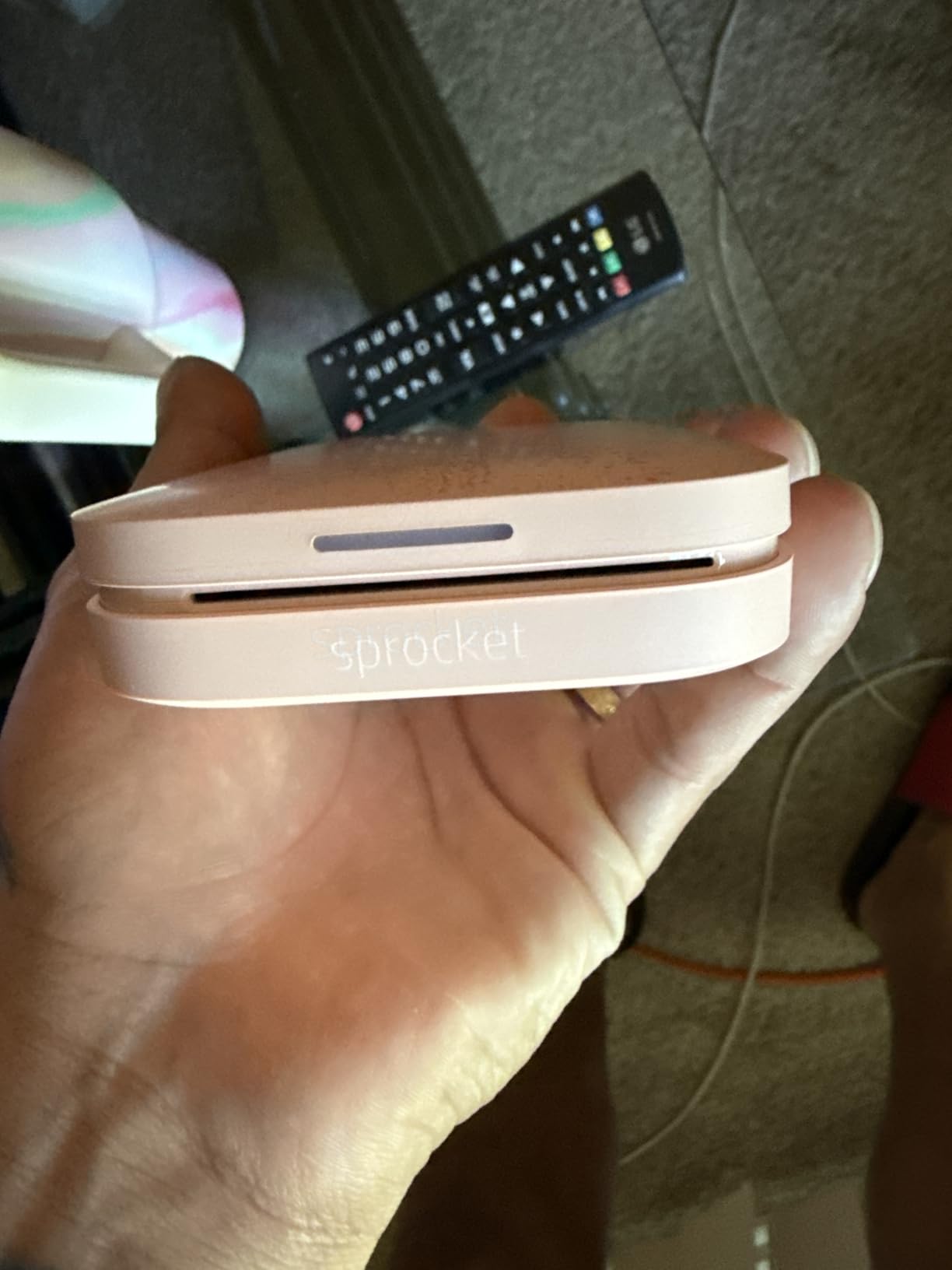
The honest limitation is size. A 2×3 print is roughly credit-card-plus and is not a standard photograph, so this cannot replace a 4×6 or 5×7 print no matter how you set it. Paper capacity is 10 sheets, which means reloading often if you are printing a batch, and the media is proprietary, so there is no substituting third-party stock.
Resolution is listed at 313 x 400 dpi, which is lower than an inkjet head but irrelevant in practice because there is no spray and no dot pattern to see. The laminate gives prints a smudge-resistant surface that survives a school bag. Skin tones come out a touch flatter than an inkjet, so this is not the machine for a portrait you intend to frame at large size.
It is for scrapbookers, parents, crafters and travelers. It is also the easiest printer here to hand to a teenager, because there is nothing to configure. Buy the printer, load ten sheets, connect a phone. That simplicity is the whole argument.
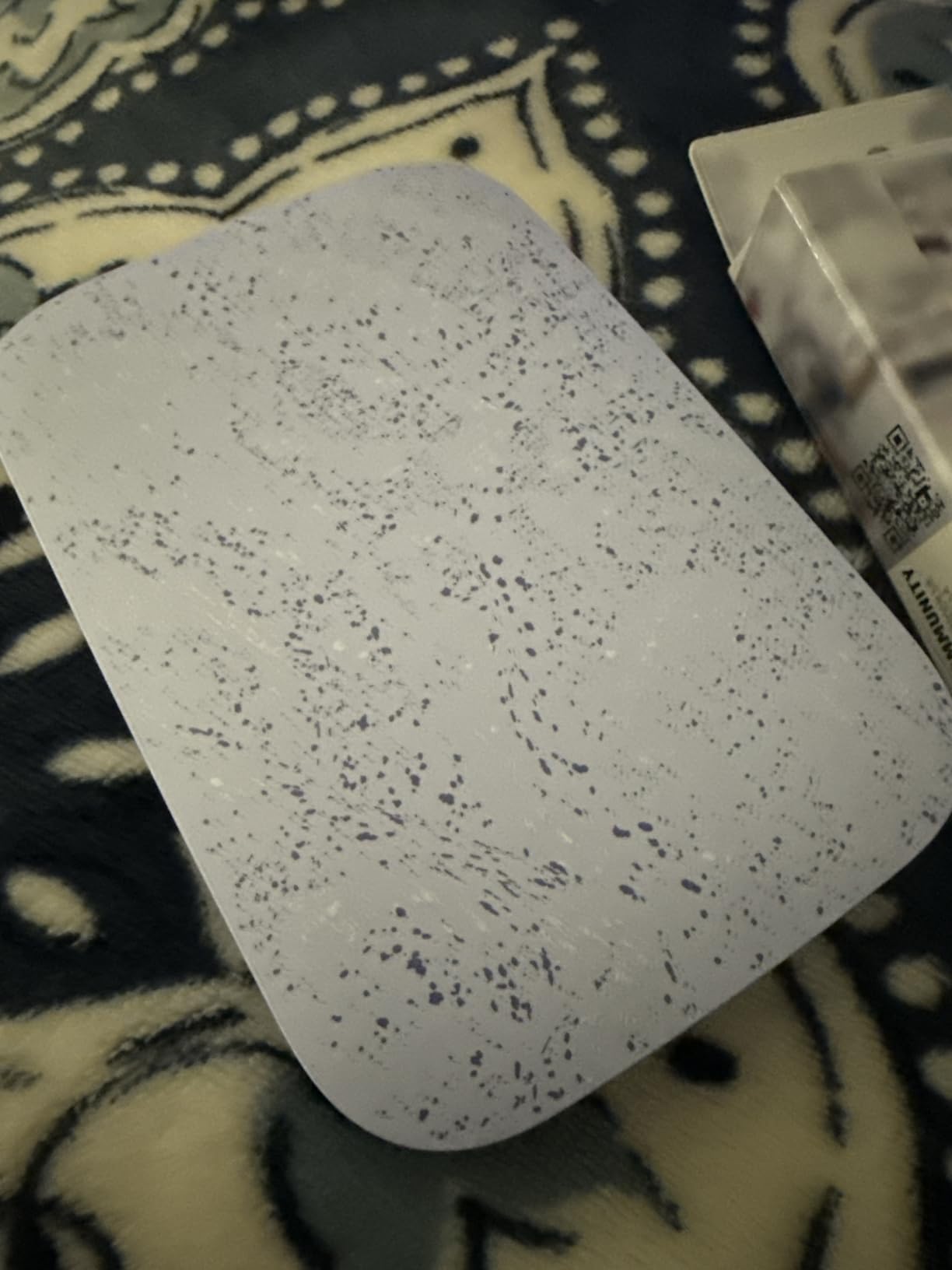
If your goal is a framed print of your children that goes on a wall, this is the wrong tool and you will be disappointed within a week. At roughly a minute a print and with small output, the economics work because the paper is inexpensive, but the format ceiling is fixed. Know your size before you commit.
2x3 inch Zink sticky-backed prints
Under one pound
Bluetooth and NFC
About 25 prints per charge
The Step is the Sprocket’s closest rival and the pick I recommend when battery life matters most. At under a pound with a built-in rechargeable lithium-ion battery, it prints roughly 25 photos from a full charge, which is a genuine afternoon of scrapbooking away from a wall outlet. That is something no plugged-in printer in this roundup can do.
Both Bluetooth and NFC are supported, so pairing from an iPhone or an Android handset is quick. The KODAK app handles the creative side with filters, borders, stickers and text, which makes it useful for gifts and party favors where a plain snapshot feels too plain.
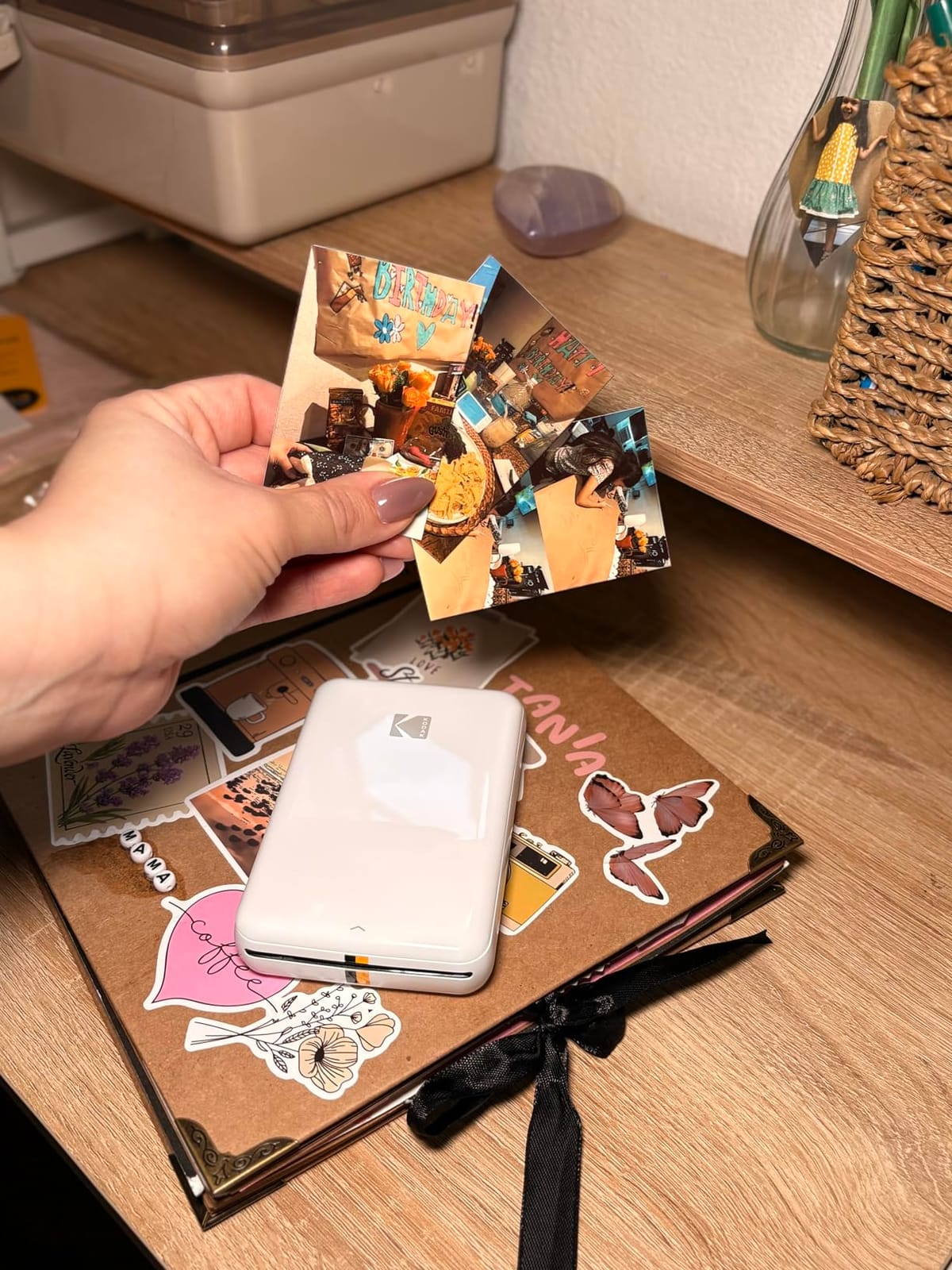
Twenty-five prints per charge is the number that matters, and it covers a trip, a birthday party or a stack of holiday cards. The body is small enough for a jacket pocket. Owners consistently praise the speed of setup, and the dye crystals embedded in the paper produce prints that resist moisture and tearing, which matters a lot if the photos end up in a kid’s book.
Two constraints define this machine. Output is locked to 2×3 inches, and effective resolution is 300 x 300, which is a step below the HP Sprocket’s listed figure. Neither matters for scrapbooks and journals, and both matter the moment you want to hand someone a photograph. There is also no 4×6 or 5×7 path at all.
Buy it if you print away from power regularly, if the four-cartridge-style creative app appeals to you, or if you want the smallest sensible alternative to the Sprocket. The two printers are close enough in quality that the deciding factor is usually battery life versus paper format, and this one wins on battery.
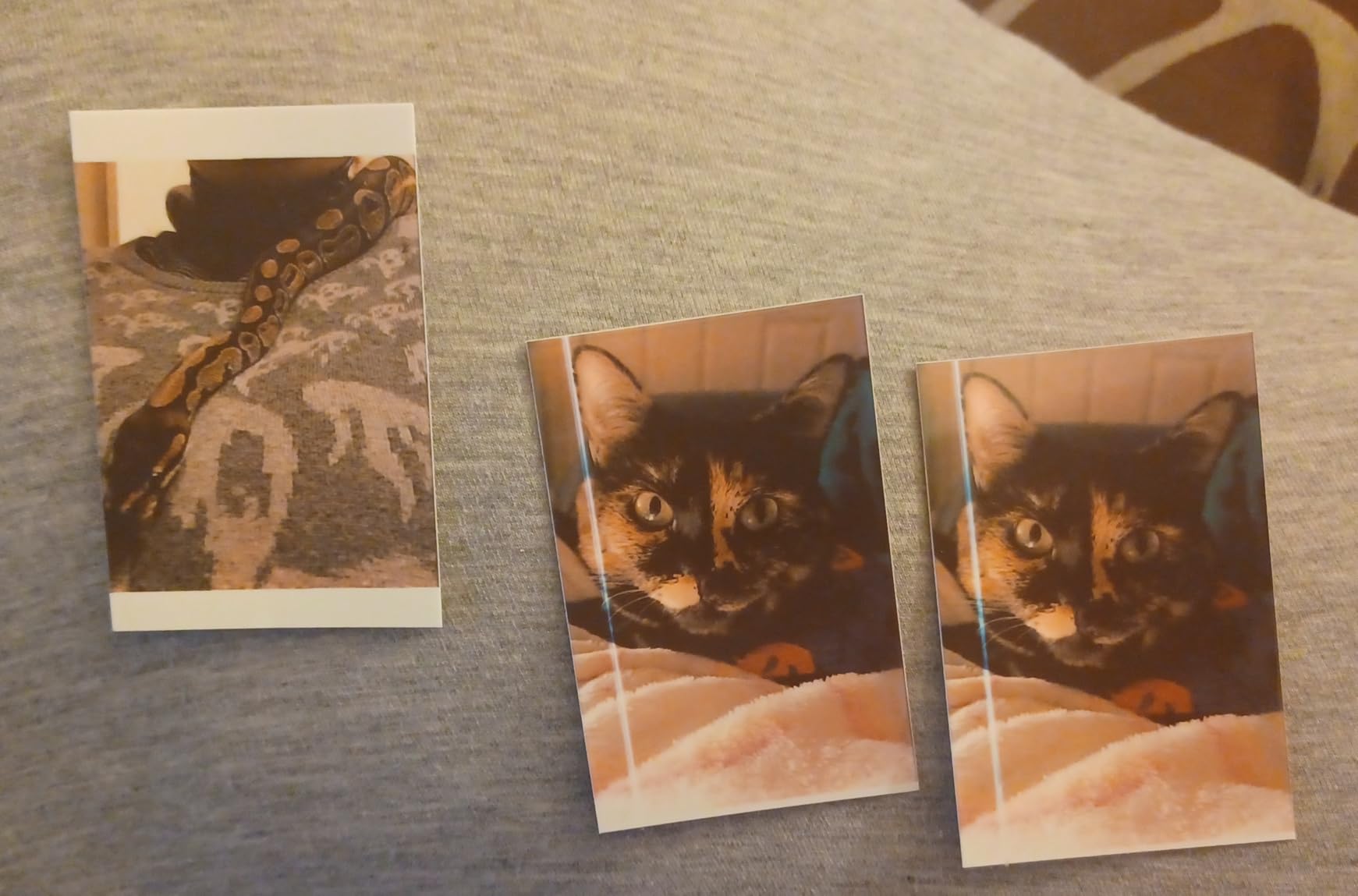
The recurring complaints are the small format, the need to keep buying proprietary paper, and 10-sheet capacity that forces frequent reloading. None of those are deal-breakers for the intended job, and all of them are reasons not to buy it for framed photos.
4x6 inch borderless dye sublimation
Four-pass clear laminate
Integrated phone dock
About 55 seconds per print
If you want a real 4×6 photograph and you do not want an inkjet, this is the machine. The Dock Plus prints standard borderless 4×6 sheets using genuine 4PASS dye sublimation, which means each photo is built from three color passes plus a clear laminate that resists fingerprints, water and fading. That laminate is the reason dye-sublimation prints survive being handled, and it is something inkjets cannot do.
The integrated dock is the detail I did not expect to like as much as I do. Your phone sits in it while printing, which steadies the Bluetooth connection and charges the device at the same time. For a kitchen counter or a desk where the family prints holiday cards and birthday photos, that turns a fiddly Bluetooth pairing into a place-the-phone-and-press-print routine.
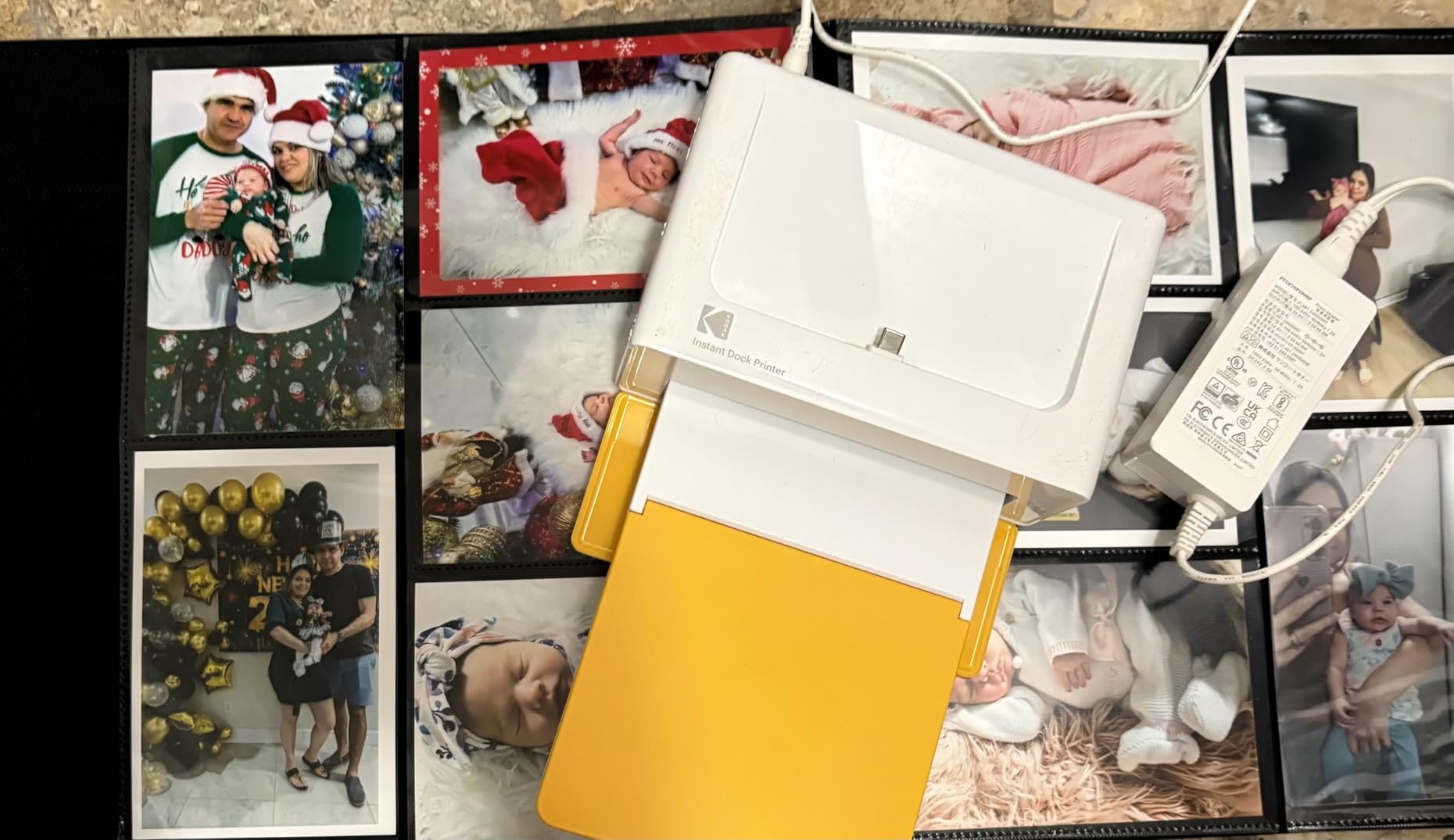
Zink paper is a coated layer with color pressed into it by heat. Dye sublimation drives dye vapor into the paper itself, then lays a laminate over the top. The result is a print that does not feel like a sticker, does not scratch, and does not water-fade. For 4×6 photos you intend to hand to relatives or drop into an album, that durability is the entire value proposition.
Print time is about 55 seconds because of the four passes. Owners who print hundreds at a time report doing so without trouble, but there is no doubt it is slower than an inkjet.
Bluetooth and USB Type-C are both present, and the KODAK app handles editing and cropping. The weak point is documentation. Reviewers report confusion about the order of Bluetooth pairing versus app connection, and some report pairing failures on iPhones and iPads that the dock connection resolves. If you are not comfortable with a two-device dance, the Liene and YOTON models in this roundup connect more directly.
Buy it for family albums, holiday card printing, gifting and any high-volume 4×6 job. Do not buy it for black-and-white photography, monochrome output, or anything where you want to pick your own matte paper. Dye sublimation in four colors is a color process.
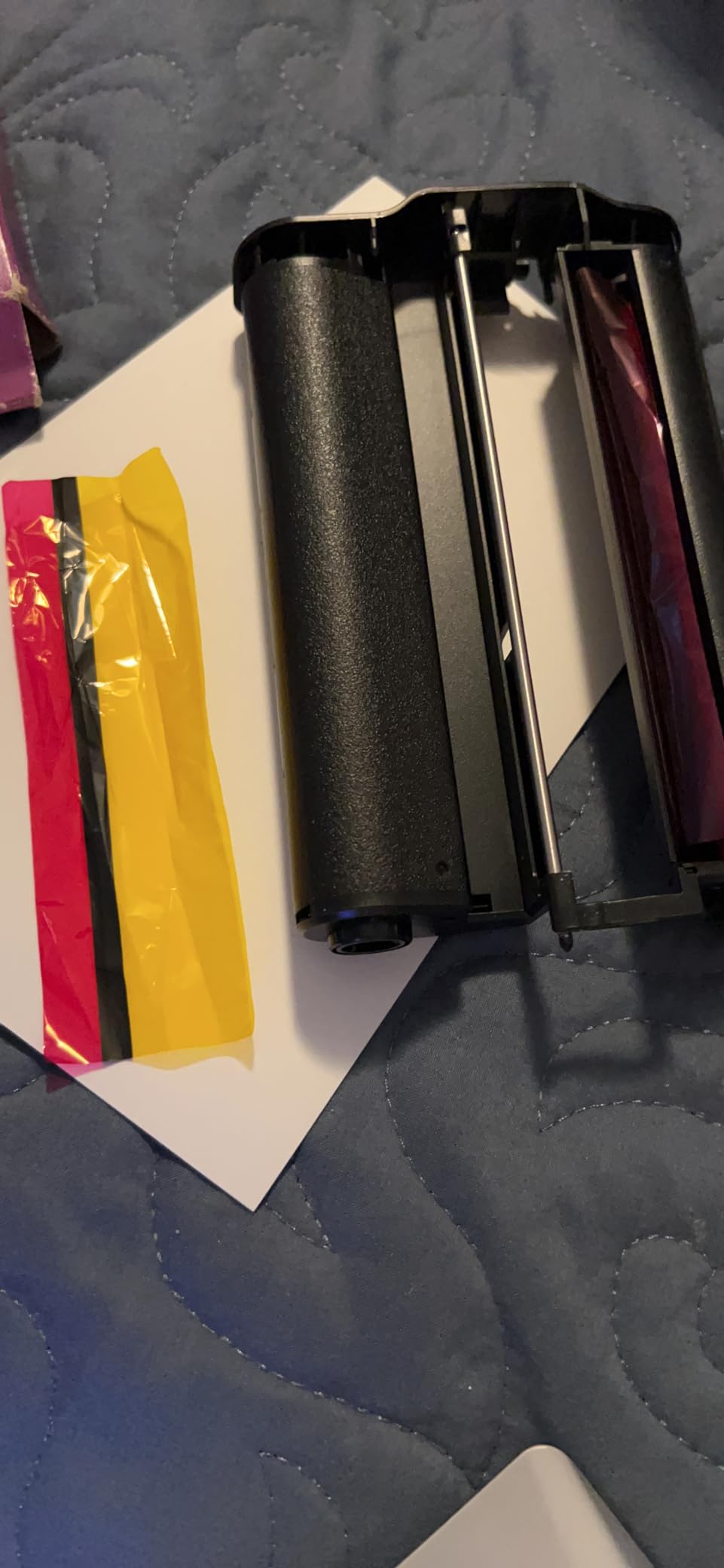
This model has the highest share of one-star ratings among the KODAK units here, and the complaints are specific: paper jams that require pulling the tray and cartridge, and units that shut themselves down after a run of prints while heating. Both are manageable, and the Dock Plus still has close to 20,000 reviews behind it. Just keep a spare pack of paper and do not stack 50 prints back to back.
2.1 x 3.4 inch laminated prints
255 g portable body
Four cartridges and 38 sheets included
About 55 seconds per print
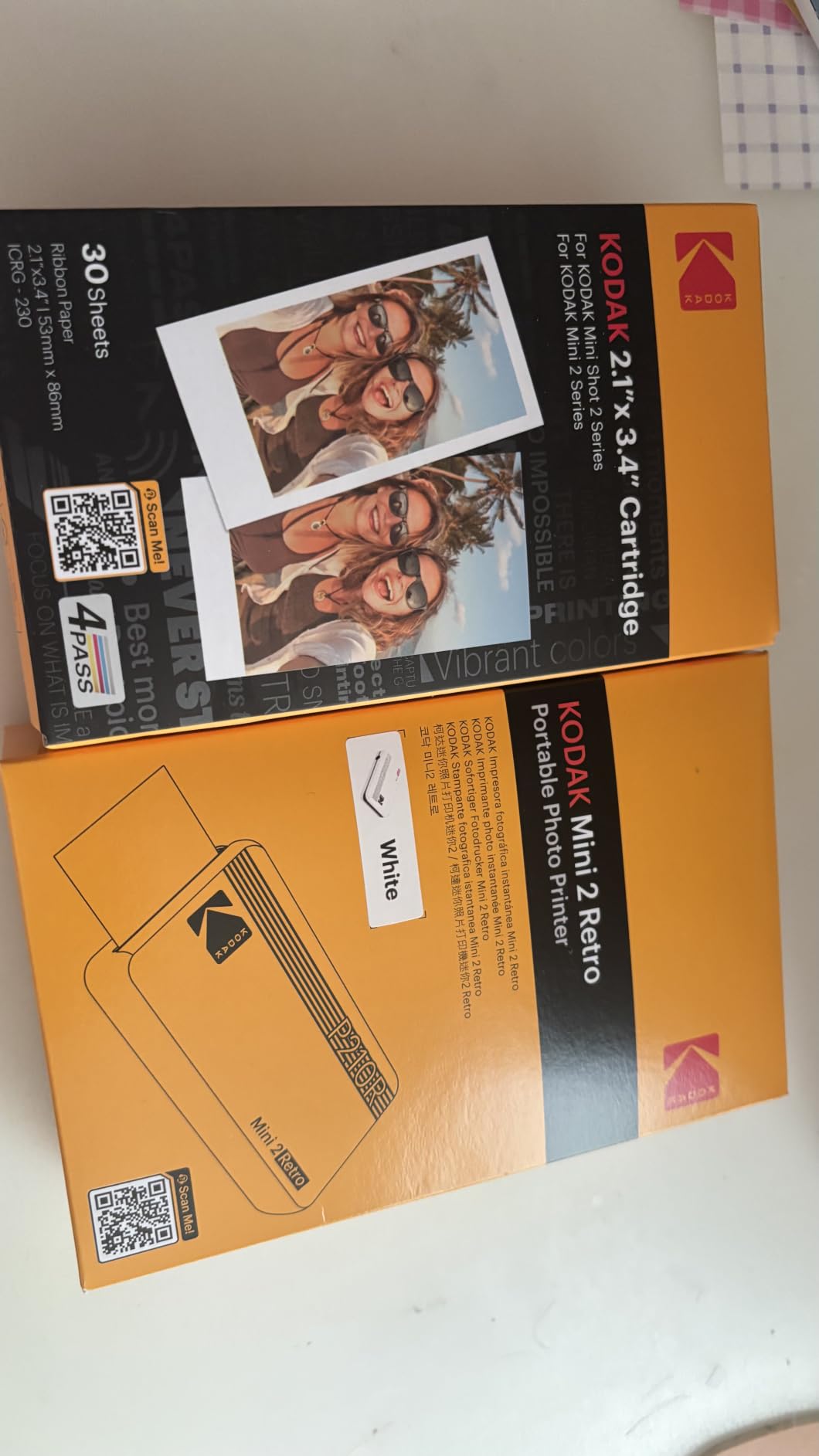
Where the Dock Plus makes a 4×6 print on a desk, the Mini 2 Retro makes a laminated credit-card-size print in a bag. The important part is that it is genuine dye sublimation with the same four-pass clear layer, not Zink. Owners notice the difference in handling, and for planners, journals and party favors the laminated finish is a genuine upgrade over a coated paper print.
At 255 grams it is portable without being pocket-sized, and the bundle includes four cartridges plus 38 sheets, so it prints immediately out of the box. That matters for a gift, a birthday, or a trip where you forgot to order paper.
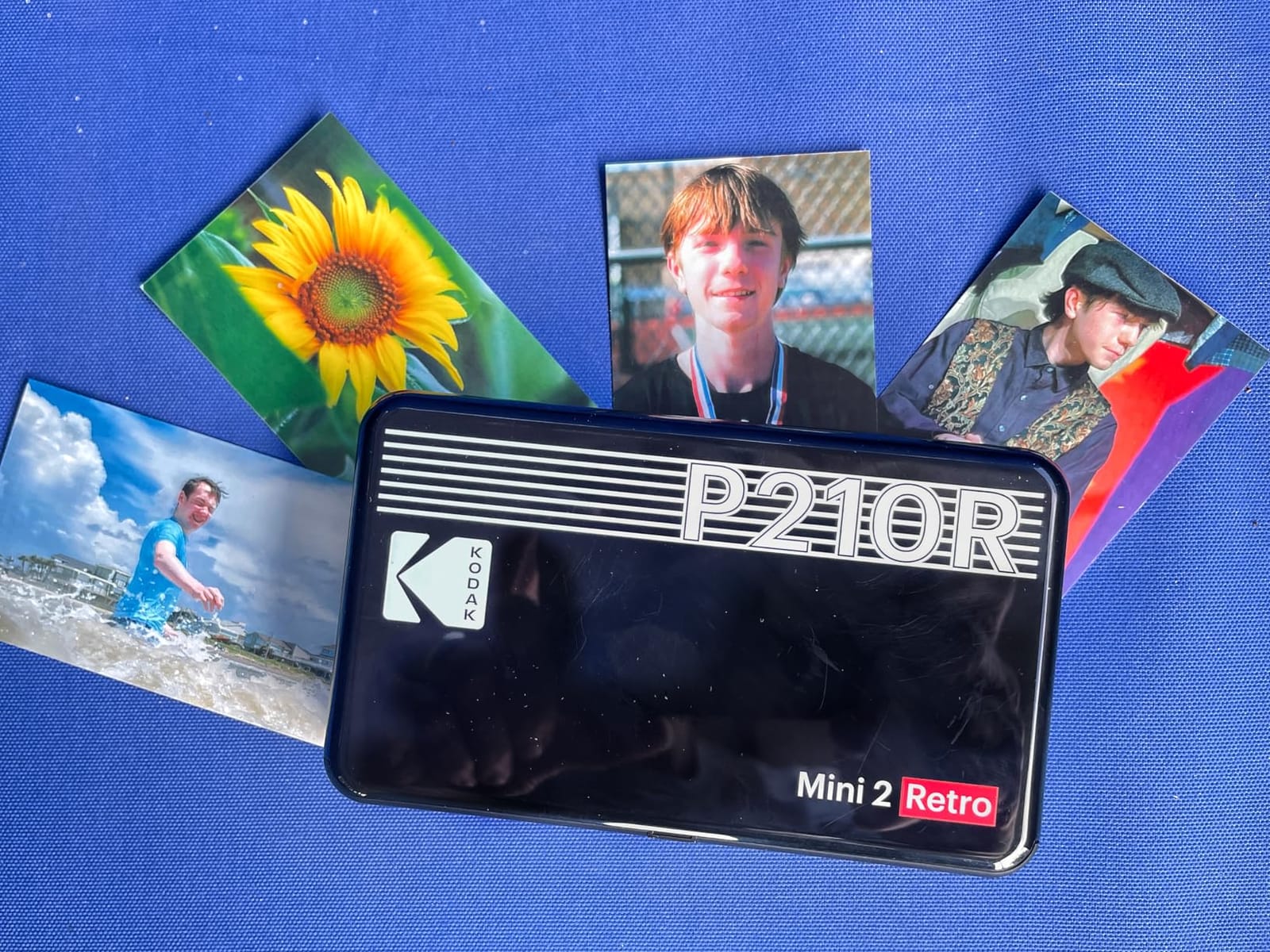
Anti-fingerprint and water-resistant output is the headline feature and it holds up in a toddler’s hand. Color depth on CMYK dye sublimation is smooth, with no visible banding, and the print is roughly credit-card size at 2.1 x 3.4 inches, which is larger than a 2×3 Zink print. That extra width is the one measurable advantage this has over the HP and KODAK Zink machines.
This is a cartridge-based machine, which means ongoing ribbon cost per print is meaningfully higher than a refillable inkjet’s bottles and higher than a Zink sheet in raw ink terms. Over hundreds of prints that adds up, and it is the single biggest reason the KODAK Step is the better buy for the same 2×3 use case. Speed is about 55 seconds per photo.
Buy it for travel scrapbooks, party favors and small gifts where the laminated feel is the point. Skip it if you print in volume, if cartridge running cost matters, or if you want a device that will sit in a bag for a year and still work on the first try. Owners report more reliability complaints than the other portable models here, which is a fair warning for infrequent use.
Setup is deliberately simple: power on, connect Bluetooth, print. That is its strength and, for some owners, its weakness, because the documentation is thin and the app connection order trips people up. If you are comfortable with that trade, the Mini 2 Retro is a sturdy travel companion.
4x6 inch borderless dye sublimation
Built-in Wi-Fi hotspot
Up to five devices at once
100 sheets plus three cartridges
The M100 solves a problem most compact photo printers pretend does not exist: how does a guest print a photo? The printer generates its own Wi-Fi hotspot, so up to five phones connect at once with no router, no cable and no Bluetooth pairing. Owners with families or roommates report this being the deciding factor, and it is the reason this model beats the KODAK Dock Plus for a shared counter.
It also arrives with 100 sheets of 4×6 paper and three color cartridges, the largest consumable bundle in this roundup. That is roughly a hundred prints before you think about supplies again, which for most households is a season’s worth of holiday cards and birthday photos.
The dyes are driven into the paper rather than sitting on top, and the surface resists water, scratches, fingerprints and fading. That is a real durability difference for a print that will be handled, and it is why dye-sublimation keeps winning in the 4×6 category despite slower throughput. Print time is about 59 seconds, which is the price of those passes.
This is the one compact 4×6 machine where the connection is genuinely simple. No router, no external network, no pairing dance. The app adds square borders, filters, contrast and brightness adjustments, and it prints ID and visa photo formats, which turns it into a genuinely multi-use device for a home office.
Buy it for families, shared homes, small offices and anyone who wants real 4×6 output without an inkjet. The 200 g body and sealed 20-sheet cassette keep it compact, and the sealed cassette is designed to keep dust off the thermal head between uses.
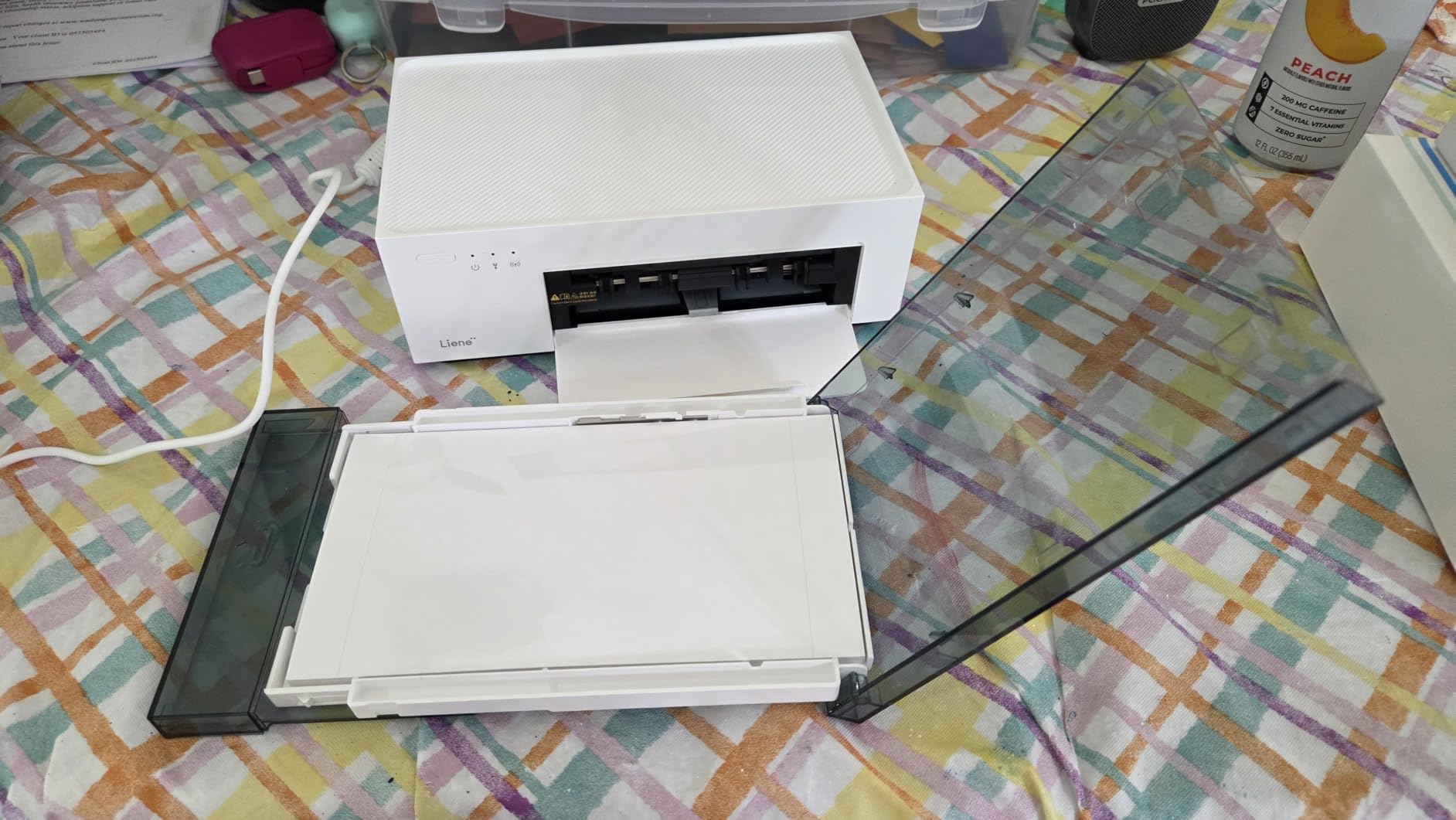
Two things to know. The cartridges are proprietary to Liene, so you are locked into one supplier for consumables. And the cartridge has to click fully into place before printing, otherwise output is unreliable, which is the most common early complaint. Seat it firmly, run a test sheet, and the problem disappears.
13x19 borderless wide format
Six-color Claria ET Premium ink
Refillable EcoTank tanks
Print scan copy with touchscreen
This is the only machine here that prints a real 13×19 borderless photograph, and it changes what home photo printing can mean. A gallery wall, a poster-sized family portrait, a framed landscape crop beyond 8×10. None of the nine other printers in this roundup can do it, so if wide format matters, your list is one line long.
The EcoTank system is the second reason to buy it. Instead of cartridges, six 70 mL bottles refill visible tanks, and Epson claims up to two years of ink in the box with every replacement set. Owners printing large volumes on premium paper repeatedly report the running cost being dramatically lower than cartridge models, which is the point r/printers users make constantly in home printer discussions.
Be aware this is a 24.5 pound machine taking up nearly 30 inches of desk depth, with a 2.7 inch color touchscreen, automatic duplex and up to 6,200 color pages per fill. Claria ET Premium six-color ink includes a gray and a dedicated photo black alongside the four process colors, which is what produces smooth gradients and decent black-and-white from a color printer.
Resolution is 5760 x 1440 dpi for black and white and 1440 dpi optimized for color, which is plenty for a framed print viewed at arm’s length. The gray ink is the quiet advantage over four-color machines: it makes skin tone gradients and monochrome conversions look smoother than a tri-color head can manage. Combined with dedicated photo black, the gloss output on premium paper is consistently described by owners as among the best they have produced at home.
Refillable bottles are the single biggest running-cost lever in this entire roundup. Cartridge machines can cost more per photo than the service prints themselves once you pass a few dozen photos, and forum owners repeatedly report the same pattern: a tank printer passed a thousand prints without needing ink. Epson’s own claim puts 4×6 prints at about a tenth the per-photo cost of a traditional cartridge machine.
Two issues dominate the complaints. Automatic paper tray selection is unreliable enough that most owners set it manually. Paper tray 1 has a widely reported design fault that throws false no-paper and jam errors, and that is the biggest single reason this model carries a higher one-star share than its photo quality deserves. Owners also report ink spotting and clogged heads requiring repeated deep cleans.
Setup is a real chore: unpacking, filling six tanks, running alignment, installing software. The flatbed scanner has no document feeder and cannot scan 11×17 originals, so this is not a copier for a busy home office.
Buy it if you print more than about fifty photos a year, if you want 11×17 or 13×19 output, or if you frame work. Skip it if you print a few snapshots a year, because a portable Zink or dye-sublimation machine will serve you better and take up less room.
Borderless 4x6 and 5x7 prints
5760 x 1440 dpi color
Built-in Wi-Fi with LCD
36 second borderless 4x6
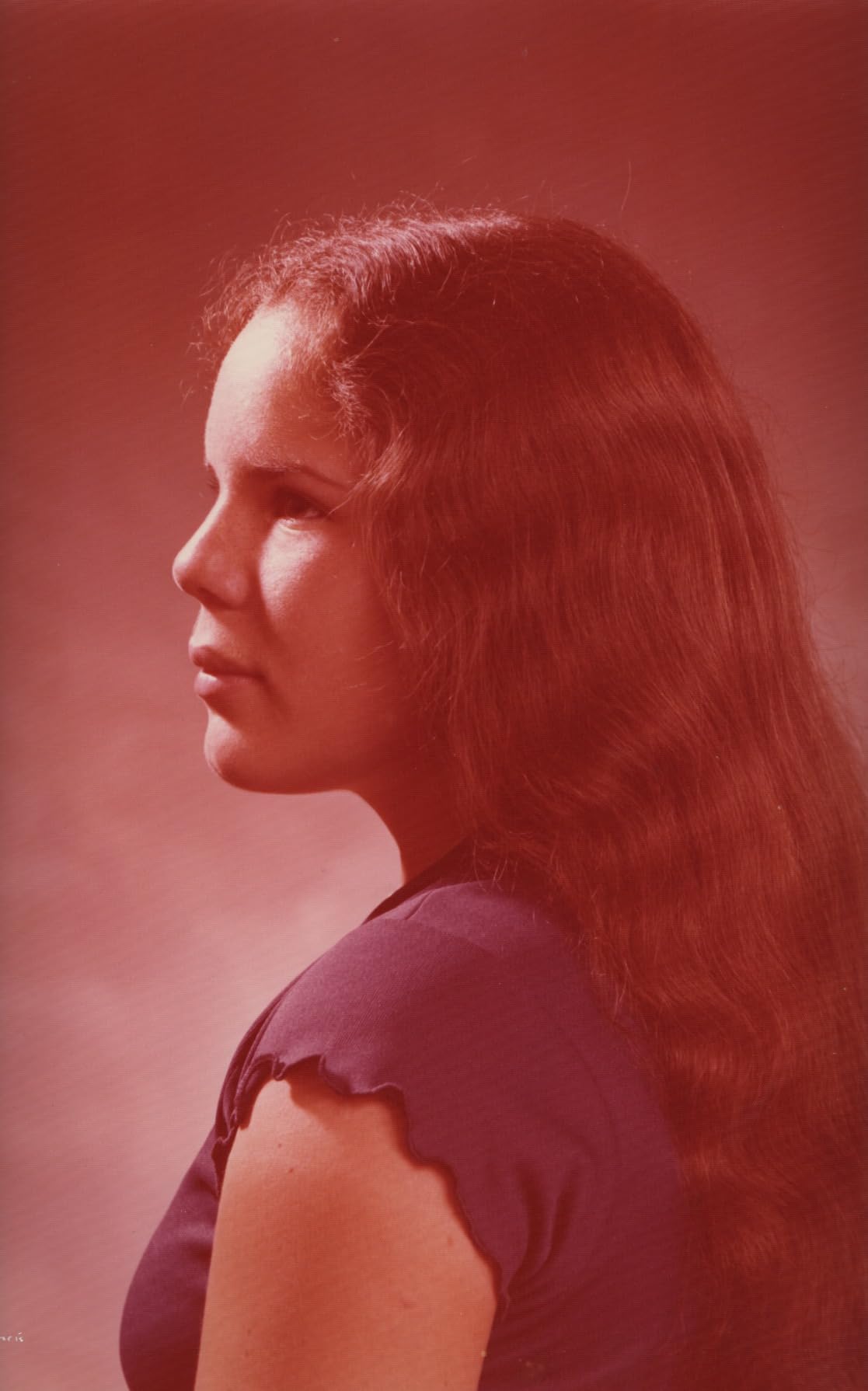
Most printers that print photos also print documents, scan, copy and take up half a desk. The PictureMate PM-400 does none of that. It is a dedicated photo printer that makes borderless 4×6 and 5×7 prints at 5760 x 1440 dpi, prints them in about 36 seconds, and folds down to a 6 pound body you can store on a shelf when you are not printing.
That narrow focus is the appeal. There is no scanner to break, no document tray to jam, and no inkjet black switch between text and photo mode. Owners report units still going after six to nine years and thousands of prints, and the highest five-star share of any machine in this roundup reflects that.

4×6 and 5×7 borderless on glossy photo paper at roughly 36 seconds a sheet is fast for inkjet, and the color from unedited phone photos comes out vibrant and realistic. One practical trick owners use: it can lay out two 2×3 prints on a single sheet, which is a fast way to build scrapbook pages from phone snapshots. The workflow from a MacBook is awkward for that layout, though.
Epson genuine cartridges are required, and the ink is pricier and harder to source than tank bottles. Cartridge capacity is low enough that a swap can come every sixty photos on some workloads, which is a real cost consideration for anyone printing in volume. This is the classic cartridge-versus-tank tradeoff: excellent print quality, poor running economics at scale.
The listing says portable and owners who expected that are disappointed. There is no battery and no Bluetooth, so it needs a power cable and a Wi-Fi connection or USB. It is small, not portable. For anyone who wants phone printing at a party away from home, the KODAK Step or Mini 2 Retro serves the same job properly.
Buy it if you print standard photo sizes only, want genuinely good inkjet color, and do not need scanning or copying. It pairs naturally with a separate scanner, which is a common setup among owners who digitize physical prints. For craft projects beyond photo paper, our guide to the best Gelli plate printing kits covers the other half of that hobby.
Borderless photos at 4800 x 1200 dpi
Print scan copy with 35 sheet feeder
2.7 inch color touchscreen
125 sheet capacity
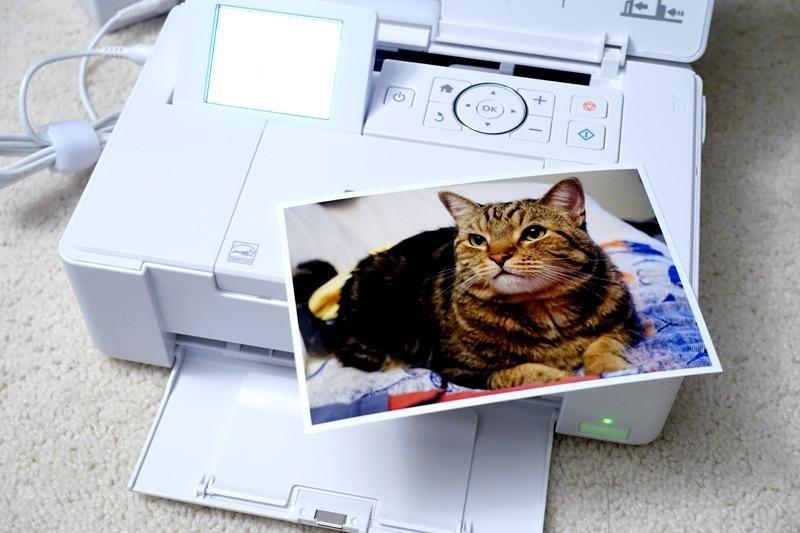
Plenty of households want one device that prints school projects, scans homework, copies a document and also produces a decent borderless photo. That is this machine’s job and it does it competently. The dedicated photo tray is the detail that matters most, because it keeps 4×6 paper separate from a stack of plain paper in the main tray.
Borderless photo output runs to 4800 x 1200 optimized dpi, which is plenty for 4×6 and 5×7 prints viewed in a hand or in a small frame. The 2.7 inch color touchscreen handles navigation, and HP’s AI feature strips web and email formatting so pages do not print with awkward menus and stray blocks of text.
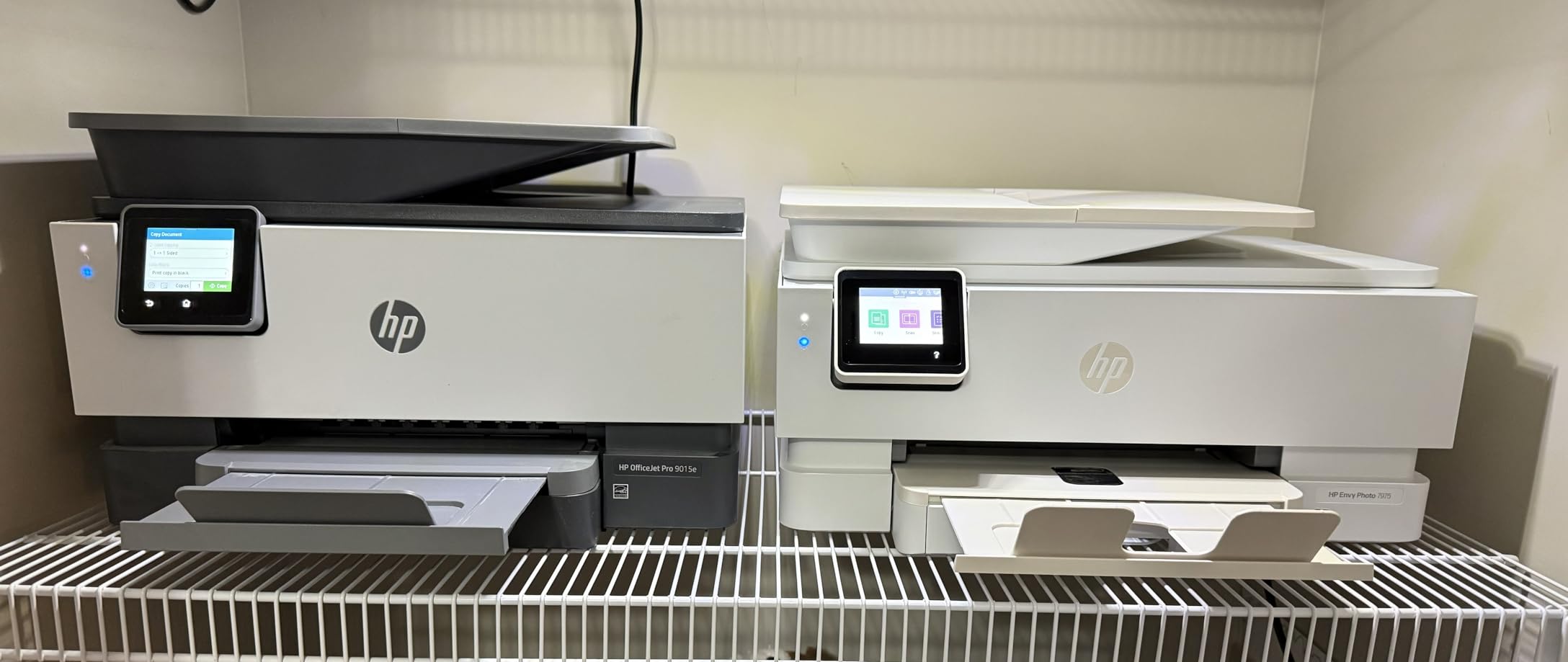
Automatic duplex, a 35 sheet automatic document feeder, a 125 sheet paper capacity and a 22 second first page add up to a machine that handles weekday documents without thinking. Black and white runs at up to 15 pages per minute and color at 10. If your photo printing is a side task rather than the main reason you own a printer, this is a reasonable one-box answer.
HP 64 and 64XL cartridges are the standard choice, and per-photo ink cost here is far higher than an EcoTank or dye-sublimation machine. Worse, the tri-color cartridge means a single color running out can waste the whole unit, a complaint owners raise directly. If you plan to print hundreds of photographs, the running cost erases the convenience advantage.
At 18.11 inches wide and 17.9 pounds, this is the largest footprint in the roundup, which matters in a small home office. On photo quality, owners describe output as true-to-screen and good, but not exceptional, when compared against a dedicated photo printer. It is a multitasking compromise and it should be bought as one.
Buy it for a home office or a family that needs a scanner, a copier and duplex documents, and wants photos good enough for 4×6 and 5×7. If you are decorating a home office or a study, our stay-at-home parent gift guide has adjacent picks that pair well with a printer setup.
4x6 inch dye sublimation output
Built-in Wi-Fi hotspot
One ribbon prints 40 to 50 photos
972 g compact body
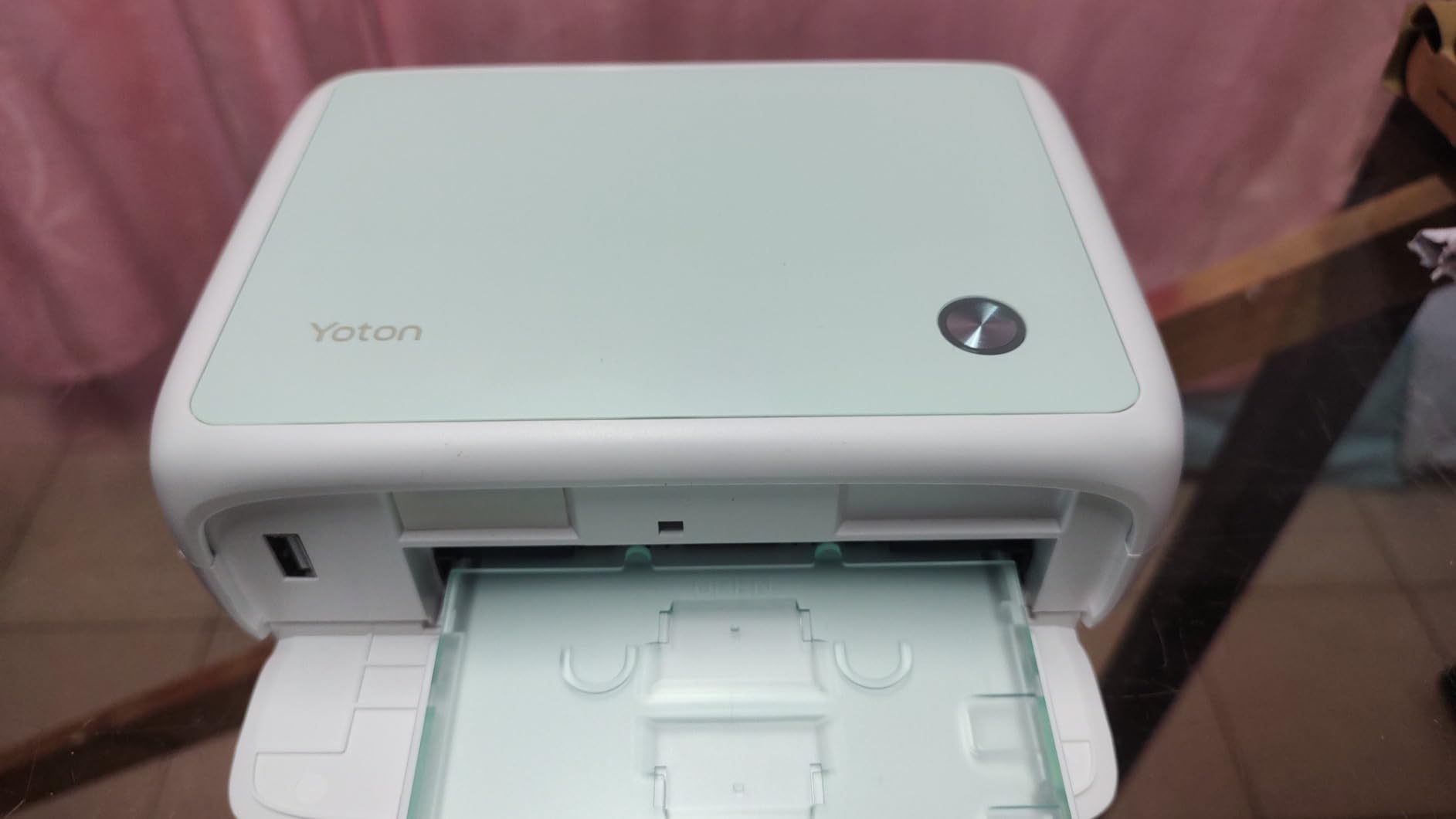
The YOTON’s gimmick is the AR video printing, and it is genuinely fun rather than gimmicky. Print a photo, then scan it with the app and the still image plays back as a short motion clip, up to about 15 seconds. For a birthday card or a gift, it lands in a way a flat print cannot. Set that aside and you still have a competent 4×6 dye-sublimation machine with a 54-sheet bundle.
It also creates its own Wi-Fi hotspot, so phones connect without a router or internet, which is the pattern the best compact 4×6 machines in this roundup all converged on. It works with iOS, Android and computers.
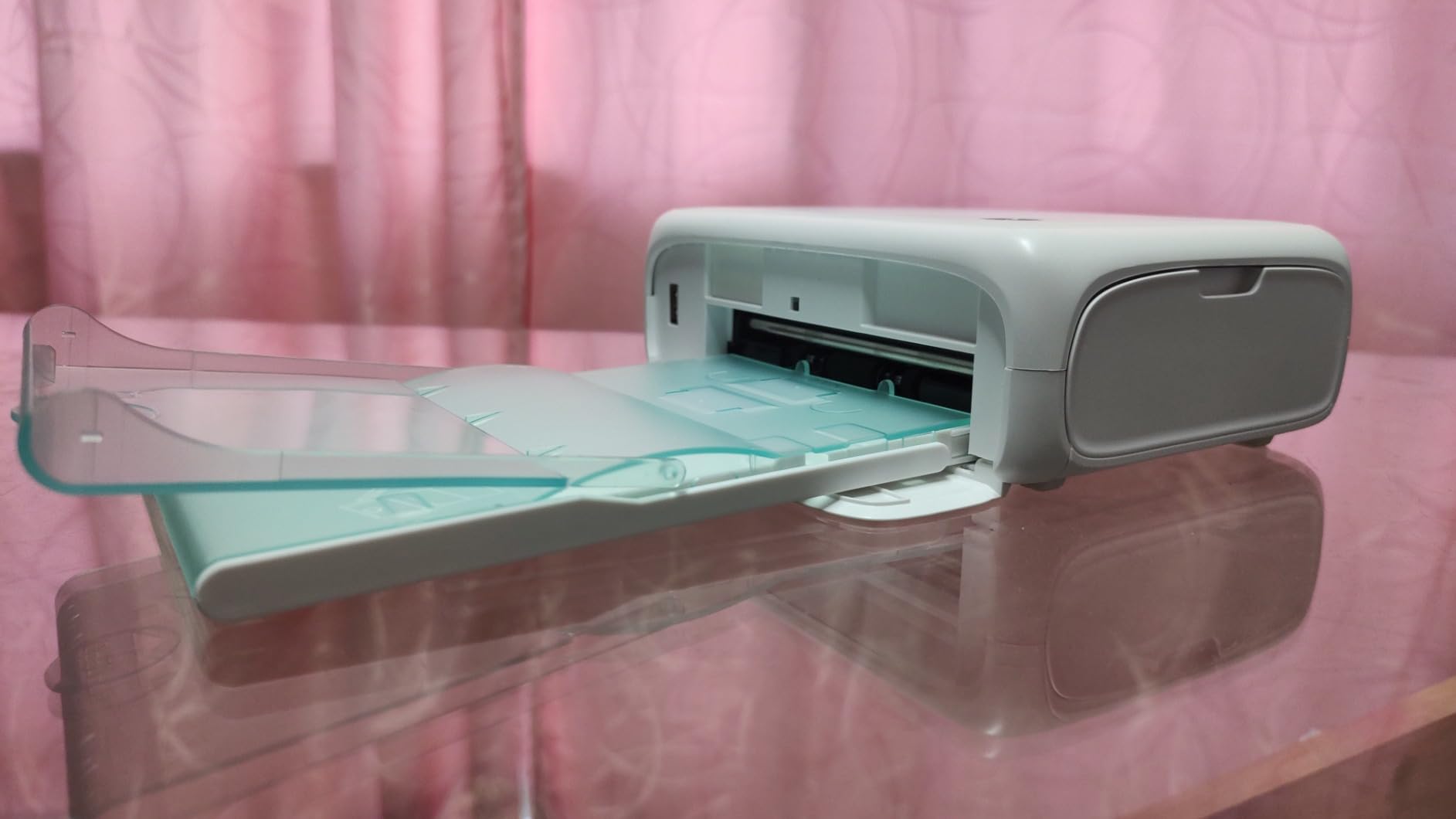
Thermal dye sublimation drives dye into the paper for color that resists water, scratches and fingerprints, and a protective layer handles everyday handling. Print resolution is listed at 300 x 300, the lowest figure in this roundup, and you can see the difference against the 600 dpi Nelko when you hold both prints close. At normal viewing distance on a 4×6, the difference is minor.
One ink ribbon prints roughly 40 to 50 photos, which is a straightforward way to reason about cost per print. Bundle contents cover 54 sheets of 4×6 paper, one ribbon, a print cassette and an AC charger. The 18 sheet output tray is small relative to the paper supplied, so on a batch job you will be emptying it more than you expect.
Buy it as an affordable first step into real 4×6 printing, particularly if you make gifts. It is heavier than the other portables at 972 grams despite the compact dimensions, so it is a desk and travel-bag machine rather than a pocket one.
The review base is the smallest in this roundup, at 397 ratings, so long-term owner feedback is thinner than for the KODAK and HP models. Reported reliability hiccups exist. Plan on printing a test sheet after setup rather than trusting the first print with a photograph you cannot reprint.
2x3 inch sticky-backed prints at 600 dpi
0.6 pound pocket body
Each cartridge prints about 80 photos
Bluetooth app printing
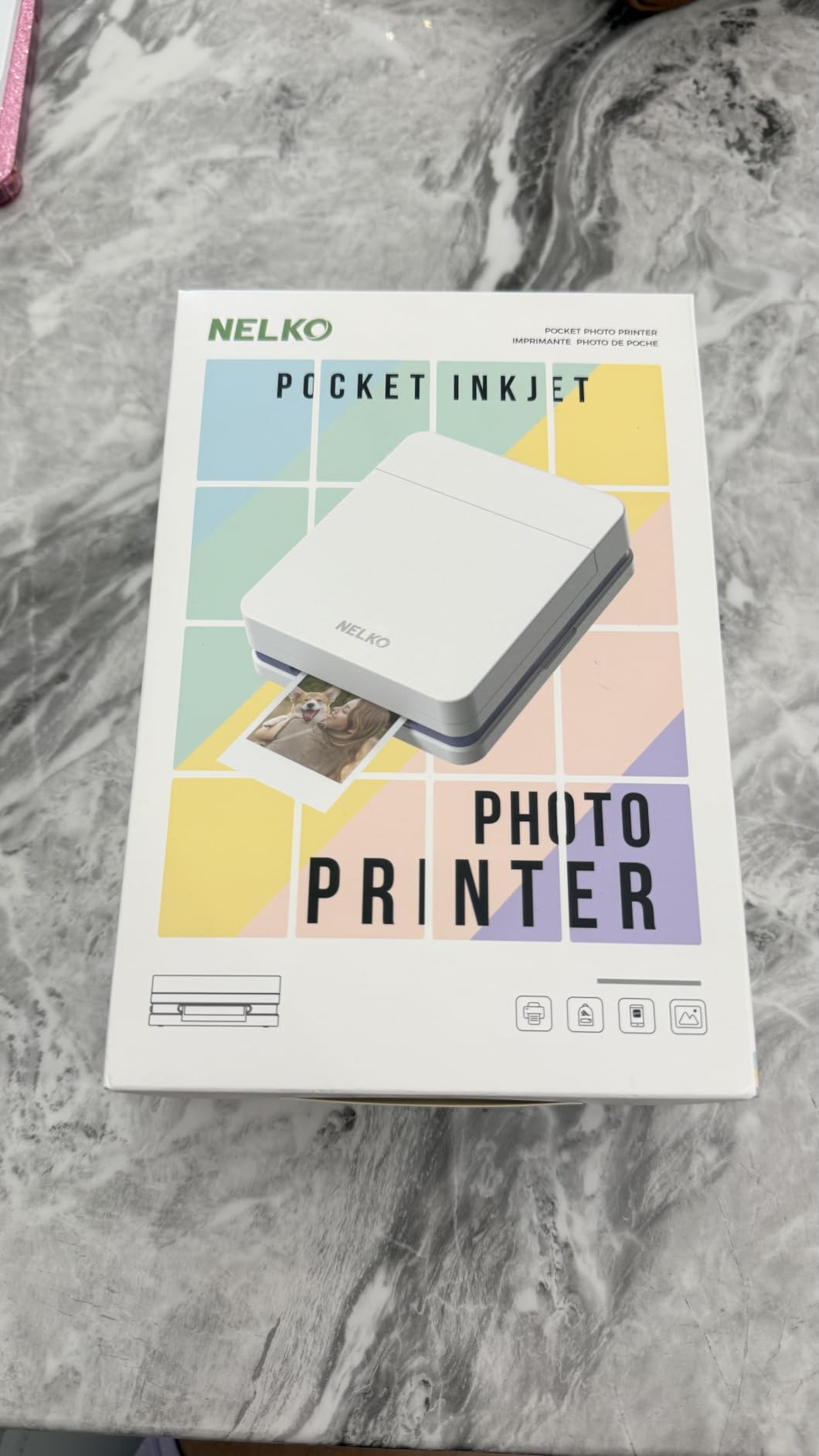
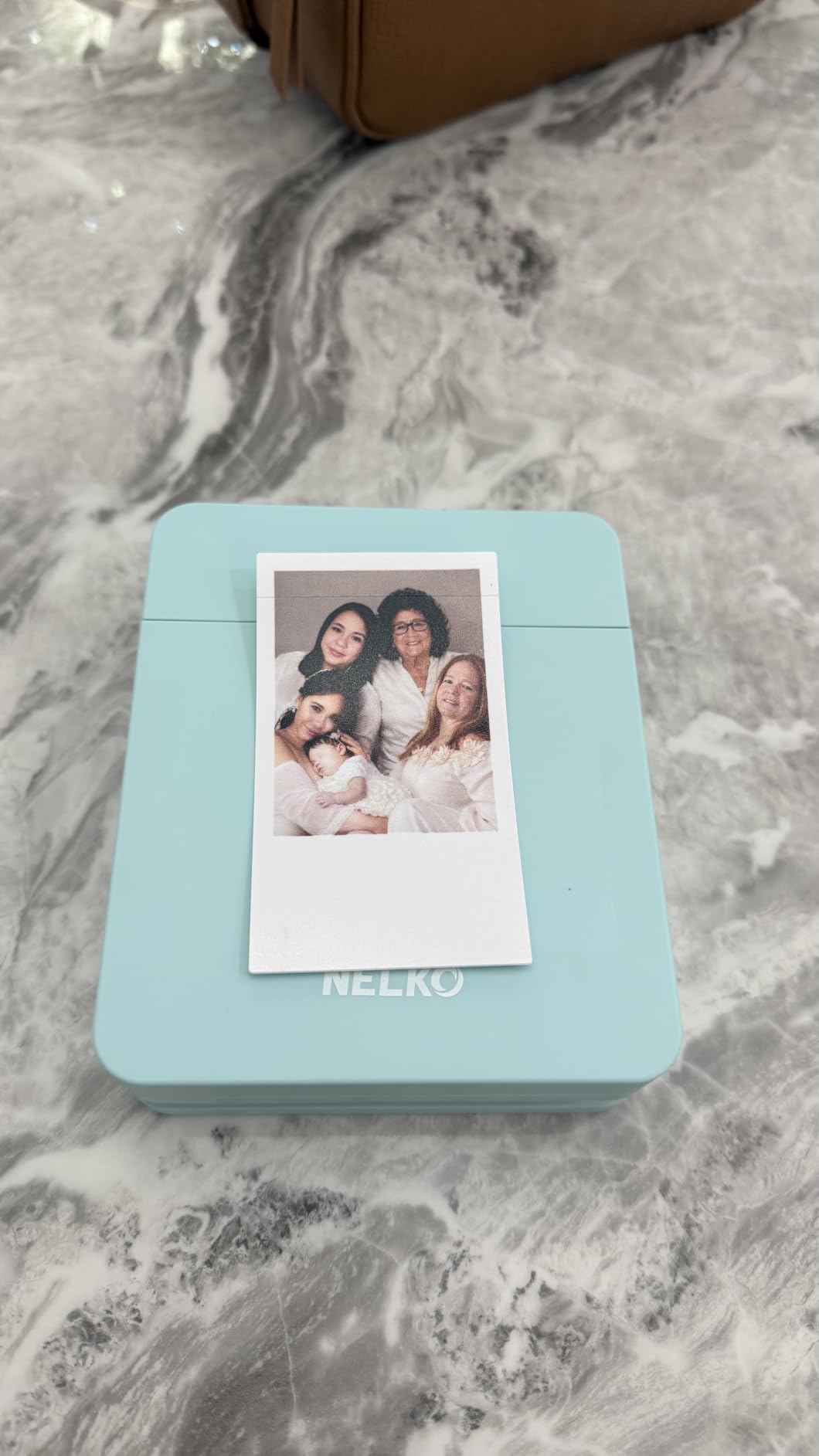
The Nelko PP01 is an inkjet rather than a Zink machine, and at 600 dpi it produces the sharpest 2×3 output in this roundup. The listing sits at number one in Amazon’s portable photo printer category, and the reason is straightforward: it is light, the app is feature-rich, and each cartridge yields up to 80 full color photos, which is the best consumable yield among the small portables here.
At 0.6 pounds and 1.69 inches wide it is the smallest thing in this roundup by some distance, and it prints in under 90 seconds over simple Bluetooth pairing. Prints come out smudge-proof, water-resistant and tear-resistant with adhesive backing, which is what makes it work for travel journals, planners, party favors and school projects.
600 dpi is meaningfully higher than the 313 x 400 dpi listed for the HP Sprocket and the 300 x 300 effective figure on the KODAK Step, and it is the reason to choose this over a Zink machine if the small print is going somewhere important, like a gift tag or a journal page. Colors are described as precise with fine detail captured, which holds up well at the size it prints.
Up to 80 photos per cartridge is the best number here and it makes this the most economical 2×3 machine over time. No power adapter is included, only a USB charging cable, so plan on owning a USB wall plug. The paper is proprietary and adhesive-backed, so there is no plain 4×6 or 5×7 path and no third-party substitution.
Small inkjets dry out. The manufacturer’s own guidance is to charge fully and wipe the cartridge head vertically after long idle periods to prevent clogging, and the paper has to be loaded with the first sheet facing down or the printer will not recognize it. Both are minor habits, and both prevent the most common complaint, which is a clogged head after months unused.
Buy it for a student, a traveler, a scrapbooker or anyone who wants the sharpest small print in a genuinely pocketable body. Do not buy it expecting anything larger than 2×3 inches. For gifting small prints, pairing it with ideas from our stay-at-home parent gift guide makes the result feel considered rather than improvised.
Every forum thread about home photo printing eventually lands on the same argument, and it is worth settling here because it decides three of the ten picks. A cartridge machine can cost more per photo than a professional print service once you pass a few dozen images. A refillable tank machine costs a fraction of that. Dye sublimation uses a ribbon, and a ribbon is a predictable middle ground.
With cartridges, you buy a sealed unit of ink, and the tri-color design common to HP machines means one channel running dry can waste the rest. With EcoTank or MegaTank style bottles, you pour ink into visible tanks and the machine keeps going. Epson’s own claim for the ET-8550 puts a 4×6 at roughly a tenth the per-photo cost of a cartridge machine.
Owners in photography and printing forums report the pattern in print counts rather than currency. One Canon MegaTank owner described running past a thousand prints without needing to refill. The rule of thumb most experienced home printers use is simple: if you expect to print more than about fifty photos a year, a cartridge machine is the wrong purchase.
Dye-sublimation machines charge by the ribbon, and the M100-style four-color ribbon is a straightforward unit of account. Zink machines charge by the sheet, since there is no ink at all. Both stay cheap per print for low volume. The trap is proprietary media, and it is the same trap in every case: once you own the printer, you buy that brand’s paper and nothing else fits.
Photo paper is a real recurring cost and it is separate from ink. Glossy paper is the cheapest and most reflective. Lustre, a satin finish, looks more like a traditional photograph and resists fingerprints. Matte paper is best for black-and-white and for images you will frame under glass. Fine art cotton rag is the most expensive and the best choice for large gallery prints. Whichever finish you pick, buy the manufacturer’s own paper first so you can rule out paper as the cause of a disappointing print.
Size eliminates most options in under a minute. If you want snapshots for albums and cards, 4×6 is the sweet spot and a dye-sublimation machine handles it. If you want standard photograph sizes with an inkjet, 4×6 and 5×7 are the targets. If you want to frame something, 8×10 and 11×17 are the realistic goals for most homes, and 13×19 means the EcoTank Photo ET-8550. If you want prints that fit in a pocket or a book, 2×3 is the format and the whole portable category serves it.
Dye-based inks are transparent and sit on the paper, giving vivid color and gloss, which makes them the right choice for color photographs on glossy and lustre media. Pigment-based inks are opaque and sit on the surface, giving deeper blacks, better matte results and much longer light fastness, which makes them the right choice for black-and-white photography and fine art. A gray ink in the set, which the ET-8550 has, smooths gradients and monochrome tones. Dye prints will not fade instantly, but for a framed print you intend to keep for decades, pigment is the safer bet.
Match the finish to the image rather than to the printer. Glossy suits vivid color and landscapes where you want punch. Lustre is the safe all-rounder and forgives fingerprints, which makes it the most practical choice for a family printing albums. Matte suits portraits and black-and-white, and fine art cotton rag suits anything you intend to frame. A good rule is to buy one 20 sheet pack of each finish and stop guessing.
Every machine here prints from iOS or Android through an app, and the difference is how the connection is made. Bluetooth models pair directly. Wi-Fi hotspot models generate their own network so no router is needed, which is the pattern the Liene M100, YOTON and KODAK Step use. The HP Envy and Epson models join your existing Wi-Fi, which is the least convenient if your network is on a separate guest band or you change passwords often.
Prints looking different from the monitor is the most common expectation gap in this category, and it is usually not the printer’s fault. Your screen emits light, the print reflects it, and no printer reproduces every saturated color a display can show. In the print dialog, choose the correct paper type and the highest quality or fine art setting, and turn off any settings that shift color unless you want them. Editing in a color-managed workflow where the app does not silently re-profile is the difference between matching your screen and merely looking reasonable.
If you print a few photos a month, a drying print head is a real risk, and it is the top complaint among occasional users. Print something at least once a month, even one small photo, to keep the nozzles clear. Keep cartridges installed rather than removing them between jobs. For dye-sublimation machines, open the lid and run a print head cleaning if you see smudges. Store paper away from direct sunlight and out of a damp closet, because paper curling causes most of the jams people blame on the printer.
For home photo printing, Epson’s strength is refillable tank models and wide-format output, while Canon is strongest in compact dye-sublimation and dedicated photo machines. In this roundup the Epson EcoTank Photo ET-8550 covers 13×19 borderless printing with the lowest running cost per photo, and the Epson PictureMate PM-400 handles borderless 4×6 and 5×7 at 5760 x 1440 dpi. If you want 4×6 prints that resist handling, the Canon-style dye-sublimation route is a different category entirely. Judge by ink system and print size first, not by brand.
Five steps make the difference. First, pick the right media: glossy for vivid color, lustre for family albums, matte for black-and-white and portraits. Second, choose the highest quality or fine art setting in the print dialog so the printer does not drop to draft mode. Third, set the correct paper type so the driver lays down the right ink amount. Fourth, let dye-based prints dry for a few minutes before handling, since the surface is still curing. Fifth, print borderless from the photo tray, not the main tray, so the image fills the sheet edge to edge.
Inkjet wins for photographs, by a wide margin. Laser printers fuse powdered toner onto the paper, which is fast, cheap per page and durable for documents, but it cannot produce the smooth gradients, subtle skin tones or wide color gamut that a photo needs. Inkjet sprays microscopic dye or pigment droplets, and models with six or eight inks including a gray and a photo black produce results you can frame. A color laser is fine for a quick school project, but for anything you intend to look at closely, choose an inkjet or a dye-sublimation machine.
Quality comes from four things: ink color count, color gamut, maximum resolution and borderless capability. The Epson EcoTank Photo ET-8550 scores well on all four with six-color Claria ET Premium ink, 5760 x 1440 dpi maximum resolution and 13×19 borderless output. Among 4×6 machines, the KODAK Dock Plus, Liene M100 and YOTON printers use dye sublimation, which drives color into the paper and adds a clear laminate, so the prints resist fingerprints and fading. At the smallest size, the Nelko PP01 leads on resolution at 600 dpi.
Buy an all-in-one such as the HP Envy Photo 7975 if you also need to scan, copy and print duplex documents, and your photo volume is modest. Its borderless output at 4800 x 1200 optimized dpi is good for 4×6 and 5×7 prints, but per-photo ink cost is high with HP 64 cartridges. Buy a dedicated machine when photo quality is the main job, you print past fifty images a year, or you want the ink economics of refillable tanks. You can pair a dedicated photo printer with a separate scanner rather than compromising on both.
Standard 4×6 and 5×7 need a dedicated photo inkjet or any 4×6 dye-sublimation machine. 8×10 and 11×17 borderless prints need a wide-format printer, and in this roundup only the Epson EcoTank Photo ET-8550 handles that, including 13×19. Pocket and scrapbook formats need a 2×3 portable machine such as the HP Sprocket, KODAK Step or Nelko PP01. If your largest intended print is 4×6, you can skip the wide-format machines entirely and spend that money on paper instead.
If you want the best printer for printing photos at home and you have not thought past the size, start with the HP Sprocket. It is the least complicated object in this roundup, it fits in a pocket, and its peel-and-stick output solves scrapbooks, journals and gifts immediately.
Pick the KODAK Step if you will print away from a power outlet, since its battery covers about 25 prints per charge. Pick the KODAK Dock Plus or the Liene M100 if you want real 4×6 photographs that survive handling, and add the Liene when several phones need to print at once. Pick the YOTON when AR animated prints for gifts are the point. Pick the Nelko PP01 when sharpness at 2×3 inches matters more than anything else.
Pick the Epson EcoTank Photo ET-8550 when you want to frame something large or you print more than a few dozen photos a year, because refillable tanks make the running cost a fraction of cartridge machines and it is the only model here that handles 13×19 borderless. Pick the Epson PictureMate PM-400 when you want standard 4×6 and 5×7 sizes from a dedicated inkjet. Pick the HP Envy Photo 7975 when you need scanning, copying and duplex documents in the same box and your photo volume is light.
Whichever one you choose, buy the manufacturer’s own photo paper in a small pack first and print a test image before you commit to a bulk order. That single habit solves most of the disappointment people report in their first month with a new photo printer.