Physical Address
304 North Cardinal St.
Dorchester Center, MA 02124
Physical Address
304 North Cardinal St.
Dorchester Center, MA 02124

Search for the best printers for students and the first thing you will notice is how quickly the results wander off topic. A lot of what comes back is not about printing an essay at all. It is 3D printers, filament, resin, and build plates. So let me be clear about what this guide covers: eight 2D document printers, the kind that print essays, problem sets, lab reports, financial aid forms, and the occasional colour chart on a dorm desk. No 3D anything.
We put all eight through the same filter, and the filter was not the sticker number. Over six weeks of reading specifications, owner reviews and forum threads, one thing kept surfacing: for a student, the price of the box is close to irrelevant. What matters is what the box needs after it arrives. A cheap cartridge inkjet can end a degree costing several times what a refillable ink tank cost up front, because the cartridge is a consumable you buy over and over and the ink bottle set is not.
I have been buying and living with printers for long enough to know where students get caught. They shop by price, they get a small cartridge machine, they print about 200 pages a term, and then in week nine they are standing in a store with a stack of half-empty cartridges wondering where the money went. The fix is not a bigger printer. It is choosing the right ink architecture for the volume you actually produce.
Here is what I look at on every printer before it makes a shortlist, and it is the same list I would hand to a roommate:
Cost per page, not purchase price. Divide what a full set of consumables costs by the page yield the manufacturer publishes. A number you can divide twice is worth more than any feature checkbox.
Automatic duplex. Two-sided printing by hand means flipping the stack mid-job and feeding it back in. It works. Nobody enjoys it.
Dual-band Wi-Fi. A printer that only speaks 2.4GHz will struggle in a residence hall where every neighbouring router is shouting on the same band.
Automatic document feeder. If you handle multi-page forms, an ADF saves more time per week than faster print speed ever will.
Footprint with the tray out. Dorm desks are small, and the published dimensions rarely include the paper tray extended.
Idle survival. A machine left untouched for ten weeks can develop dried ink in the print head. Laser does not care.
Eight printers made the cut below: three refillable ink tanks, two cartridge inkjets, and three monochrome lasers. Here is the short version before the detail.



The Epson EcoTank ET-2800 takes the top spot because the number that decides a four-year degree, the page yield per ink set, is the best in this group and the machine has the largest body of owner feedback of anything here. The Canon MegaTank G3270 is the alternative if you want the same cartridge-free economics with a slightly different footprint and a screen you can actually read at a glance. The Brother DCP-L2640DW is the answer for anyone who prints mostly black and white and wants speed and duplex.
| Product | Features | |
|---|---|---|
| Epson EcoTank ET-2800 |
|
Check Latest Price |
| Canon MegaTank G3270 |
|
Check Latest Price |
| Brother DCP-L2640DW |
|
Check Latest Price |
 Canon PIXMA TS3720 Canon PIXMA TS3720 |
|
Check Latest Price |
 Brother HL-L2460DW Brother HL-L2460DW |
|
Check Latest Price |
 Canon PIXMA TS6520 Canon PIXMA TS6520 |
|
Check Latest Price |
 HP LaserJet M209d HP LaserJet M209d |
|
Check Latest Price |
 HP LaserJet MFP M140w HP LaserJet MFP M140w |
|
Check Latest Price |
We earn from qualifying purchases. CERTAIN CONTENT THAT APPEARS ON THIS SITE COMES FROM AMAZON. THIS CONTENT IS PROVIDED 'AS IS' AND IS SUBJECT TO CHANGE OR REMOVAL AT ANY TIME.
10 ppm black and 5 ppm color
Up to 4500 black and 7500 color pages per ink set
Wi-Fi and USB
Flatbed scan and copy
The ET-2800 is the printer I would put on a desk and forget about, which is the highest compliment I can pay a dorm machine. It arrived already holding what Epson describes as up to two years of ink, so the first thing that did not happen was a trip to buy cartridges. That single decision, made at the point of purchase rather than at the point of crisis, is why this model tops my list for students.
Owner feedback on this machine is the largest sample I looked at across all eight printers, and the pattern in it is remarkably consistent. People talk about the cost per page first and almost everything else second. When a set of ink bottles covers up to 4,500 black pages or 7,500 colour pages, the arithmetic stops being scary, and a student printing a few hundred pages a term can go most of a year without thinking about ink at all.
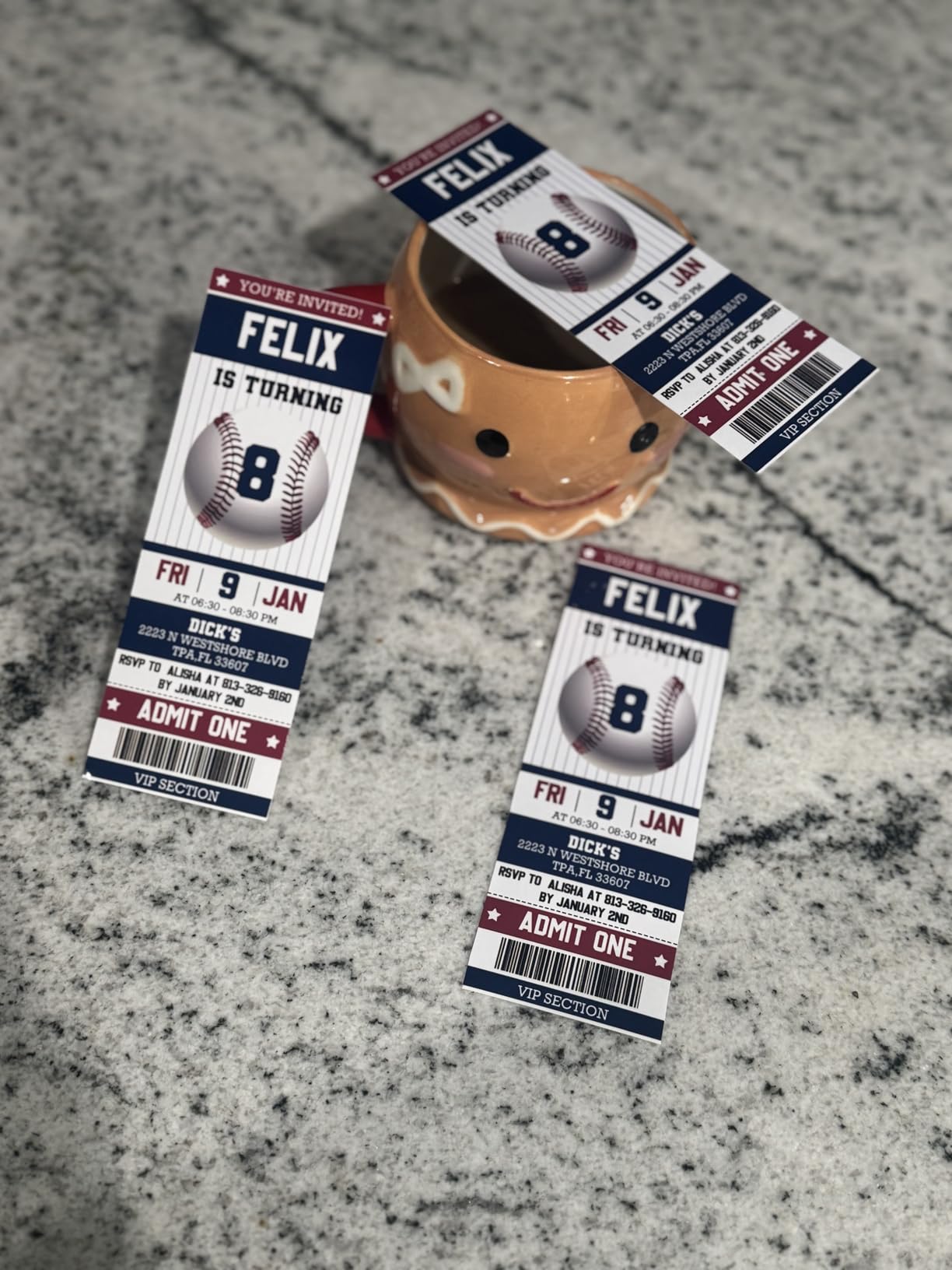
What you give up for that economics is speed and duplex. This is a simplex machine, so two-sided printing is a manual flip, and 10 pages per minute in black means a 20-page reading list is a couple of minutes of your evening. Neither is a problem for light-to-moderate volume work. Both become annoying in finals week when three deadlines land in the same 48 hours.
The difference between a cartridge printer and a tank printer is not really about ink, it is about packaging. A cartridge printer ships a sealed, pre-filled shell you throw away when empty. A tank printer ships a refillable reservoir you pour bottles into. Epson markets the included set as the equivalent of roughly 90 cartridges, and that framing is not marketing fluff, it is a fair description of how many trips to a store you avoid.
There is a knock-on benefit for a dorm, and it is environmental rather than financial. Cartridge shells accumulate in a drawer and then in a waste stream. Refilling the same reservoir produces far less of that. If you care about the waste side of printing at all, the cartridge-free argument is straightforward.
The 100-sheet maximum sheet capacity is ordinary for this category. It means a full ream of paper, which is the right amount of thinking for a single student to do. Paper size handling covers envelopes, glossy photo paper and plain paper up to 8.5 by 14 inches, and it accepts 4×6 and 5×7 inch photo stock directly, which matters if you are in a program that hands out visual handouts.
Print speed is where the ET-2800 is honestly outmatched. Ten ISO pages per minute in black, five in colour, and a 5760 by 1440 dpi maximum resolution that looks excellent on a photo but arrives slowly. If your week is one colour poster a month and a lot of text, this is a good trade. If your week is reformatting a 60-page manuscript twice, it is not.
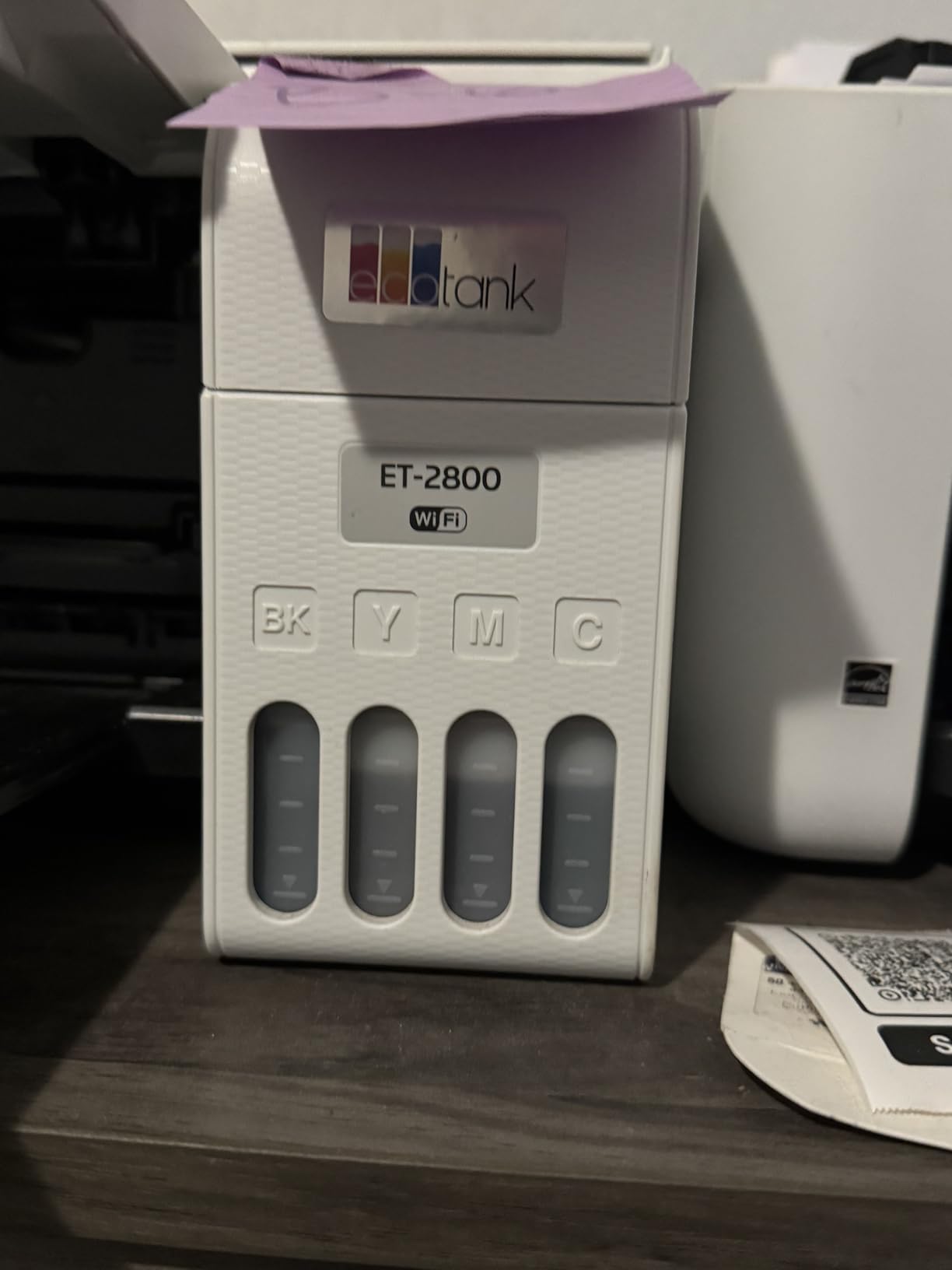
Connection is USB or Wi-Fi, and control is through an app rather than buttons on the unit, with an LCD for status. Epson recommends genuine ink for optimal quality, and owners do raise warranty concerns when third-party ink is used. That is a real consideration if you are counting every penny, so factor it into your per-page calculation rather than ignoring it.
The unit weighs 11.4 pounds, which is light enough to move between a desk and a shelf at the end of a year without treating it as a gym exercise. The listed dimensions of 14.8 inches deep by 22.8 inches wide by 10 inches high are the widest footprint in this group, so measure the desk before you commit.
Buy the ET-2800 if your printing is mostly text with occasional colour, spread across semesters rather than concentrated in one brutal week, and you want to stop thinking about ink entirely. It suits a literature, history, social science or business student printing essays, reading lists and case write-ups.
Skip it if you genuinely need two-sided printing handled automatically, or if you print large batches of colour work. In that case look at the Canon MegaTank G3270 for the same ink economics, or at one of the Brother lasers if your work is black and white and heavy.
11 ppm black and 6 ppm color
Up to 6000 black and 7700 color pages per fill
Wireless print copy and scan
1.35-inch square LCD
The MegaTank G3270 is the pick I send to students who want the running cost of a tank printer but do not want to give up the small conveniences. It is the same cartridge-free idea as the Epson, with a page yield that is a little higher again, and it adds a screen you can read without your phone. For someone setting up a printer for the first time in a room they have just moved into, that matters more than it sounds.
Owners describe setup as simple and wireless connection as uneventful, which in this category is close to the highest praise available. The refill system is the same familiar model: pour a bottle in, keep going. Canon states up to two years of ink included, and the per-fill yield of 6,000 black and 7,700 colour pages is the highest black figure of the three tank printers here.
Work the numbers for a moment with real workloads. A student who prints 250 pages a term in black and another 40 in colour is using about 1,000 black pages across an academic year. On a 6,000-page black yield, that is a small fraction of one fill. Even a heavier major, printing 600 pages a term, stays well inside one fill for a year, which means the cost of this machine over a degree is dominated by paper, not ink.
This is the entire argument, and it is why a cartridge printer in the same role is a trap. The cartridge yield is a fraction of the tank yield, and you buy the same physical object repeatedly. Over four years the gap is not a rounding error, it is the single largest cost difference in this entire comparison.
Colour speed is about 6 pages per minute, black is 11, and the maximum resolution is 4800 by 1200 dpi. The unit supports borderless printing, which means a 5×7 inch photo comes out edge to edge with no white margin. Canon describes it as Energy Star operation and EPEAT qualified, which is a small but genuine consideration for a student trying to keep an energy bill down in a residence hall.
Where it falls short is duplex. Like the Epson, it is single-sided only. If you are printing a lot of double-sided handouts for a study group, that is a workflow tax you will pay on every single batch.
The 1.35-inch square LCD is the small feature that separates this from the cheaper cartridge all-in-ones. You can check ink levels and job status without opening an app, which is exactly what you want at 11pm when the app will not connect to the dorm network for the fourth time. A segment display on a budget cartridge printer does not give you that.
Against it, there is no automatic document feeder. Scanning a 20-page form means lifting the lid 20 times, and copying a multi-page handout means the same. For a student who handles financial aid, housing or internship paperwork with stapled attachments, that is a genuine irritation. If your paperwork is heavy, the Brother DCP-L2640DW has a 50-page feeder and covers the same job.
The G3270 fits a student who wants colour, cheap pages, and a machine that is friendly to set up on day one in a new room. It is a strong fit for communications, marketing, psychology and general studies, where slides and posters show up occasionally but the volume stays manageable.
Skip it if you regularly scan multi-page documents, or if two-sided printing matters enough that you will resent flipping paper. For heavy black-and-white output, one of the laser options gives you both speed and automatic duplex.
36 ppm monochrome laser
Automatic duplex
50-page ADF
Dual-band 2.4GHz and 5GHz Wi-Fi plus Ethernet
This is the printer I recommend when a student says the words print heavy finals. Thirty-six pages per minute in monochrome is roughly three times the speed of any inkjet in this group, and combined with automatic duplex it turns a stack of readings into a finished packet while you make coffee. Nothing else on this list handles volume like it.
Owners describe the text quality as sharp and professional, and for a student submitting written work that is not a small detail. The 1200 by 1200 dpi black resolution is high for a laser in this class, and toner does not bleed or feather the way a low-end inkjet can when you are out of black.
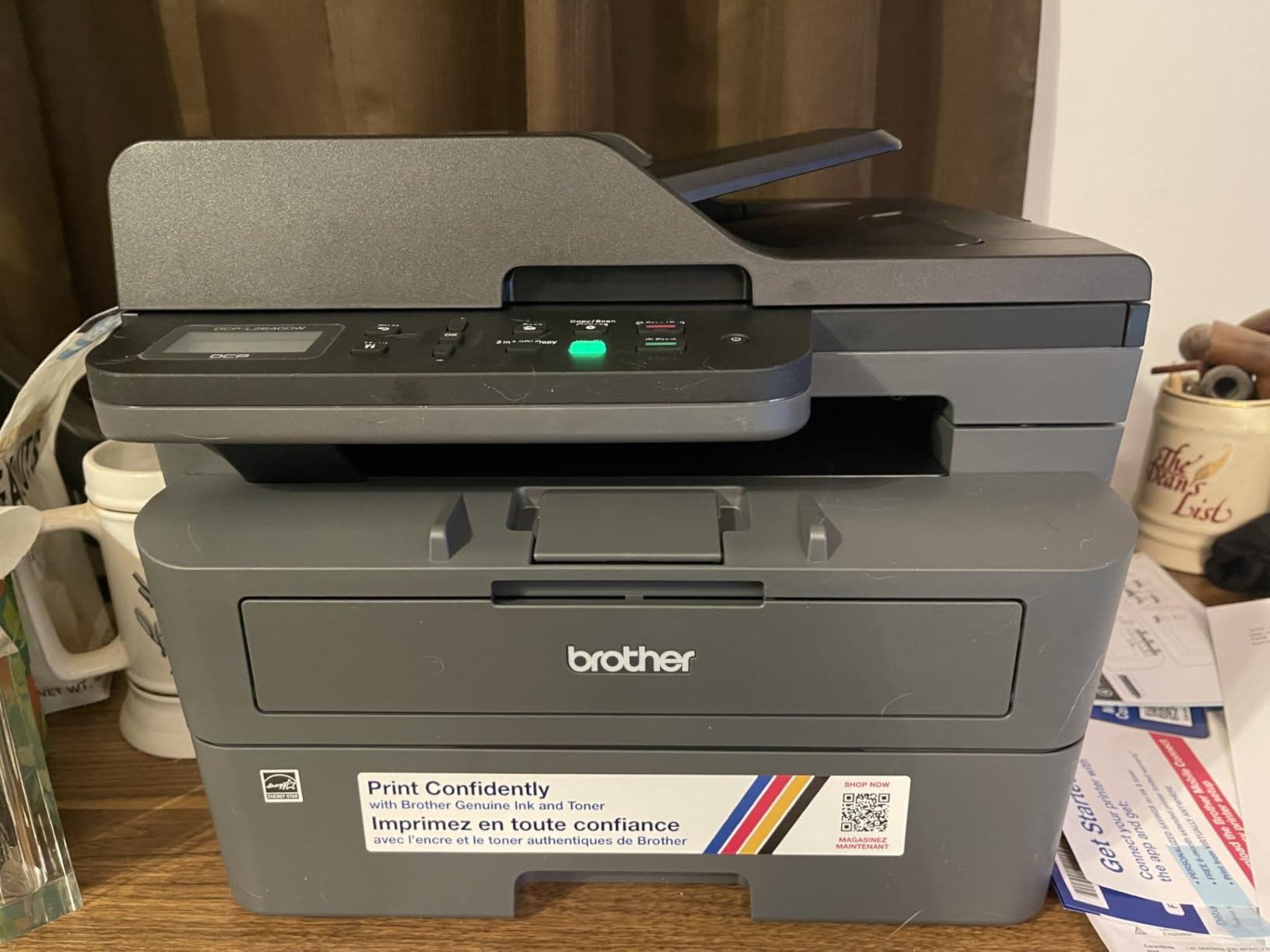
First page out in 8.5 seconds matters more than the headline speed for most student jobs. Printing one page at a time, which is what you do when you are iterating on a single problem set, the wait is what you feel. The difference between a 7.5-second and a 20-second wait adds up over a term of one-page prints more than most people expect.
The 36 ppm figure is what you feel when printing something long, like a final draft of a paper or a full annotated reading list. At that speed a 40-page document is done in a bit over a minute, duplex included. For a student who prints continuously across a study session, that is the difference between finishing the stack and getting bored halfway through.
If you are buying a laser for a reason beyond speed, buy it for the 50-page automatic document feeder. Multi-page scanning, which on a flatbed means lifting the lid once per page, becomes a single job. Scan speed is listed at 23.6 ipm, and the machine also supports scan-to-email, which is exactly what you need when a professor asks for a signed document that morning.
None of the cartridge inkjets on this list has an ADF at all. The Canon models and the Epson ET-2800 scan on a flatbed only. If administrative paperwork is a regular part of your term, this one feature can outweigh every colour printing feature in this roundup.
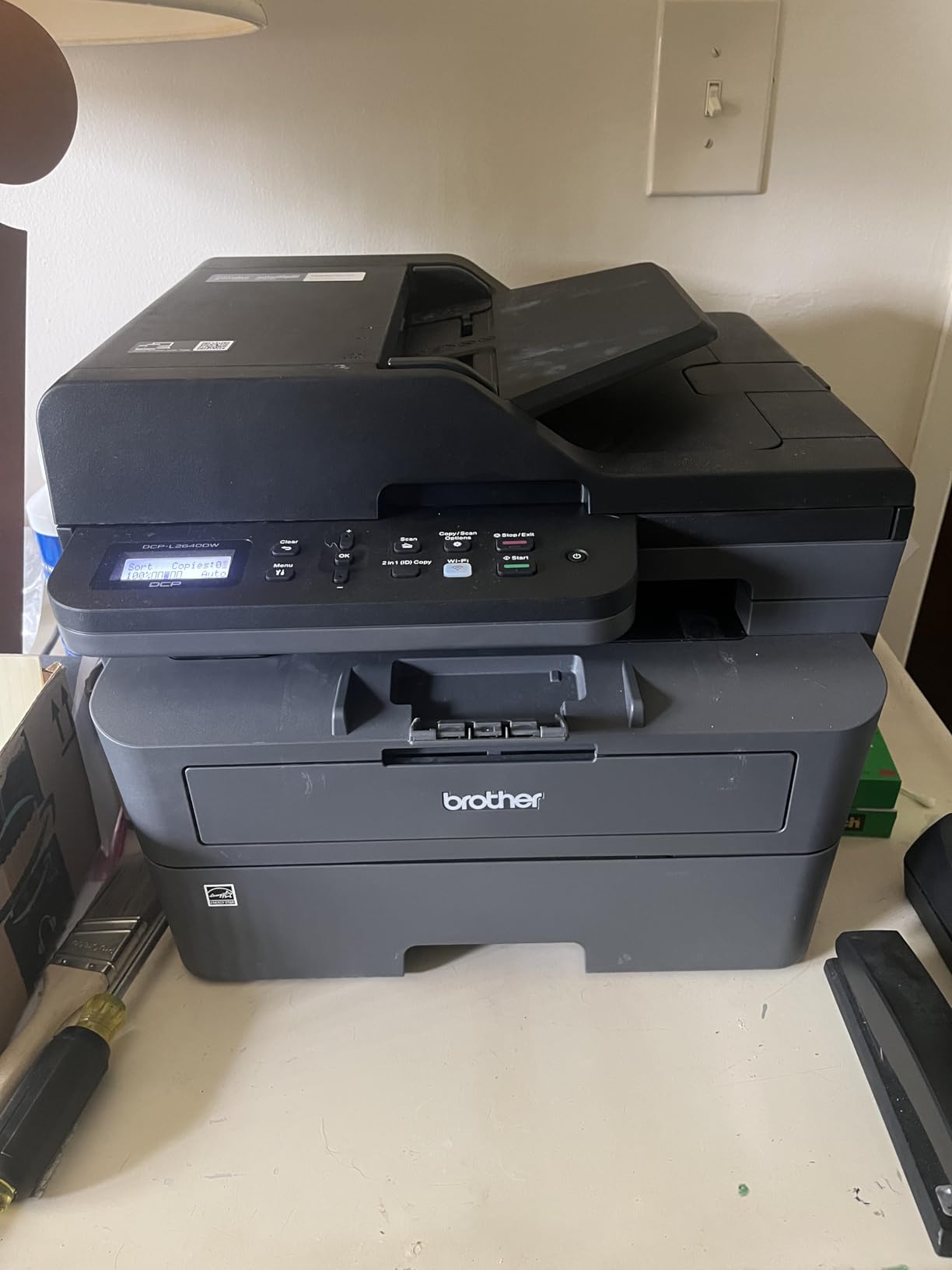
Owners are consistent about one complaint: the on-printer menu is confusing and the bundled scanning software is dated. The good news is that the Brother Mobile Connect app is widely regarded as much easier to use than the on-device interface, so plan to set up and mostly operate the machine from your phone or laptop rather than from the panel.
Wi-Fi setup and the default machine password are also flagged as finicky by some owners, with firmware and password friction being the recurring theme. Budget an extra fifteen minutes on day one. It also uses Brother Genuine TN830 and TN830XL toner, which is a higher consumable cost than aftermarket equivalents, so keep that in the running cost calculation rather than assuming laser is automatically the cheapest page.
The DCP-L2640DW is for the student with a heavy writing load, a lot of scanned forms, and zero interest in colour. Law, business, economics, and any programme with a print-heavy core are good fits. It is also the pick for a shared house where two people need the same machine and arguments about paper use are already predictable.
It weighs 25 pounds and measures 15.7 by 16.1 by 12.5 inches, which is the largest and heaviest unit here. Do not plan to carry it up three flights at move-out. Skip it if you need colour or need photos.
7.7 ppm black and 4 ppm color
Standard PG-275 and CL-276 cartridges
Dual-band 2.4GHz and 5GHz Wi-Fi
8.7 lb compact body
The TS3720 is the honest budget answer. It does everything a student printer can do, it weighs less than a textbook stack, and it will print your essays, your problem sets and your colour handouts without drama. What it will not do is stay cheap, and the whole purchase decision is really a decision about whether you accept that.
Reviewers consistently treat it as a basic home and dorm printer: easy setup, wireless printing works, and nobody expects more. That is an accurate read. It uses standard Canon CL-276 colour and PG-275 black cartridges, and those cartridges are the reason this machine sits at the bottom of the running cost ranking despite sitting at the bottom of the purchase price too.
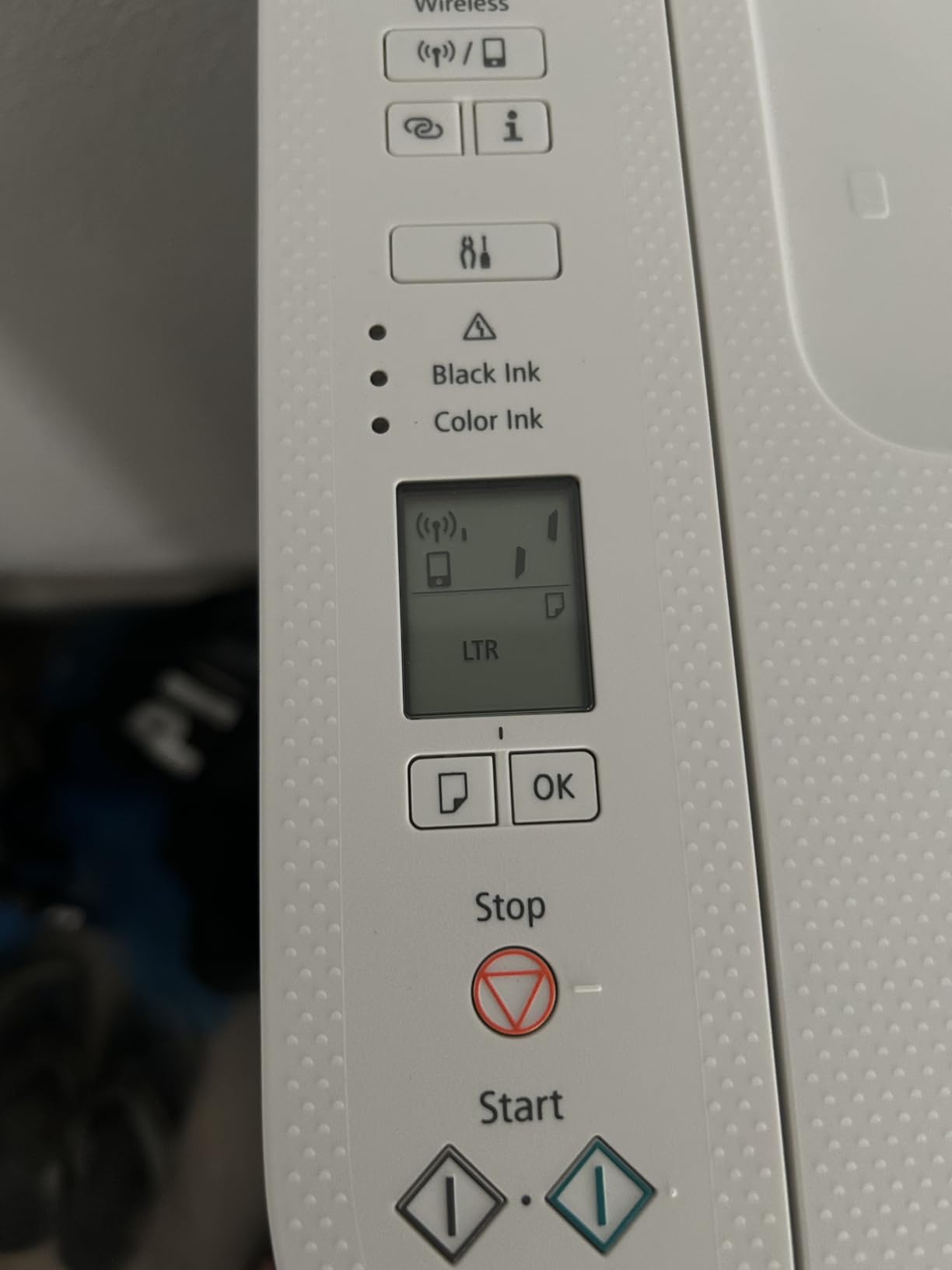
Compare the yields directly. The ET-2800’s ink set is published at up to 4,500 black pages and 7,500 colour pages. The TS3720 uses two replaceable cartridges with a fraction of that page life, and each replacement is a fresh purchase. Over a degree, that gap recurs every time you buy a pair, and it is the single largest cost difference in this roundup.
This is exactly the trap that forum readers warn about, and it is why sticker price is such a poor proxy for real cost in this category. If you genuinely print under 150 pages a term and mostly in black, the cartridge cost may never become painful. If a single project week puts you past 300 pages, it becomes the dominant expense of owning a printer.
Connectivity is the surprise here. Dual-band 2.4GHz and 5GHz Wi-Fi is a genuinely good spec at this level, and Canon lists setup without a computer required, plus Apple AirPrint, Mopria and Chromebook compatibility. For a student whose machine is a Chromebook all year, printing should be near automatic once it is on the network.
Media handling is broader than the specification suggests. It takes 4×6, 5×5 square, 5×7, letter and legal paper, plus envelopes, high-resolution paper, labels and plain stock. Borderless printing is supported, so photos come out full-bleed. For a student in a design-adjacent subject printing reference material, that is more than enough.
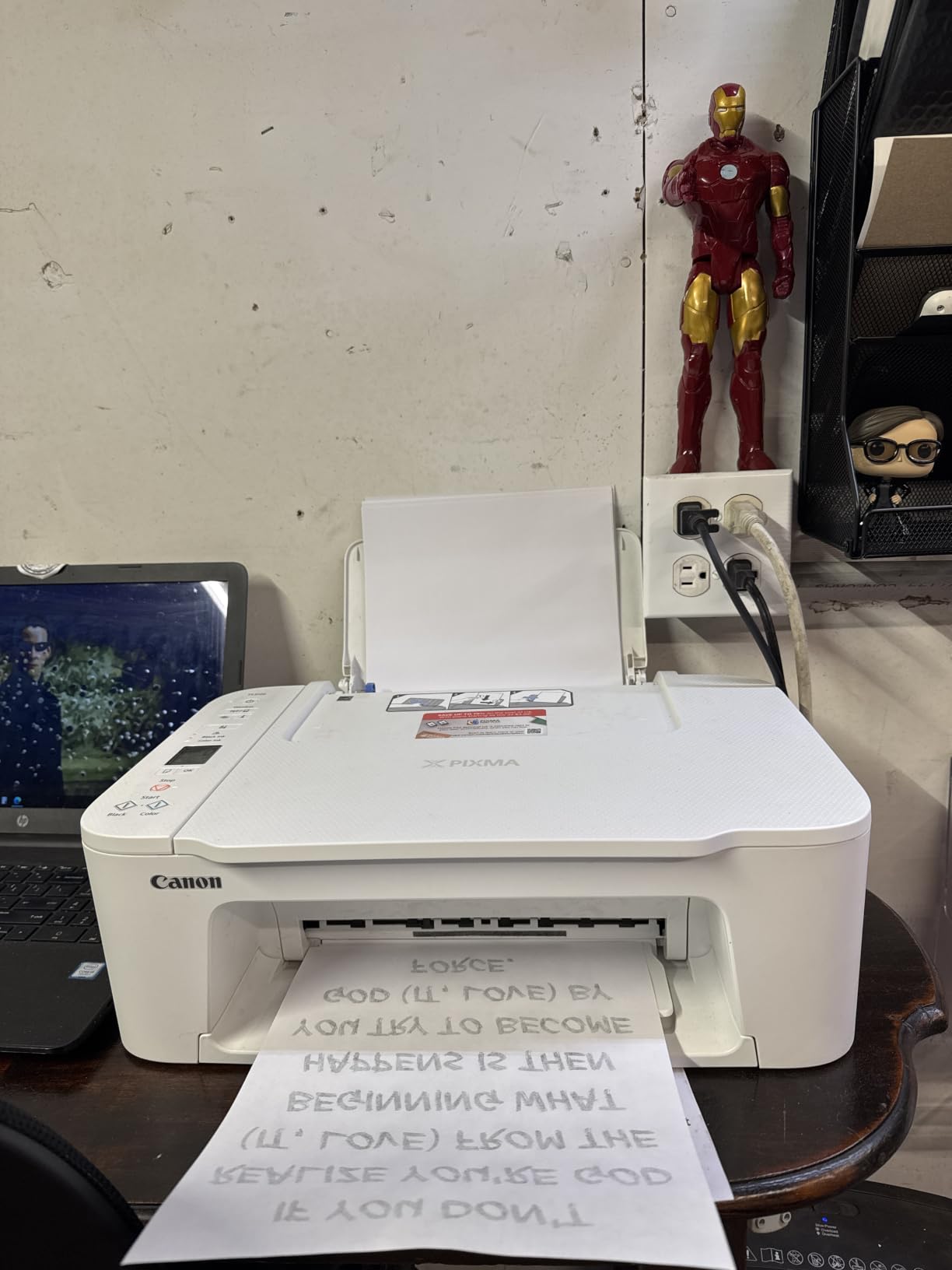
At 8.7 pounds and 17.2 by 12.9 by 5.8 inches, this is the easiest machine in the group to move, store under a bed or carry between a dorm and a home at break. That portability has real value for a student whose housing changes every year, and it is the strongest argument for this model.
The 60-sheet paper tray is the compromise. It is roughly two-thirds of a ream, so you will be topping it up more often than with the laser units, which hold 150 to 250 sheets. Print speeds of 7.7 black and 4 colour pages per minute are the slowest of the eight. The 1.5-inch segment LCD shows limited status, which means more of your printer management happens in the app.
Buy the TS3720 if your total print volume for the whole year is genuinely small, if you will print mostly black, and if the difference between this and a tank printer is money you would rather spend elsewhere. It is also the right pick for a first apartment or a temporary housing situation where you need a working printer for one term and nothing more.
Skip it if printing volume is unpredictable. The failure mode is not a bad printer, it is a good printer you end up feeding cartridges. If your workload is uncertain, buy the ink tank instead and stop thinking about it.
36 ppm monochrome laser
Automatic duplex
250-sheet paper tray
Dual-band Wi-Fi and Ethernet
The HL-L2460DW does one thing and does it fast: it prints black and white, at 36 pages per minute, double-sided, into a 250-sheet tray. If that matches your term, this is the most efficient machine in the roundup, and at 15.6 pounds it is roughly a third lighter than the DCP-L2640DW while doing the printing half of the job faster.
Owners cite fast duplex output, straightforward wireless setup and reliable toner supplies as the main draws. The Brother Mobile Connect app handles remote printing and toner management, which matters because the on-device interface here is a small non-touch LCD with physical buttons, not something you will enjoy navigating.
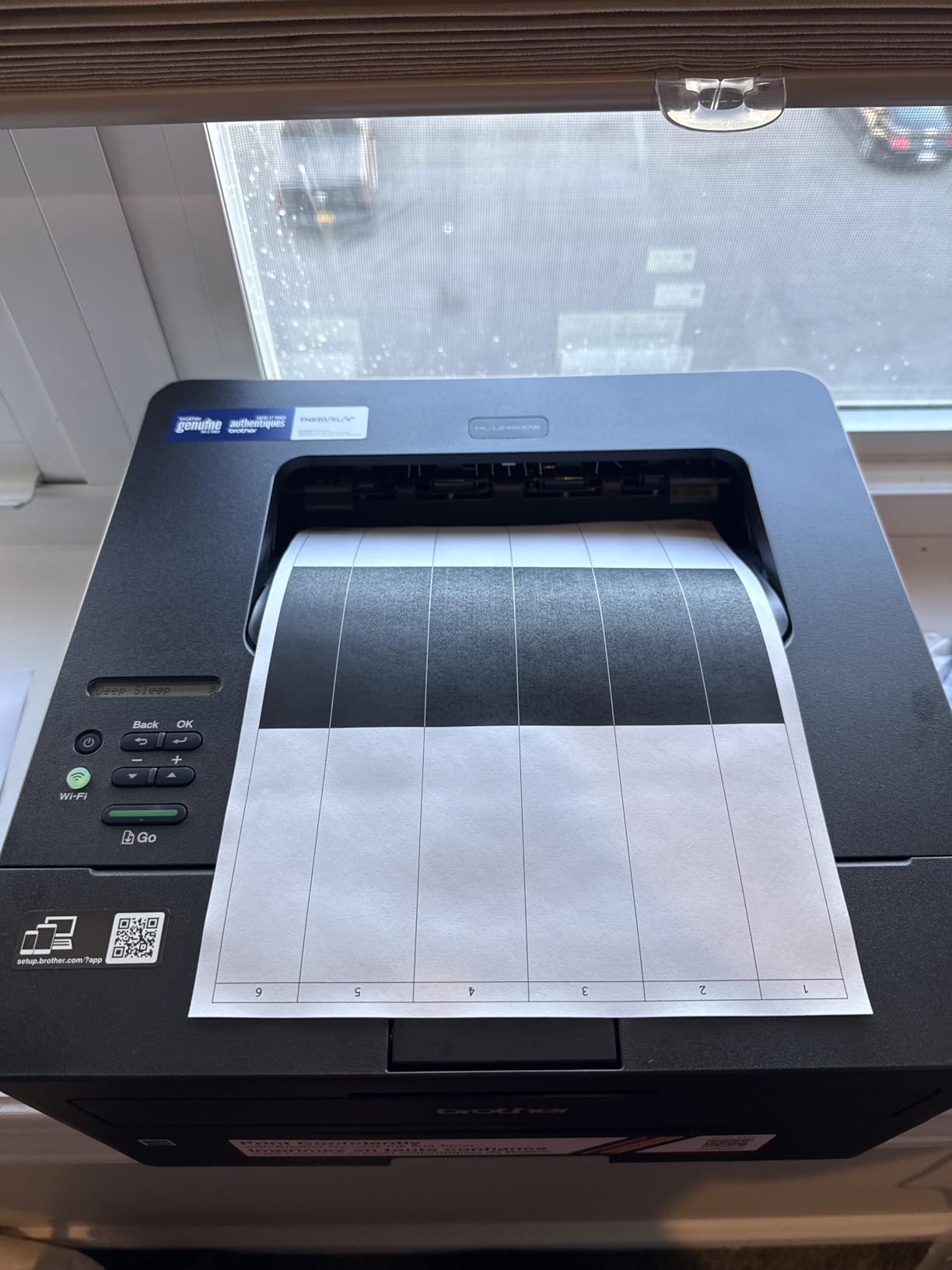
Print-only units are the value pick in the laser category because every feature they drop was a feature that added bulk, cost and failure surface. No scanner glass to break, no ADF mechanism to jam, no flatbed lid to leave open. The result is a 14.2 by 14 by 7.2 inch body, which is one of the two most compact footprints in this whole comparison.
The trade is straightforward. If you need to scan or copy anything, you are now using a phone app, a separate scanner, or your campus library. For a student who prints and scans rarely, that is a trade worth making. For a student who processes forms weekly, it is not, and you want the DCP-L2640DW instead.
First page out in 8.5 seconds, then 36 pages per minute. The 250-sheet tray is the largest in the roundup alongside the Brother multi-function unit, which means fewer mid-project refills during finals week. There is also a manual feed slot for envelopes and specialty paper, so you do not have to reconfigure the tray for a single odd-sized job.
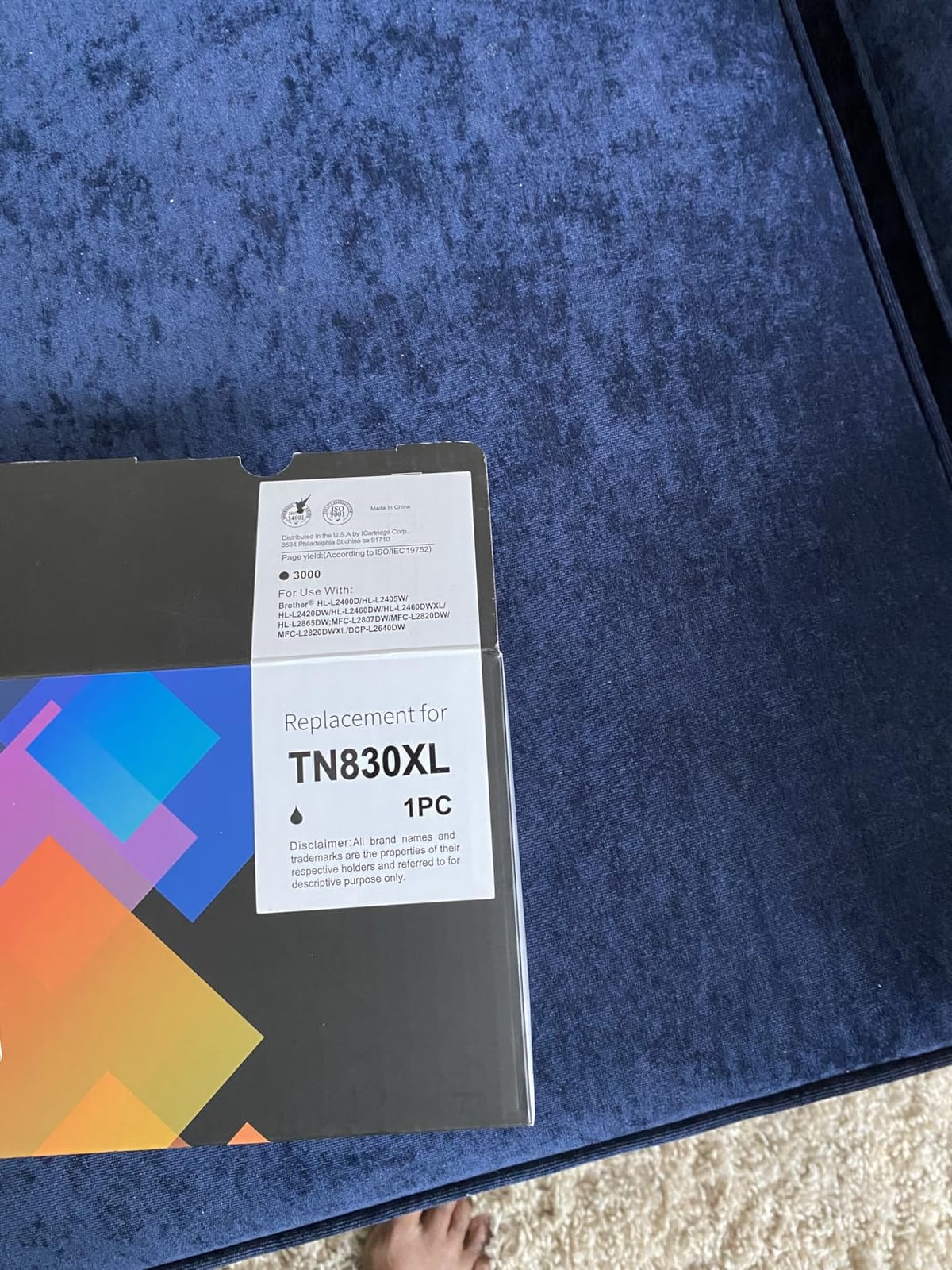
Toner is the running cost consideration. This uses Brother Genuine TN830, TN830XL and TN830XL2PK cartridges, and owners note genuine toner costs more than aftermarket equivalents. Compare the price of an XL cartridge against its published page yield before you commit, and do not assume every laser on this list has identical per-page cost.
Dual-band 2.4GHz and 5GHz wireless plus Ethernet is the right combination for a shared residence. The 5GHz band is faster and less congested, and the Ethernet port gives you a fallback if the building network is genuinely unusable. The 1-year limited warranty comes with online, phone and live chat support, which is a reasonable safety net for a device you will troubleshoot yourself at odd hours.
It is also compatible with the Refresh EZ Print subscription service, which is worth a look if you print steadily and want supplies to arrive without you thinking about it. Read the terms carefully before enrolling in anything, since the value depends entirely on your volume.
Pick the HL-L2460DW for a student with a heavy text workload, a small desk, and no real scanning need. It handles final drafts, reading packs, theses and problem sets at a speed that makes the job feel brief. It is also a strong second machine for a shared house, cheap enough in footprint to give someone their own.
Skip it if you need any colour output, any scanning, or copying. Both are absent, not reduced.
Automatic two-sided printing
1.42-inch OLED display
14 ppm black and 9 ppm color
Dual-band Wi-Fi and USB
The TS6520 solves the problem I kept running into across the other cartridge inkjets on this list: they are all single-sided. This one has automatic duplex, in a body that is still small enough for a dorm desk, with a screen that is a genuine step up from a segment display. Among the inkjets here it also holds the highest average rating in the group.
Users rate it highly for the balance of features at a budget price point, and specifically call out the OLED display and the automatic duplex. If you are choosing between cartridge inkjets, this is the one with the two features people notice after they have owned it for a month.
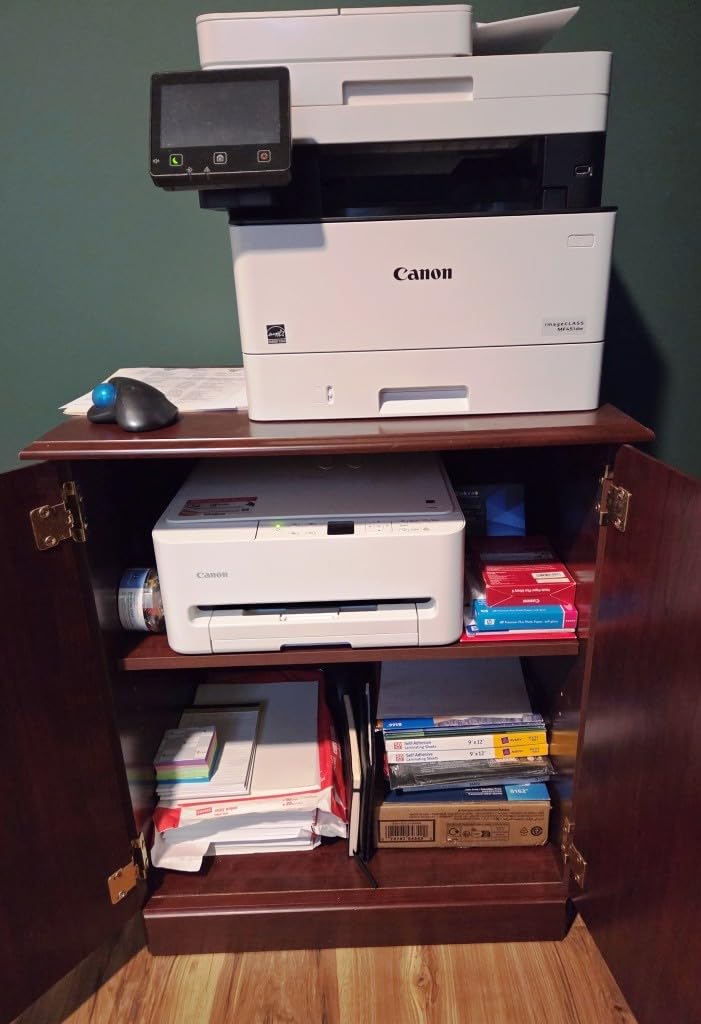
Automatic duplex means you set a stack of pages in, walk away, and come back to finished two-sided documents. For a student printing a reading pack for a seminar, or a draft of a paper to hand to a classmate, that is a real time saving every single week. It also halves your paper consumption, which matters in a building where everyone is fighting over the printer queue.
Print speed of 14 black and 9 colour pages per minute puts this ahead of the other cartridge inkjets in the roundup, and first page out is 7.5 seconds in black and 9.5 in colour. Canon supports borderless printing, so full-bleed photos come out without a margin. The 3-year manufacturer warranty is the longest on this list, which is meaningful for a device that will sit in a dorm for the length of a degree.
The TS6520 runs a two-cartridge hybrid system: a PG-295 pigment-based black tank and a CL-286 dye-based colour tank holding cyan, magenta, yellow and black. That is fewer consumables to track than a four-cartridge setup, but it is the reason colour output is not at photo quality. If you are in photography, fine art or architecture, this is not your printer.
Maximum colour resolution is listed up to 1200 by 1200 dpi, and the media ceiling is 8.5 by 11 inches only, with no legal-size support. The listed sheet capacity of 1 refers to the manual feed, so plan on refilling the main tray for anything longer than a page or two.
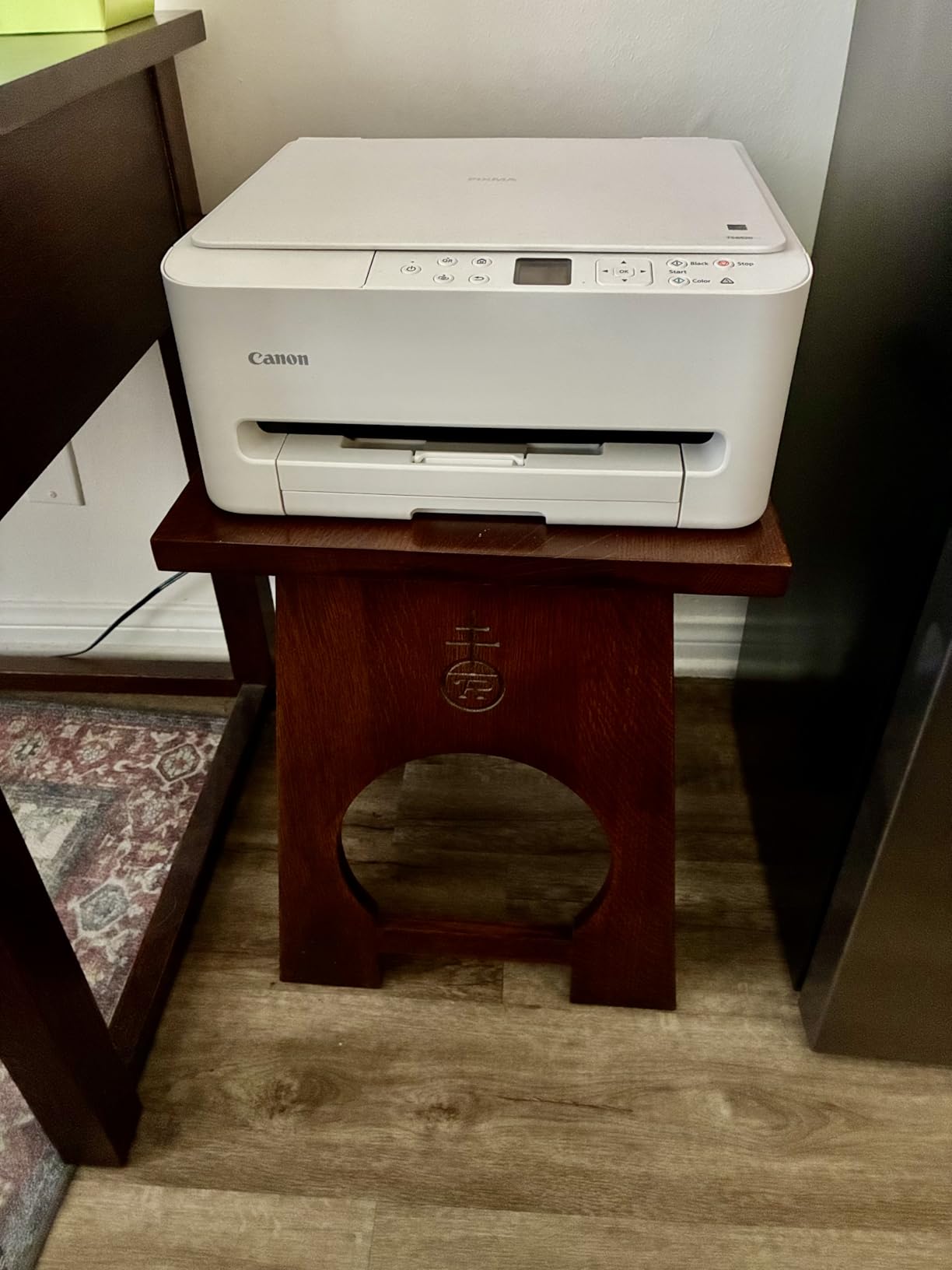
A 1.42-inch monochrome OLED shows ink levels and status at a glance without opening an app or a computer. It is a small thing and it is the thing you will be most grateful for at the moment a print job fails and you need to know whether the black tank is empty. Ink level visibility is a real quality-of-life feature in a cartridge-based machine.
Connectivity is dual-band 2.4GHz and 5GHz Wi-Fi plus USB, with the Canon PRINT app, Apple AirPrint and Mopria printing support. Print, scan and copy all work from a phone, and quick setup is designed for smartphone or computer first, which suits a student setting this up in the twenty minutes between unpacking and a Zoom lecture.
Buy the TS6520 if you print both colours and black, you want duplex without moving up to a laser, and your volume is moderate. It suits business, communications and general studies students who produce mixed batches of handouts and papers rather than one stream of text.
Skip it if your colour work needs to look genuinely photographic, if you regularly print legal-size documents, or if you scan multi-page forms, since there is no automatic document feeder here. And as always, run the cartridge cost per page before you commit.
30 ppm monochrome laser
Automatic duplex
150-sheet tray
USB wired connection only
The M209d is the most polarised recommendation in this roundup, and I want to be upfront about why. It is a good printer attached to a serious limitation. There is no wireless. It is USB, with the cable in the box, and that single fact disqualifies it for most dorm setups unless you have a desk near an Ethernet port.
For the students it does suit, owners are enthusiastic. It is described as dependable, quiet and fast, with automatic duplex at up to 30 pages per minute and text that is consistent and smudge-free. Setup is genuinely plug-and-play, which is more than can be said for plenty of wireless printers.
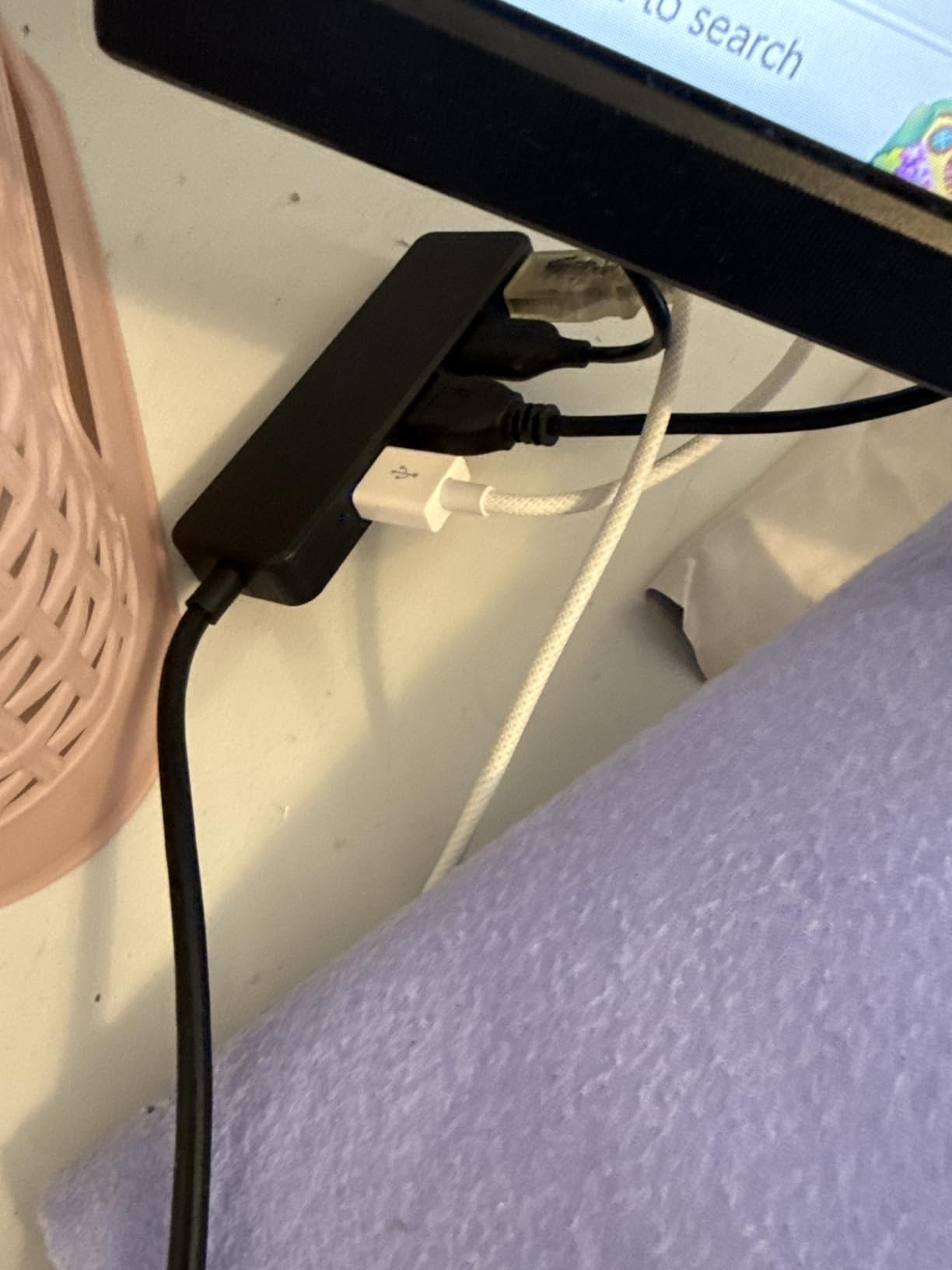
If you already have a wired desk, the wired-only design turns into an advantage. No network password, no app, no 2.4GHz congestion on a building full of competing routers, no firmware step after a semester away. The printer appears when the cable goes in. For a student with a wired network port in their room, that removes an entire category of frustration.
If you do not have Ethernet, the same design is disqualifying. Wi-Fi Direct and mobile printing are absent, and with a dorm network the cable route means routing a wire to a desk, which is its own negotiation with your roommate and your residence hall.
HP drivers are not compatible with macOS 12 and later, and this is a recurring support issue in owner reviews. Before buying, check whether a current driver is available for your machine. If you are on a recent Mac and rely on AirPrint with no HP driver, this printer is not going to work the way you expect, and that is worth verifying before anything else.
It also works only with cartridges containing HP chips or circuitry, which blocks third-party and remanufactured cartridges. That is a running cost decision, not a compatibility one: you are buying HP cartridges, at HP pricing, and you should factor that into your per-page maths exactly as you would for the genuine toner on either Brother unit.
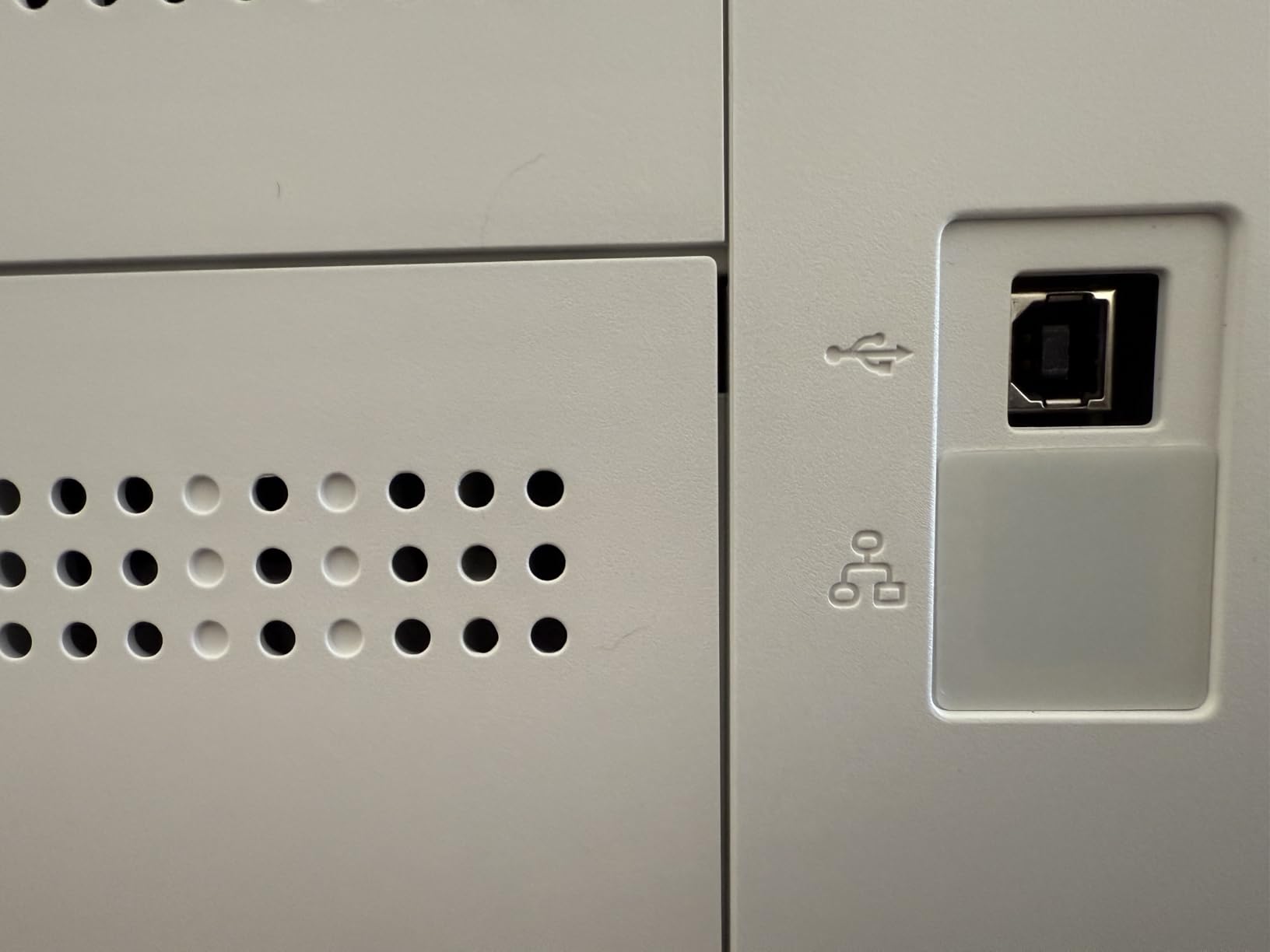
Automatic duplex at up to 30 pages per minute is the core capability, and it is genuinely fast. The 150-sheet tray sits in the middle of this group, sized for a term of work rather than a single afternoon, and paper handling covers 4×6 up to 8.5 by 14 inches, which includes legal size, a step above the Canon TS6520.
Resolution is 600 by 600 dpi, which is basic and shows in fine text at very close inspection. Maximum copies per run is listed from 1 to 999, and the smart-guided buttons with LCD make the few controls on the unit easy enough to use. The design is compact at 13.98 by 8.07 by 11 inches, and it ships with a dust cover, power cord, reference guide and USB cable.
Buy the M209d if you have a wired desk, a Mac-independent setup or a Linux machine, and a high volume of black-and-white duplex work. It is also a good fit for a shared office-style space where one machine serves a whole study group over a wired network.
Skip it for a typical dorm room with no Ethernet, for any colour work, and for any current Mac user who has not confirmed driver support. There are better fits for all three.
21 ppm monochrome laser
Print scan and copy
Wireless with self-reset plus USB
10.4 by 14.2 by 7.8 inches
When desk space is the binding constraint, this is the machine. At 10.4 inches deep by 14.2 inches wide by 7.8 inches high and 11.9 pounds, the M140w is the smallest multi-function laser in this comparison by a clear margin, and it still prints, scans and copies in monochrome.
Users like the tiny footprint, the wireless convenience and having scan and copy functions in a low-cost laser package. The self-reset wireless feature helps a lot in a residence hall, where the printer joins the network on its own instead of waiting for you to push a button on the panel.
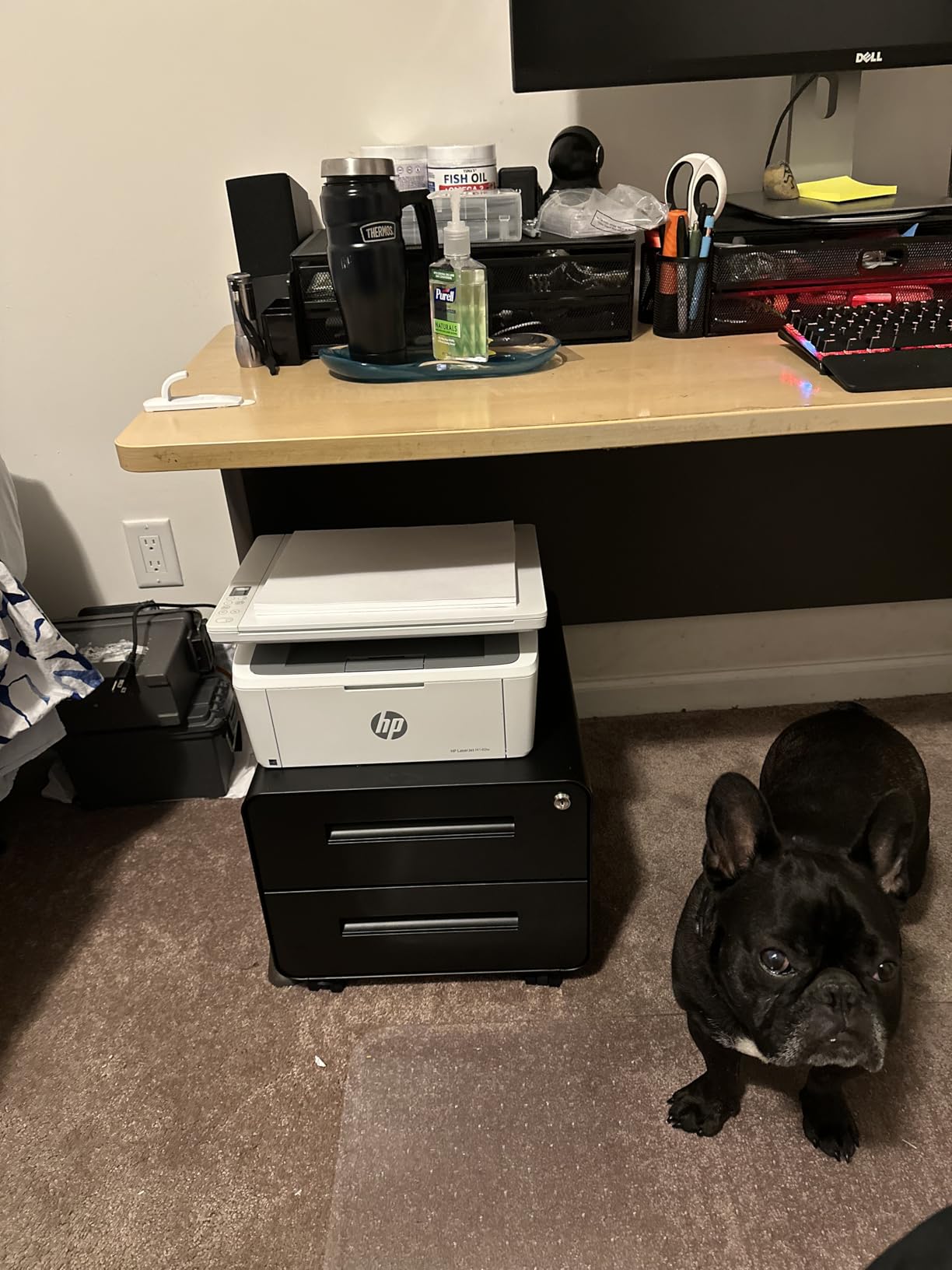
This is the laser to buy when your desk is about 14 inches wide and you cannot negotiate for more. It still gives you flatbed scanning and copying, which the print-only Brother and HP units do not, and it does so in a body that will actually fit beside a laptop and a stack of notes.
It is not the laser to buy if volume is high. Twenty-one pages per minute is respectable but well behind the 36 ppm Brother units, and there is no automatic duplex, so two-sided printing is manual. For a student printing a few pages a day rather than a few hundred a week, that is a fair set of compromises for the footprint saving.
It requires genuine HP chips or circuitry cartridges and blocks third-party ones, which is the same restriction as the HP LaserJet M209d. The preinstalled toner is an introductory cartridge, and owners flag its yield as modest, so treat the first cartridge as a starter rather than a full fill.
Paper capacity is 99 sheets, the smallest in the roundup, and output resolution is 600 by 600 dpi. Copy runs are capped at 99 pages per run, and there is one tray. None of that is disqualifying for a light-volume student, but all of it says this is a personal machine, not a shared one.
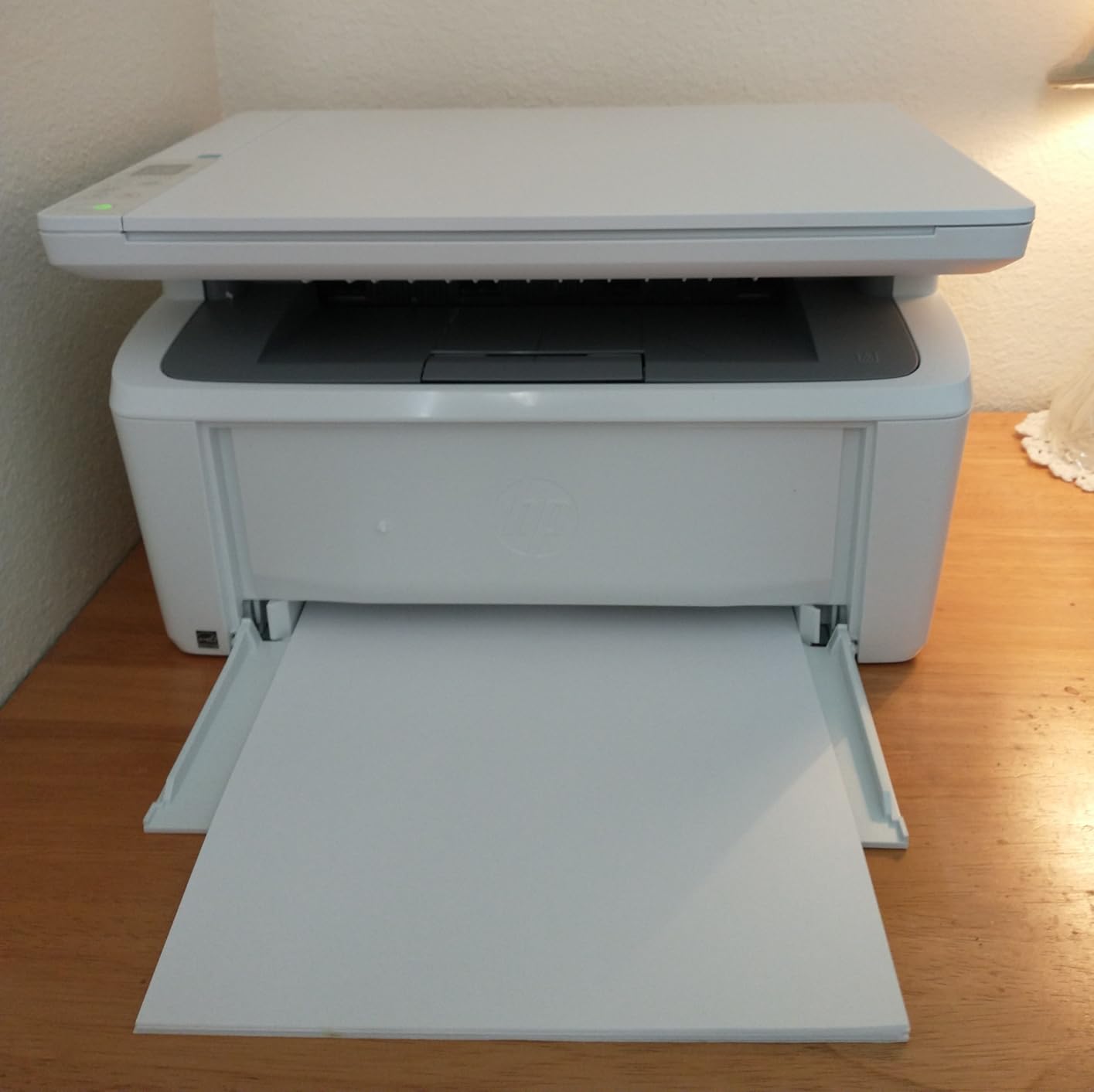
Connectivity is USB 2.0 plus wireless with self-reset, and compatibility covers Microsoft, Mac, AirPrint, Android and Chromebook. The HP Smart app handles cloud scanning and mobile print and copy jobs, which is the practical way most students will use the scan function given there is no document feeder.
There is one feature worth calling out for administrative paperwork: the ability to copy both sides of an ID card or a small folded document onto a single sheet. For students filling out forms that require an ID copy, that saves a scanner app and a re-scan.
The M140w fits a student in a very small room, on a very small desk, who prints mostly black and white, occasionally needs to scan or copy, and does not need duplex. It is a strong choice for a first-year in a compact dorm room who does not know how much they will print yet.
Skip it if you expect a heavy printing load or regularly handle multi-page documents, since there is no document feeder and no automatic duplex. In that case, spending up on the Brother DCP-L2640DW solves three problems at once.
Every question in this category comes back to volume, because volume is the only variable that changes the answer entirely. A student printing 100 pages a term and a student printing 1,000 pages a term are not the same shopper, and the price gap between their correct answers is far wider than the gap between any two printers on this list. Estimate your volume first. Count the last term’s reading lists, problem sets and drafts, multiply by two for a heavy course load, and you have your number.
With that number in hand, work through these decisions in order.
Inkjet sprays liquid ink. It handles colour, photos and borderless printing, and it is the only category that produces real photographs. It also uses sealed cartridges that you replace, which is where the ongoing cost comes from.
Ink tank, supertank, EcoTank or MegaTank is an inkjet whose ink you pour in from refillable bottles. Same liquid ink technology, completely different economics. The ET-2800 lists up to 4,500 black pages per ink set, the G3270 up to 6,000, and those yields are what make the running cost low.
Monochrome laser fuses powdered toner with heat. Text is sharper, faster and cheaper per page, and it never clogs, but you get no colour at all. A laser also sits happily through a summer break, which matters if you are not printing between May and August.
Rule of thumb: under roughly 500 pages a year in black, a cartridge inkjet is defensible. Above that, an ink tank is almost always cheaper. Heavy black-and-white volume, especially with duplex needs, is laser territory.
Two-sided printing by hand means the machine pauses, you flip the stack, reinsert it correctly, and hope the alignment is right. On a twenty-page reading list that is four interruptions. Automatic duplex does it without you, and on the printers here it appears on the Brother DCP-L2640DW, the Brother HL-L2460DW, the Canon TS6520 and the HP LaserJet M209d. It is absent on the ET-2800, the G3270, the TS3720 and the HP M140w.
Automatic duplex also halves paper consumption, which matters more than people expect. A student printing two 20-page packs a week for a seminar group is saving real paper, and on a shared floor where the printer queue is already a sore point, being the person who does not waste sheets earns goodwill.
Dual-band means the printer can speak both 2.4GHz and 5GHz. In a residence hall, 2.4GHz is congested, has longer range and worse interference. A 2.4GHz-only printer will work, and it will also frustrate you. Six of the eight printers here support dual-band, including the entry-level Canon TS3720, which is a better spec than most people expect at that level.
Two other connectivity checks. First, confirm AirPrint or Mopria support if you own a Chromebook or an iPhone, because that removes driver installation entirely; the TS3720, TS6520 and HP M140w all list it. Second, check the dorm network itself. Some residence halls use a captive portal that blocks new devices, and some do not allow peer-to-peer connections at all. In that case, Wi-Fi Direct or a USB cable is your only route, and that should rule models in or out before you buy.
Here is the method. Find the manufacturer’s published page yield for a full set of the printer’s consumables, in black and in colour separately. Find the cost of that same set. Divide, and you have your real per-page number. Then multiply by your estimated annual volume, and then by four for the length of a degree.
Do this for two or three candidates rather than one. The exercise changes the ranking more often than students expect, because the printer with the lowest purchase price usually has the highest per-page cost, and the machine with the highest yield usually wins over a full degree even if it looked expensive on the shelf.
A useful check on the way through: an ink tank’s published yield in the thousands of pages is an order of magnitude above a cartridge’s. When you see that number next to the price of a full cartridge set, the decision usually makes itself.
A library print centre is a real alternative, and for some students it is the correct one. If you print under about 100 pages a term, the convenience of walking to a library that is already open, at a machine maintained by someone else, with no cartridges to buy and no ink to clog, is worth more than owning a box on your desk.
Also consider the used route. Forum consensus repeatedly points to a used or refurbished monochrome laser as the economical choice for a student, and the logic holds: a laser does not clog when left idle, used toner is available, and the machines are mechanically simpler than inkjets. Know the trade-offs, though. A used laser has no warranty, its drum unit is a consumable with a finite life, and proprietary cartridges lock you into genuine supplies.
Not every programme is text-heavy, though. If your coursework runs to diagrams, charts, slides or lab paperwork rather than essays, the priority order changes: colour range and borderless printing move up, and speed moves down. Our guides to gifts for astrophysics students and best gifts for medical students cover the rest of a lab or field kit where a printer is only one piece.
Buy a printer when your volume is high enough that per-page cost matters, when you need colour or scanning on your own schedule, or when finals week deadlines make a library queue a liability. Skip it when none of those apply.
This is the failure nobody warns you about. Liquid ink dries in a print head, and a machine that sits untouched from May to September can come out of storage producing streaks, faded patches or nothing at all. This is the specific reason forum readers reach for a cheap monochrome laser or a used laser model, and it is worth taking seriously.
Three habits prevent it. Print one test page every three or four weeks during the break, which keeps the head moving and costs you almost nothing. If you are travelling, do not leave cartridges out of the machine or sitting in a car, because temperature swings matter more than most people expect. And if you are packing the printer to move out, pack it upright with the cartridges installed and let it sit in a warm room for a few hours before powering on.
If you do come back to a clogged inkjet, it is usually recoverable rather than dead. Running the printer’s own cleaning cycle a few times, or printing a nozzle check pattern, clears most light clogs. A laser simply never has this problem, which is the quiet argument for laser in a student household where the printer sits idle for a third of the year.
For most students the best home printer is a refillable ink tank such as the Epson EcoTank ET-2800 or the Canon MegaTank G3270. Both pour ink in from bottles instead of sealed cartridges, and both publish yields in the thousands of pages per fill, which keeps cost per page low across a four-year degree. Choose a monochrome laser instead if you print mostly black text at high volume or want automatic duplex.
Buy based on print volume and colour needs. Low volume and mostly black printing suits a cartridge inkjet such as the Canon PIXMA TS3720. Moderate volume with occasional colour suits an ink tank. High volume of black text with duplex needs suits a monochrome laser such as the Brother DCP-L2640DW or HL-L2460DW. Check automatic duplex, dual-band Wi-Fi and desk footprint before buying.
A laser is better for black-and-white volume: faster, sharper text, cheaper per page, automatic duplex is common, and it will not clog after sitting unused. An inkjet is better if you need colour, photos or borderless printing. An ink tank sits between the two, offering liquid ink and colour with cartridge-free running costs. Students who print mostly text usually come out ahead with a monochrome laser.
It depends on which architecture you want. HP covers both ends of the market here, from the tiny wireless LaserJet MFP M140w to a wired monochrome LaserJet M209d, and its laser units require genuine HP chips cartridges. Epson’s EcoTank ET-2800 is cartridge-free with published yields up to 4,500 black pages per ink set. Judge them on cost per page and duplex, not on brand.
For a dorm room, prioritise footprint, dual-band Wi-Fi and low running cost. The Canon PIXMA TS6520 and the HP LaserJet MFP M140w are among the most compact options, both with wireless and AirPrint support. For cheapest pages over a degree, an ink tank such as the Epson EcoTank ET-2800 wins despite its larger footprint. Avoid wired-only models unless your room has an Ethernet port.
Pick the Epson EcoTank ET-2800 if you want the running cost to disappear from your budget. It is our top pick for a reason, and the page yield per ink set is the reason rather than the box.
Choose the Canon MegaTank G3270 if you want the same economics with a readable screen and a slightly different shape on the desk. Choose the Canon PIXMA TS6520 if duplex matters more than the lowest per-page cost. Choose the Canon PIXMA TS3720 only if your total volume is genuinely small.
Choose the Brother DCP-L2640DW if you print heavy black-and-white work and handle a lot of scanned forms, since the 50-page feeder is the feature nothing else in this roundup combines with 36 ppm and duplex. Choose the Brother HL-L2460DW for the same output without a scanner. Choose the HP LaserJet MFP M140w if your desk is tiny. Choose the HP LaserJet M209d only if you have a wired desk and no current Mac.
Whichever you choose, work out cost per page before you work out anything else. It is the only number that decides this purchase over four years. If you are still setting up your study space, our picks for student microscopes and grad student gifts cover the rest of the kit.