Physical Address
304 North Cardinal St.
Dorchester Center, MA 02124
Physical Address
304 North Cardinal St.
Dorchester Center, MA 02124

If you want one honest answer before you read anything else: the Mayflash F300 is the best arcade fight stick for beginners, because it works on every console and PC platform you are likely to own, accepts standard Sanwa parts, and has more owner reviews than any other stick in this guide. You do not need to spend more to learn properly.
That matters because the fight stick category is full of options aimed at people who already know what a lever gate, a Vewlix layout and a PCB are. Forums fill with the same question every week: which brand is reliable enough to buy as a first stick, and whether a cheap one is genuinely good enough to start on. I spent weeks putting ten of the most-recommended beginner sticks through the same routine, swapping parts, checking platform support, and testing them on the training modes people actually learn in.
The result is a guide built around what a first stick has to do: register every motion the first time, fit the buttons your hands can find without looking, and be openable when you outgrow the parts inside it. Nothing here is a tournament-rig recommendation dressed up as a beginner option.



An arcade fight stick is a fighting-game controller built around a real arcade-style joystick and large, fast, fully interchangeable buttons, usually six or eight arranged in a Vewlix or Noir layout. It plugs into a PC or console and replaces the gamepad you would normally use.
Two things make it different from a pad. The joystick gives true one-to-one eight-direction input instead of thumbstick drift and hidden ranges, and the buttons are big enough to hit without looking down, with almost no travel between press and registration. Short motions and frame-tight button sequences that a pad often eats register cleanly on a stick.
Because the buttons and lever use standard mounting sizes, the parts inside are replaceable. That is what makes a first stick a good investment rather than a dead end.
Most beginners should buy a joystick stick, not a leverless controller. Leverless controllers are everywhere right now and they are excellent, but they assume you already understand which inputs a fighting game wants. Learning a quarter-circle motion for the first time while also learning that the game maps your face buttons to something unusual is two hard things at once.
A joystick stick gives you one job: the stick does directions and the buttons do attacks. That separation is why community recommendations for a first stick keep landing on models like the Mayflash F300 and the 8BitDo Arcade Stick.
There are two cases for leverless anyway. If you came to fighting games through a hitbox-style layout and already have the motions down, a leverless pad is a genuine upgrade. And if you play on a handheld or want something that works as a flat pad for platformers, a stick adds desk weight you do not need.
Everything below is a joystick stick. If you want the flat alternative, the 8BitDo models have the widest platform support for both styles.
| Product | Features | |
|---|---|---|
| Mayflash F300 |
|
Check Latest Price |
| 8BitDo Arcade Stick |
|
Check Latest Price |
| 8BitDo Arcade Stick Xbox |
|
Check Latest Price |
 HORI Fighting Stick Alpha HORI Fighting Stick Alpha |
|
Check Latest Price |
 HORI Fighting Stick Mini HORI Fighting Stick Mini |
|
Check Latest Price |
 PDP Victrix Pro FS PDP Victrix Pro FS |
|
Check Latest Price |
 Nacon Daija Nacon Daija |
|
Check Latest Price |
 Qanba N3 Drone 2 Qanba N3 Drone 2 |
|
Check Latest Price |
 8BitDo Retro Wireless Stick 8BitDo Retro Wireless Stick |
|
Check Latest Price |
 Mayflash F700 Mayflash F700 |
|
Check Latest Price |
We earn from qualifying purchases. CERTAIN CONTENT THAT APPEARS ON THIS SITE COMES FROM AMAZON. THIS CONTENT IS PROVIDED 'AS IS' AND IS SUBJECT TO CHANGE OR REMOVAL AT ANY TIME.
Wired USB
Nine platform families
Sanwa parts compatible
Turbo with speed settings
This is the recommendation that shows up again and again when beginners ask for a first stick, and after spending time with it I understand why. The F300 covers Switch, PS4, PS3, Xbox Series S and X, Xbox One, Xbox 360, Windows, macOS, Steam Deck and Android from one box, which means you are not replacing your controller the day a new console drops.
It runs on a wired USB connection, and for learning that is arguably the right call. Turbo buttons with multiple speed settings are included, which is one of the first things competitive players look for and one of the cheapest sticks here to offer.
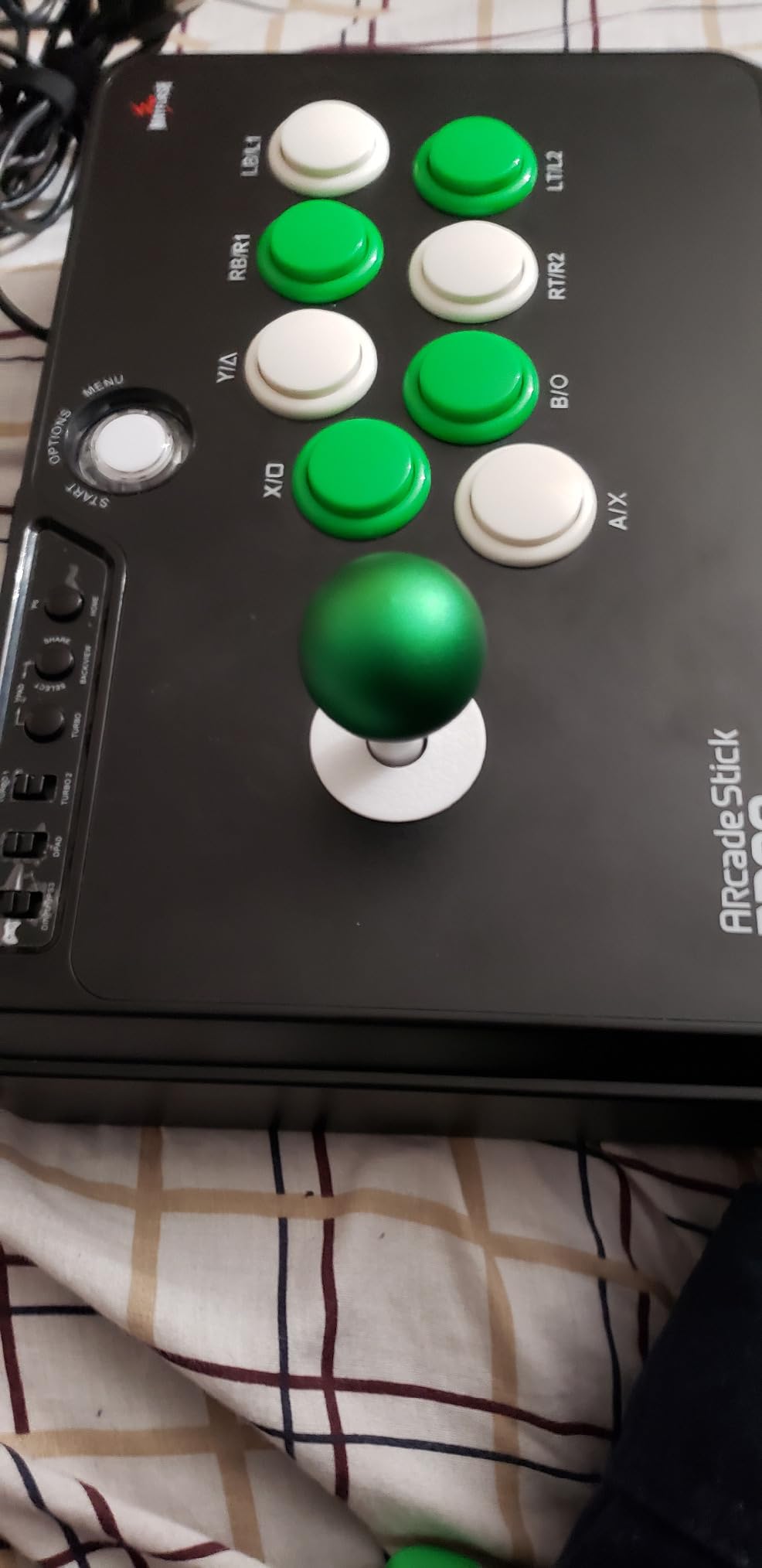
The construction is honest rather than fancy. It weighs 2 kg and measures 22 by 13 by 11 inches, so it is a large stick and some players find it bulky on a lap. The lever and buttons use standard Sanwa Denshi dimensions, so when you outgrow the parts inside, replacements drop in.
Every other stick in this guide has a gap. This one has PS5, but through a Mayflash Magic-S Ultimate adapter or MagicBoots-S5 converter rather than natively, and there is no touchpad button, so some PS5 menus need a second controller.
On PC it is unusually accommodating. It supports XInput and DInput, so it works whether a game expects Direct Input or the newer standard, and Steam Deck users are covered without an adapter.
The buttons accept Sanwa Denshi parts, which is the single most-cited confidence signal in the community. A button swap takes minutes with basic tools, so the first upgrade a beginner makes is usually the buttons themselves rather than the whole stick.
Turbo with several speed settings is a genuine advantage at this tier. It lets you practise a rapid-fire move without frame-perfect timing, which is one of the fastest ways to build confidence while you are still learning motion inputs.
The warranty here is 90 days, noticeably shorter than the one-year coverage several rivals carry. That is the main reason this stick sits below some competitors on paper, and the reason I would not treat it as the last stick you will ever buy.
What you get instead is the largest owner review base in this guide, which means problems surface early and fixes are easy to find. For a first stick, that information is worth more than warranty length.
Bluetooth, 2.4G and USB-C
4.6 pounds of stable weight
Universal Sanwa mounting plate
Switch and Windows
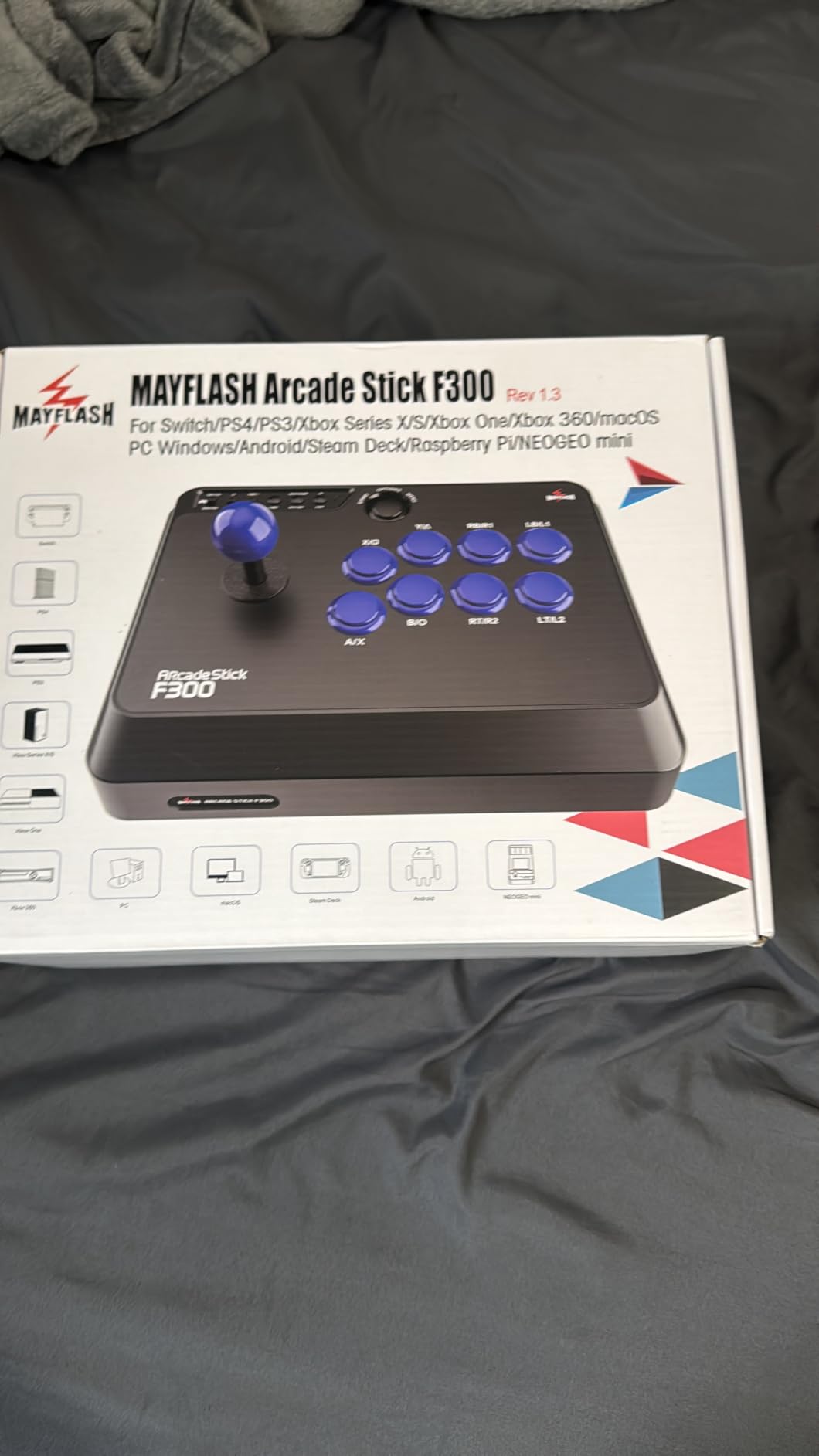
This is the stick I recommend when someone tells me they mostly play on a Switch or a PC and wants something that feels substantial from day one. At 4.6 pounds it does not wander across a desk when you lean into a quarter-circle, which is a small detail that changes everything about a first week of practice.
The 8BitDo Ultimate software handles button mapping and macro binding, and a dynamic layout feature changes the button functions depending on the mode you are in. You are not stuck with a fixed layout for life.
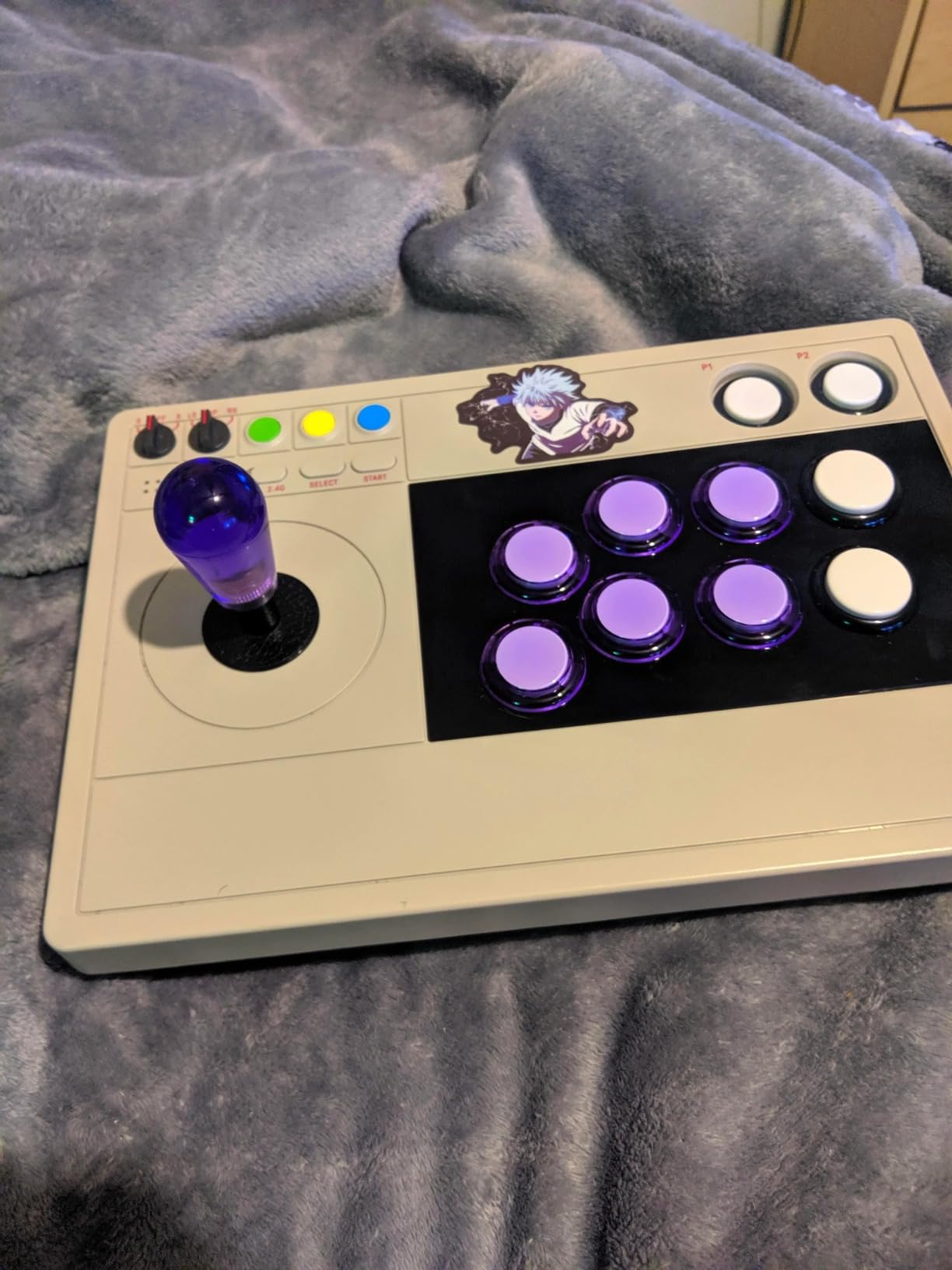
Bluetooth, a 2.4G receiver and wired USB-C are all supported, and the receiver stows in a hidden compartment in the case so you do not lose it. Wired is still the lowest-latency option, but wireless removes the cable that gets caught on a desk edge mid-match.
For a beginner this is a comfort feature more than a performance one. Sitting down to practise without routing a cable is one less reason to skip a session.
The universal mounting plate accepts Sanwa arcade sticks, so the lever swaps without a soldering iron or a special jig. That is the friendliest modding story in the guide for a first-timer.
The one component complaint that repeats is the square gate. Players used to octagonal gates report it feels slightly different at the diagonals. It is a preference issue rather than a defect, and the mounting plate means you can change it later.
It measures 11.93 by 4.37 by 7.99 inches, so it is one of the more compact sticks here. Opening the case needs a narrow T10 Torx screwdriver, which is worth knowing before you plan your first mod.
Platform support is the trade-off. If you own a PlayStation or Xbox as your main machine, this stick will not serve you, and the two 8BitDo models further down cover those consoles instead.
Officially licensed for Xbox
2.4GHz and wired
3.5mm headphone jack
8-button layout
Before this stick existed, arcade options for Xbox owners were thin and expensive. That is the gap it fills, and the 842 owner reviews at 4.6 suggest buyers found exactly what they were looking for rather than settling.
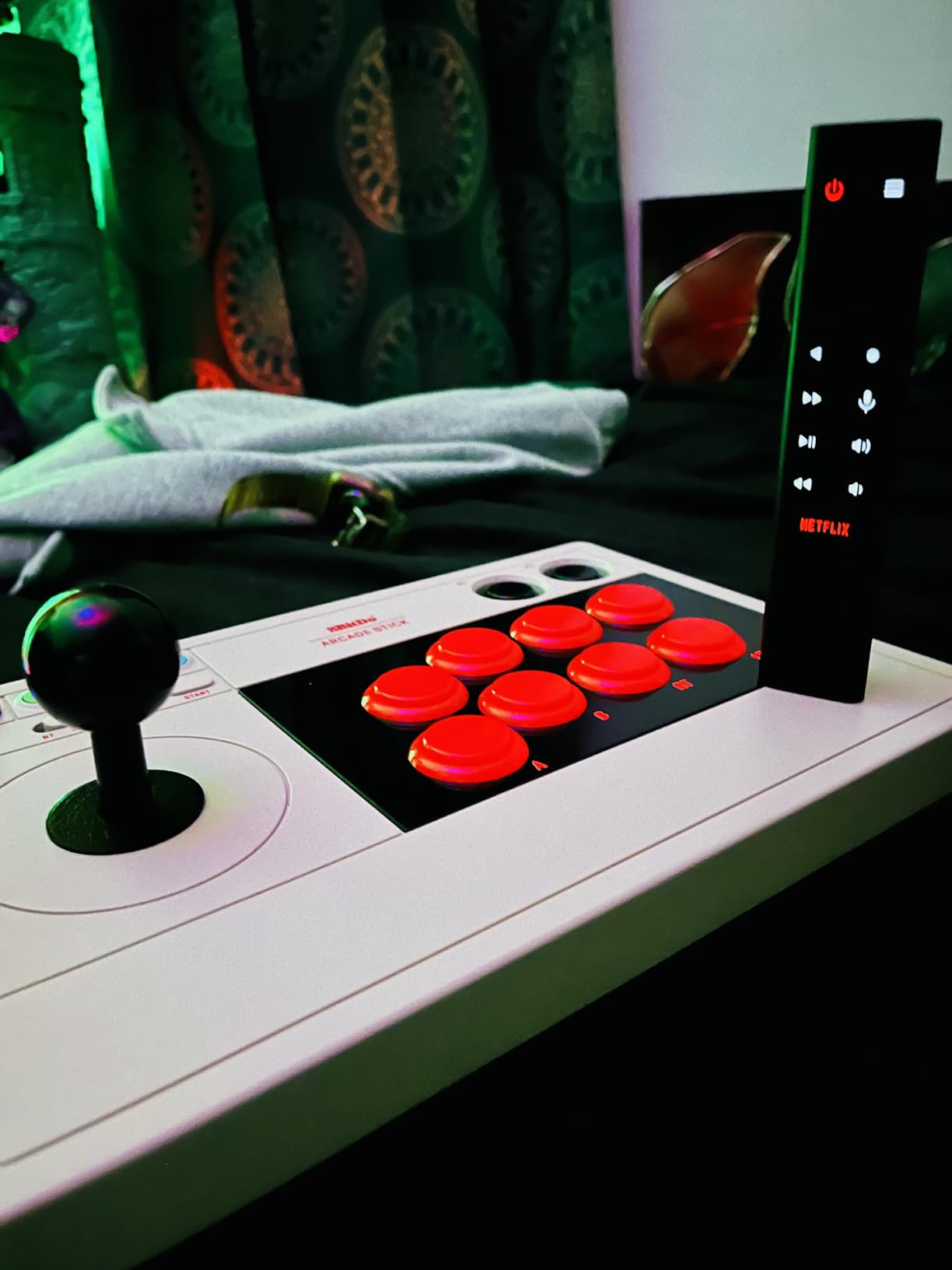
You get an 8-button layout, 2.4GHz wireless or a wired connection, and a 3.5mm headphone jack with volume control on the top panel. That jack is genuinely unusual at this level and removes a cable from the setup entirely.
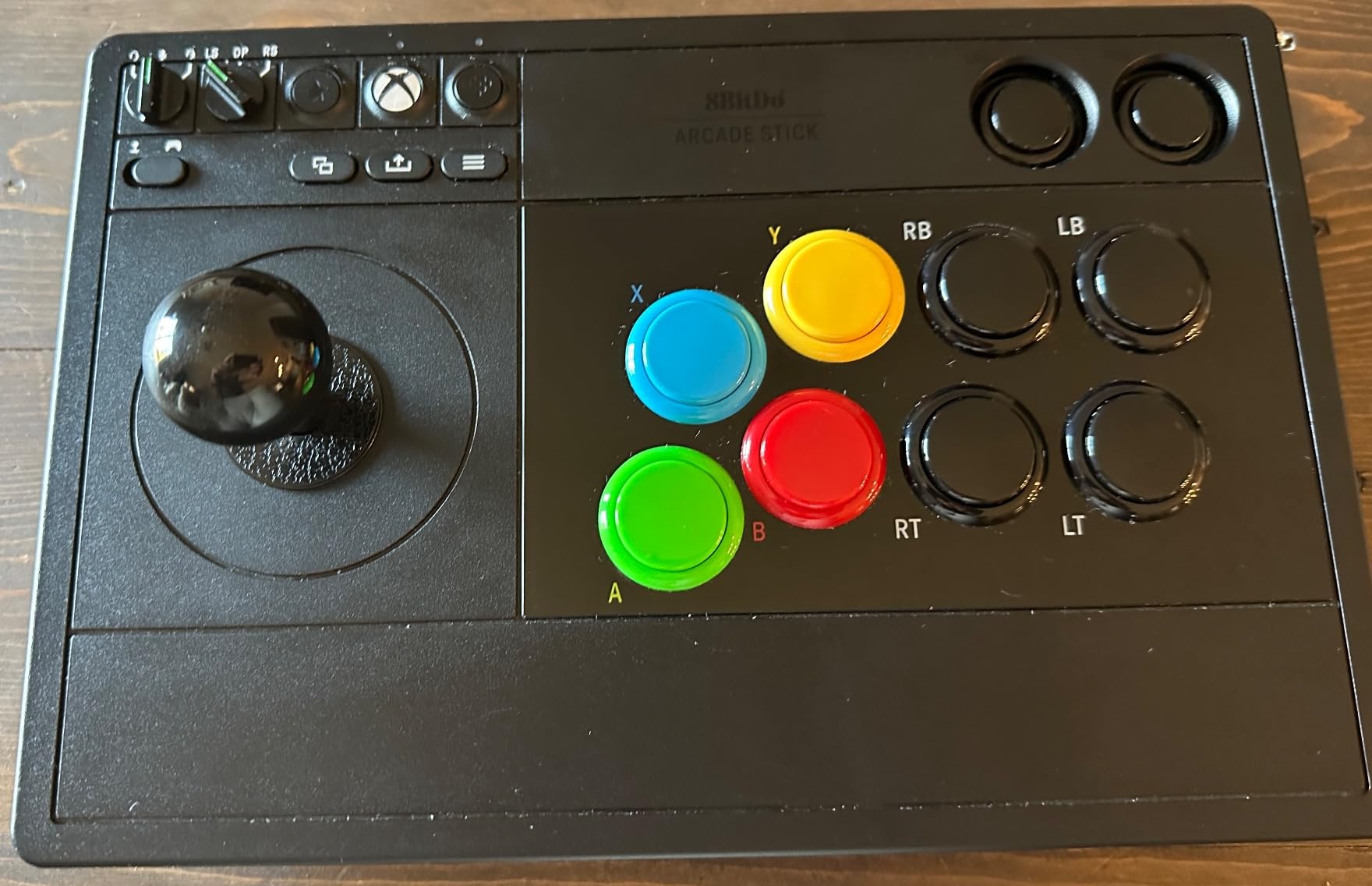
Fighting game sessions are long, and having audio and volume on the controller rather than routed through the console means you can turn things down without leaving the match. For a beginner putting in practice hours, that is a comfort detail that gets used daily.
The dongle connection is 2.4GHz rather than Bluetooth, and it is the lower-latency of the two wireless options in general use. Owners report it working straight out of the packaging with no pairing ritual.
8Bitdo Ultimate supports customizable button mapping plus fast-mapping and profile buttons. It does not include macros or turbo functions, so if you want to practise rapid-fire inputs on this stick you will need another route.
That is the honest trade against the 8BitDo Switch model, which does include macro buttons and turbo. Console support decides it: pick this one for Xbox, pick that one for Nintendo and PC wireless.
Owners like the heft and stability for lap play, and the battery runs up to 30 play hours on a four-hour charge, which means you will rarely think about it. The buttons take Sanwa OBSF-30 parts for a proper first upgrade.
The complaint that comes up most is labelling. The black buttons have small, low-contrast text, so you may want to add button caps or a top-panel cover once you settle on a layout. There is no plexi top panel for custom artwork as standard.
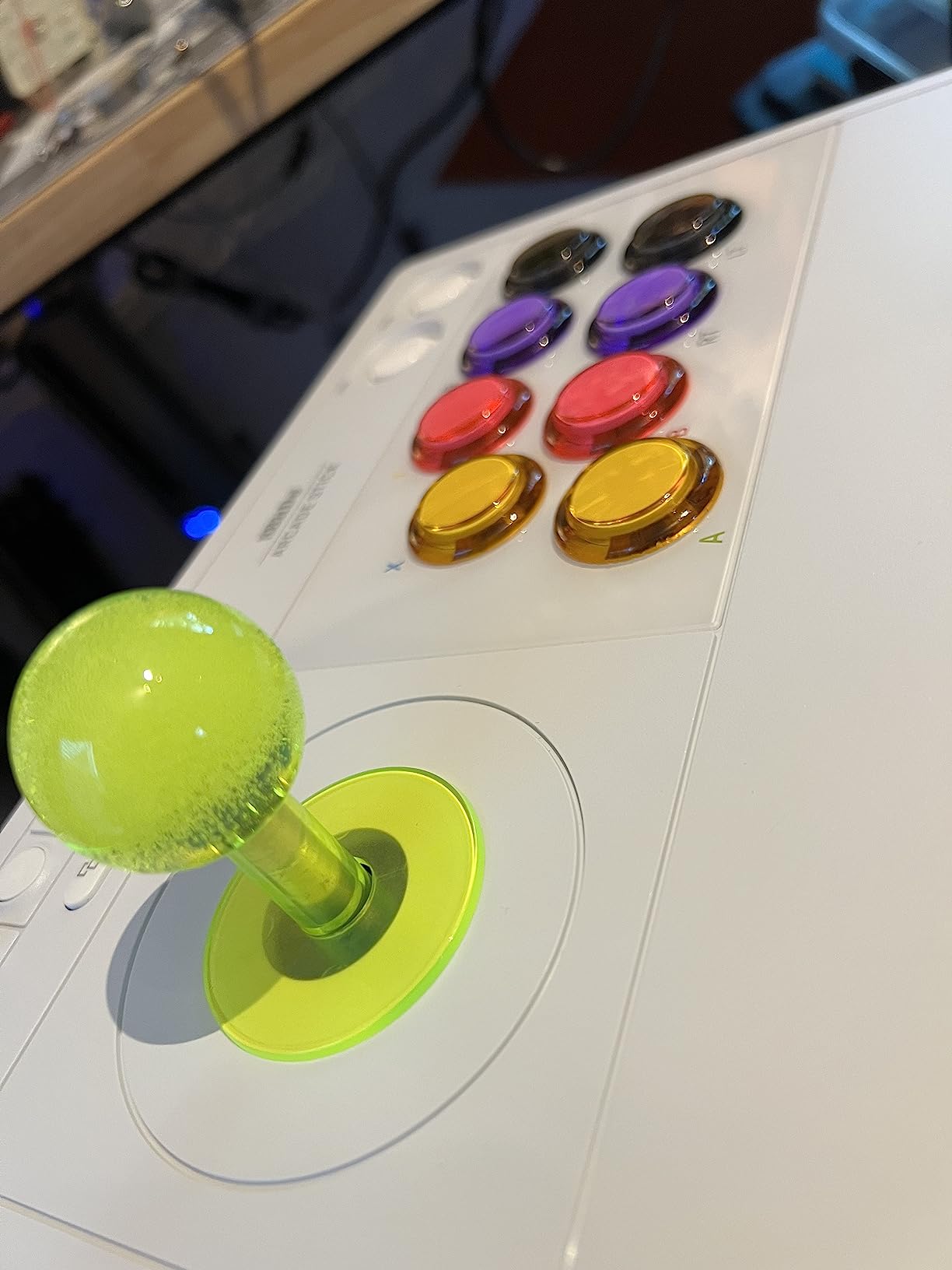
PS5, PS4 and PC
Touchpad and share buttons
Clamshell case opens for modding
Hayabusa buttons and lever
The single most common beginner compatibility complaint is adapters, cables and missing buttons. The Alpha removes all of that on PS5 by including the touchpad, share and option buttons natively, which means you never leave the stick to navigate a store or change a setting.
At 1.5 kg and 18.9 by 6.5 by 14.37 inches it is a full-size stick that sits properly on a desk, and it carries a one-year manufacturer warranty.
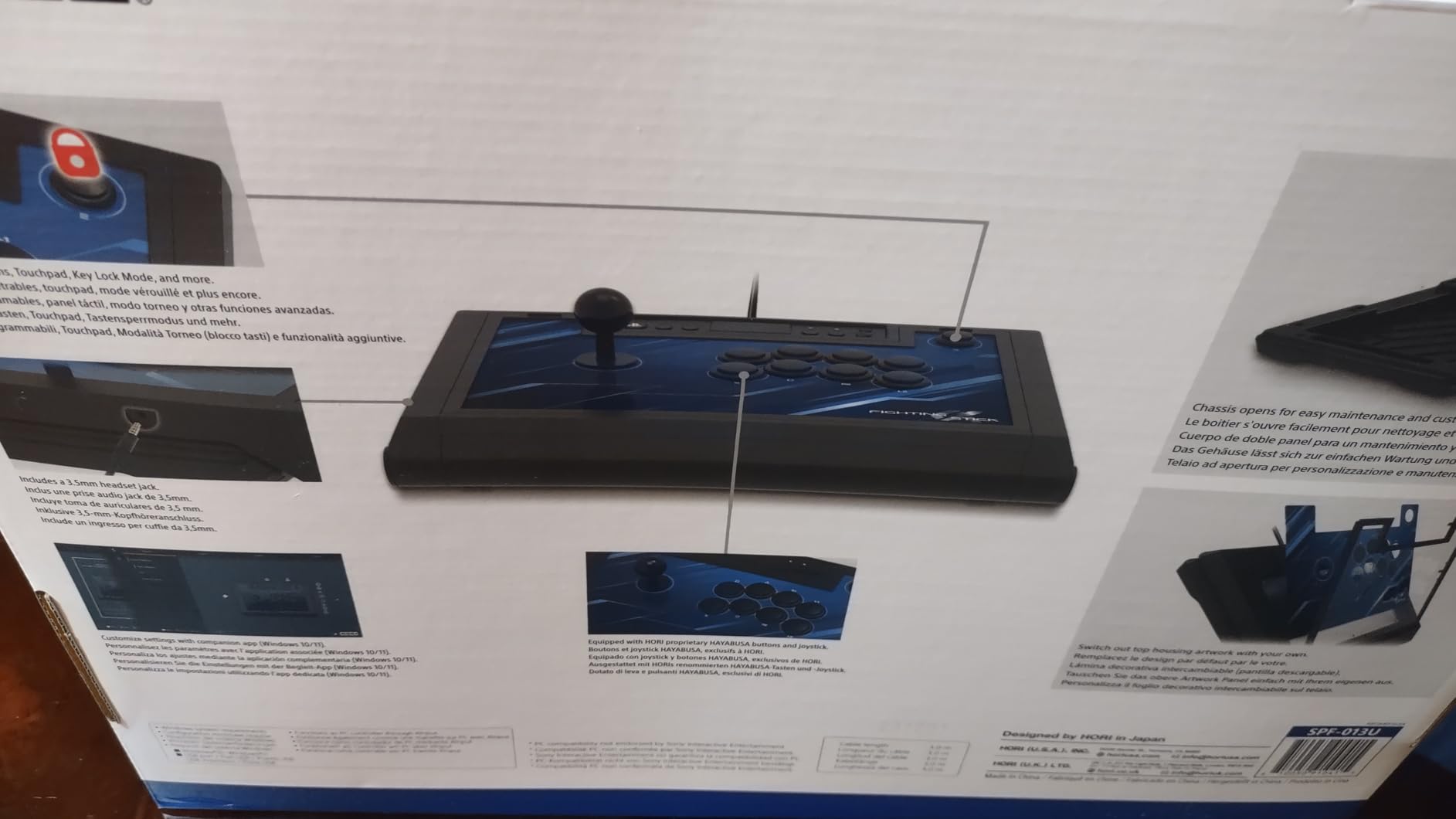
The whole top opens up for maintenance, so a beginner can reach the wiring and the button mounting without dismantling the chassis. Tool-free access is the difference between a first mod that takes an evening and one that takes an afternoon.
The top-panel artwork is also replaceable, which sounds cosmetic until you realise it is the part of the stick people look at every session. The catch is that swapping artwork means removing the buttons first.
Hayabusa buttons and joystick are fitted, and they are among the most responsive parts in this category. The recurring note is that they feel sensitive out of the packaging with a short throw, which some players love and some find twitchy during long sessions.
It is also a lever gate design, so if you have read that a Japanese gate gives more diagonal precision, that applies here. Practice on it long enough and it becomes invisible.
There are no turbo buttons, and there is no way to reassign which side controls the stick. For someone who wants to practise dashes and rapid-fire motions from day one, that is a real gap compared with the Mayflash models.
The shell is predominantly plastic, so it does not have the rigid feel of an aluminum tournament chassis. Owners also mention the internal cable wrap bundling the cord and occasionally pinching the lacing when the case closes.
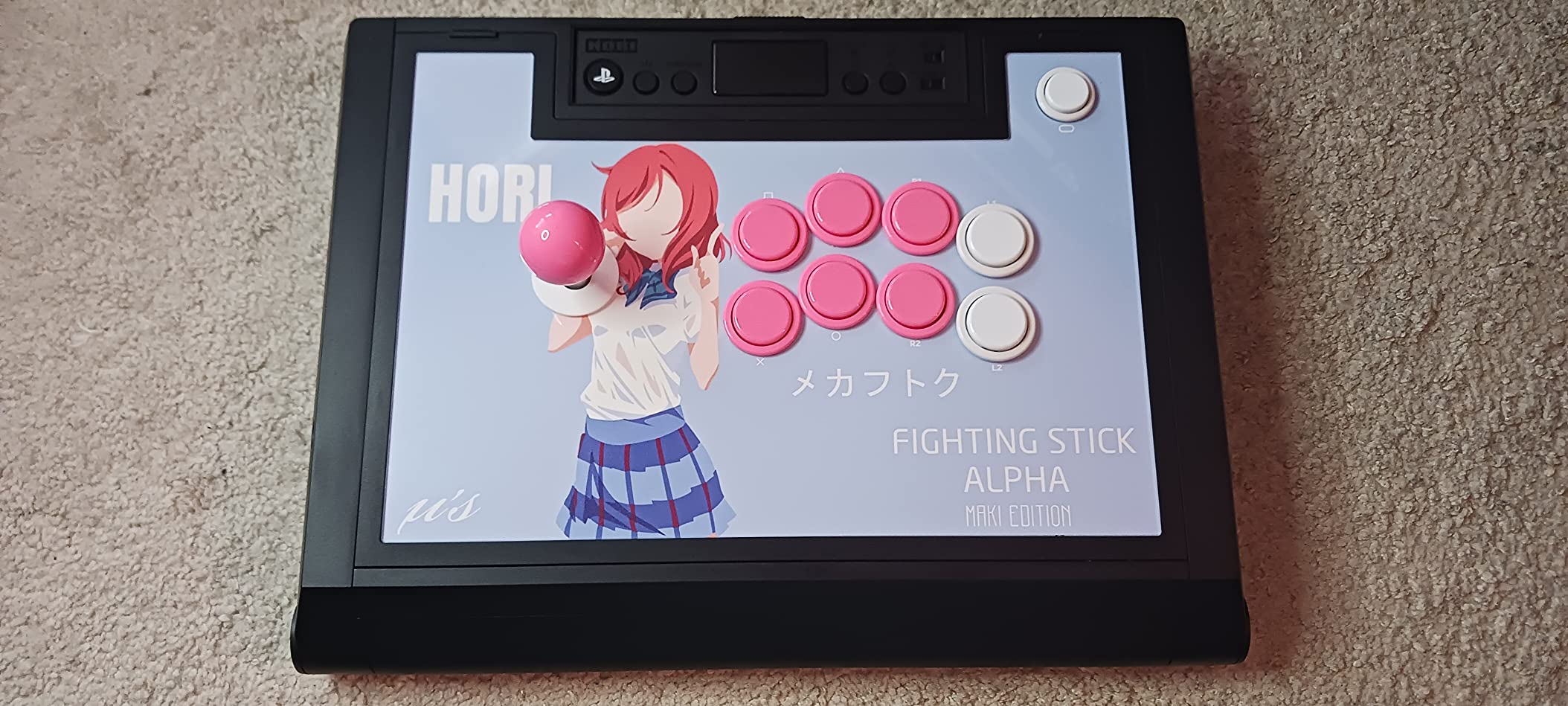
5.91 by 8.27 by 3.43 inches
467 g
8-button layout with 30mm buttons
PS5, PS4 and PC
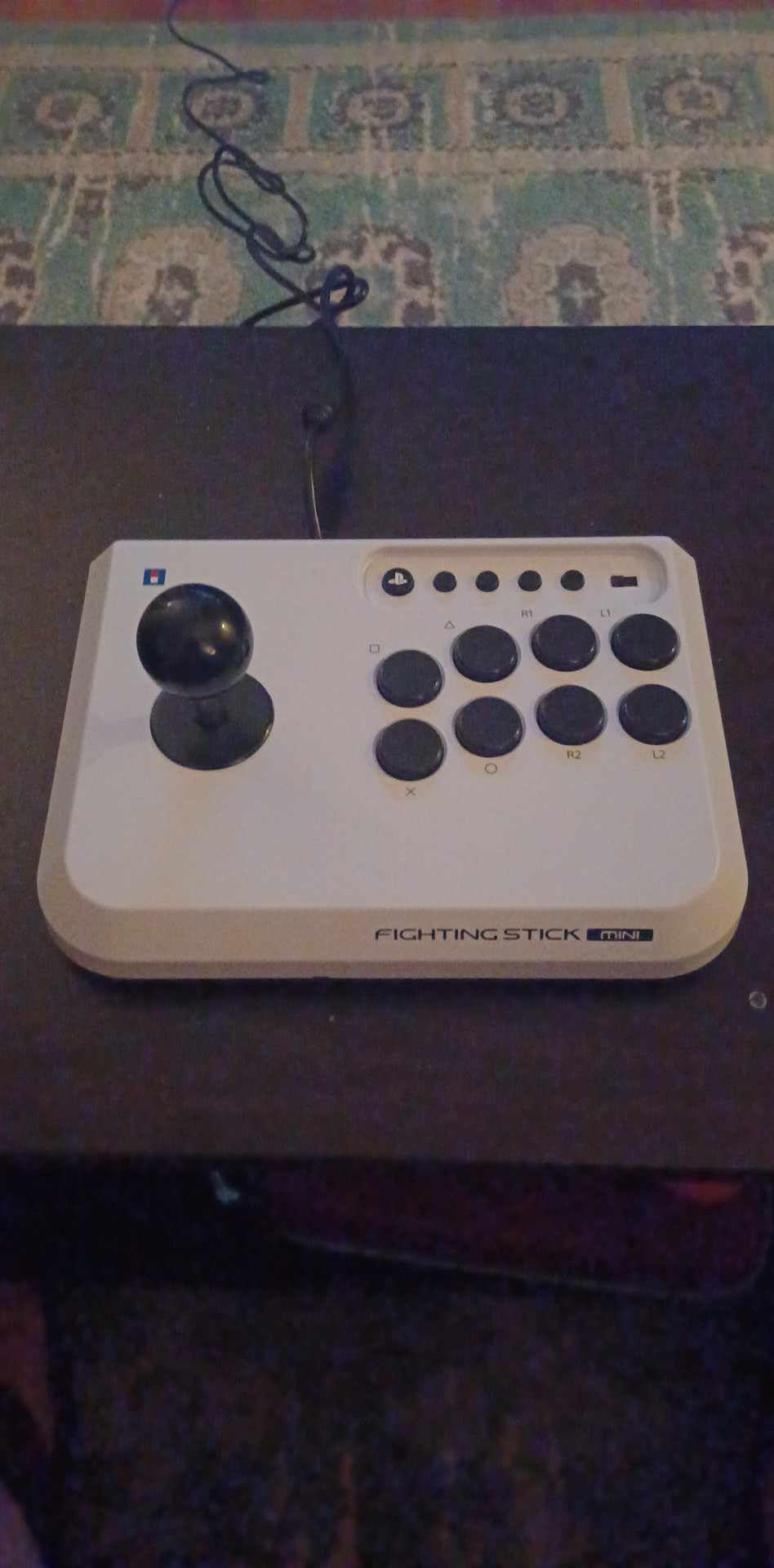
Most sticks assume you own a desk. This one assumes you own a lap and a laptop. At 467 g and barely bigger than a hardback book, it is the pick for anyone playing on a Steam Deck, a small dorm desk, or a sofa.
It is officially licensed by Sony and works on PS5, PS4 and PC, which covers the full PlayStation side. The 8-button layout uses real 30mm buttons, not the mini buttons that cheap sticks often substitute.
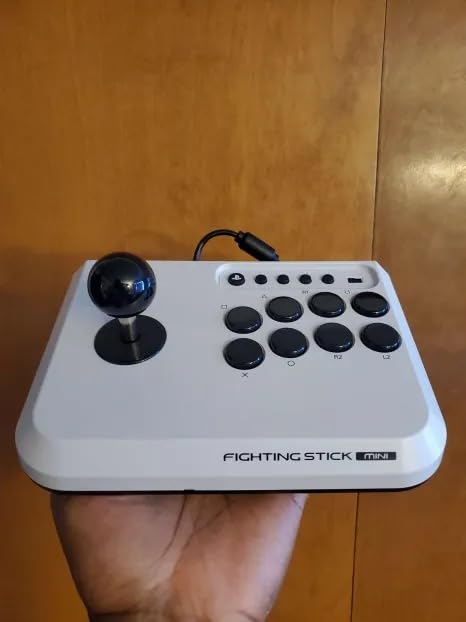
At 467 g, this stick moves. Owners repeatedly report it sliding across a lap during heavy directional inputs, and a stick that shifts under your wrists is a stick that changes your hand position mid-combo.
If you are practising on a desk, the weight is fine. If you are practising on a sofa with your legs as a platform, put something non-slip underneath it before you start.
The buttons are a genuine strength. They are full-size 30mm parts, and the joystick has clear directional clicks that make it easy to feel whether a motion input registered, which is exactly what a beginner needs while learning quarter-circles.
The base is roughly hardcover-book sized, so the eight buttons sit closer together than on a full-size stick. Players with larger hands describe the spacing as cramped, and it is worth checking against your own hand size before committing.
This is the lowest-rated stick in the guide at 4.2, with roughly 60 percent five-star reviews. The pattern behind that number is consistent: people love that it exists at this size, and are less enthusiastic about the weight and the button quality in some units.
There is also no touchpad button, so some PS5 games need a second controller for menu navigation, and there is no wireless option at all.
Aircraft-grade aluminum chassis
Sanwa 30mm buttons and JLF lever
7.8 pounds
PS5, PS4 and PC
I want to be direct about this one. The Victrix Pro FS is the stick forum members describe as the best-built option, and it is also the one I would not tell a beginner to open with. It is a tournament chassis, and beginners do not need a tournament chassis on day one.
What you get is a single piece of aircraft-grade aluminum, genuine Sanwa Denshi 30mm buttons, and a patented Link 2 detachable joystick on a Sanwa JLF base. The 6.28-degree wrist slope and a built-in foam lap pad show how much thought went into long sessions.
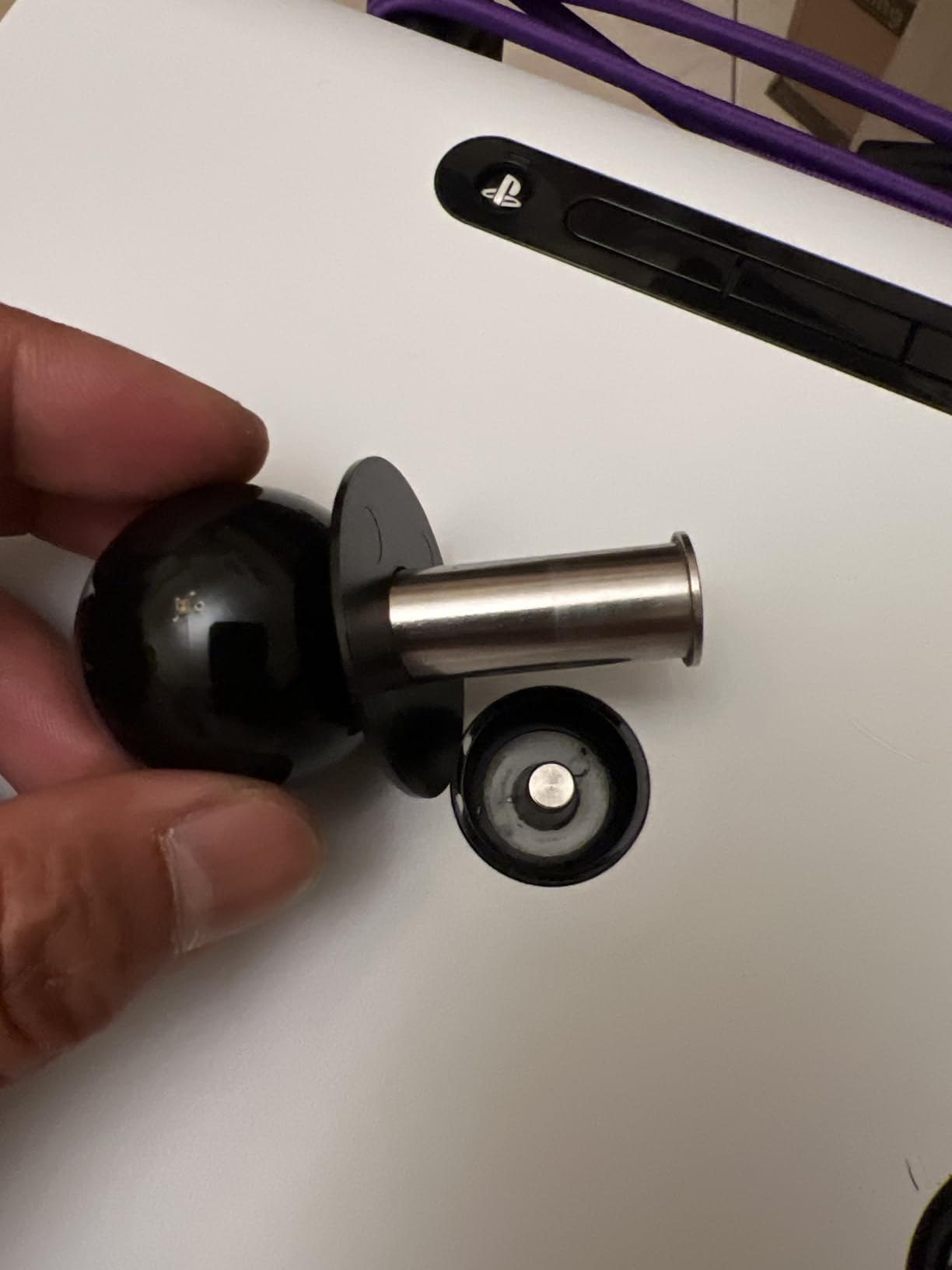
Sanwa 30mm buttons and a JLF-base lever are the exact components many beginners end up spending on separately. Having them fitted means you spend your first upgrade budget on nothing, because nothing needs replacing.
The quick-access back panel and included Allen wrench keep maintenance straightforward, and the detachable joystick makes a future lever change far less fiddly than it sounds on paper.
The lockable control bar exists to stop accidental button presses at an event, which is a genuine disqualification risk in bracket play. Carrying handles and cable organisers suit LAN sessions rather than a living room.
A built-in mode switch handles PS5, PS4 and PC, so there is no adapter juggling. Note that the design has no wireless connectivity, which several cheaper sticks in this guide offer.
At 7.8 pounds and 5.79 by 19.02 by 13.31 inches, this is a substantial object to own and to move. Players with smaller hands report the 30mm layout feels crowded.
My honest read is that the aluminum and the Sanwa parts matter once you know what you want from a stick. Until then, a mid-range stick teaches you the same fundamentals for a fraction of the outlay, and this chassis will still be there when you outgrow that.
Sanwa joystick and action buttons
Textured palm rest
Two interchangeable joystick heads
7.7 pounds
Wrist comfort is the most-repeated quiet complaint in fight stick forums, and the Daija answers it more directly than anything else in this guide. The textured palm rest across the front edge is a physical rest for your wrists rather than a flat panel you hover over.
It is officially licensed for PS4, PS5 and PC, and it ships with a Sanwa joystick and Sanwa action buttons. A button lock prevents accidental presses mid-match, and three faceplate options let you change the look without tools.
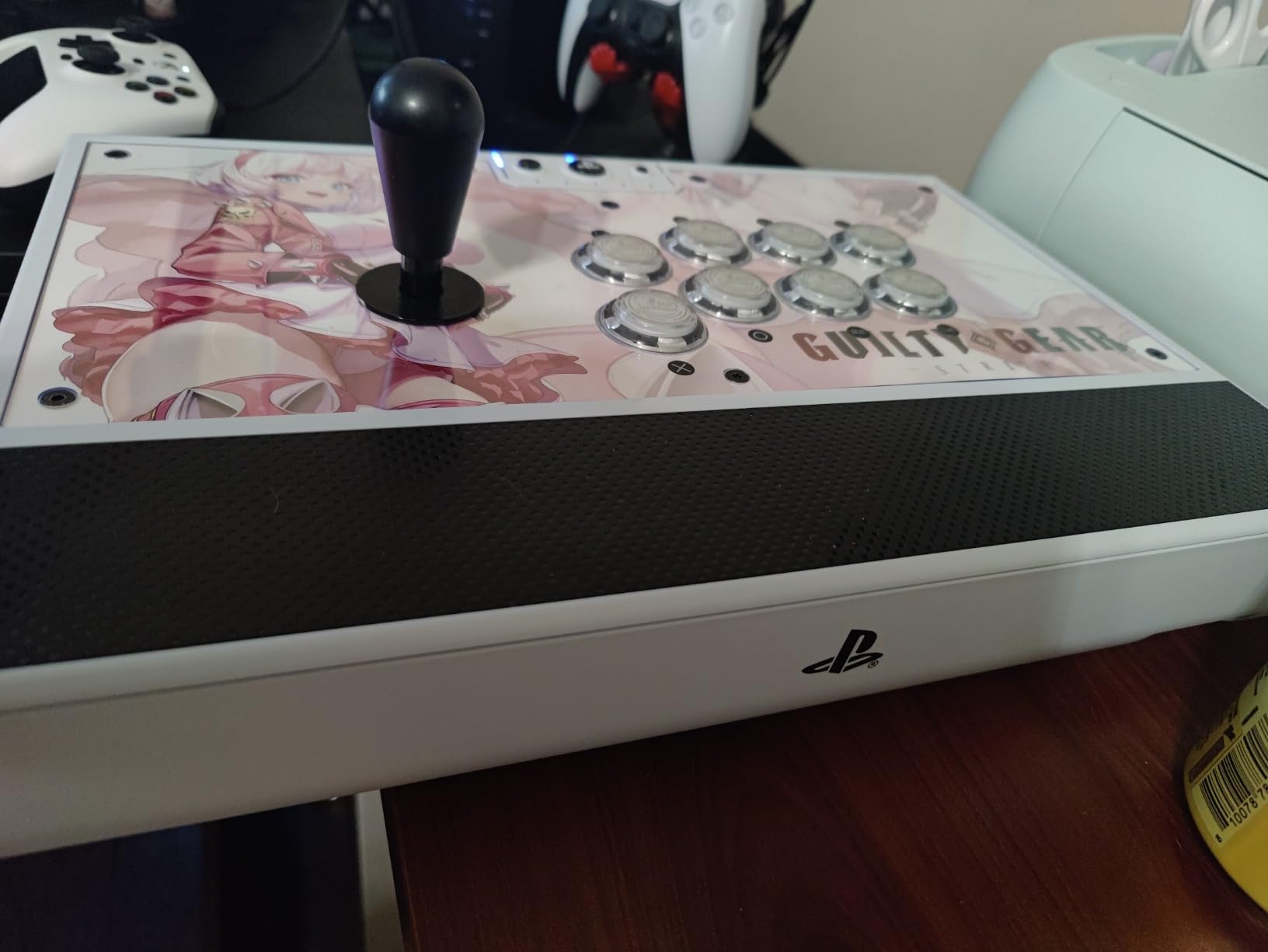
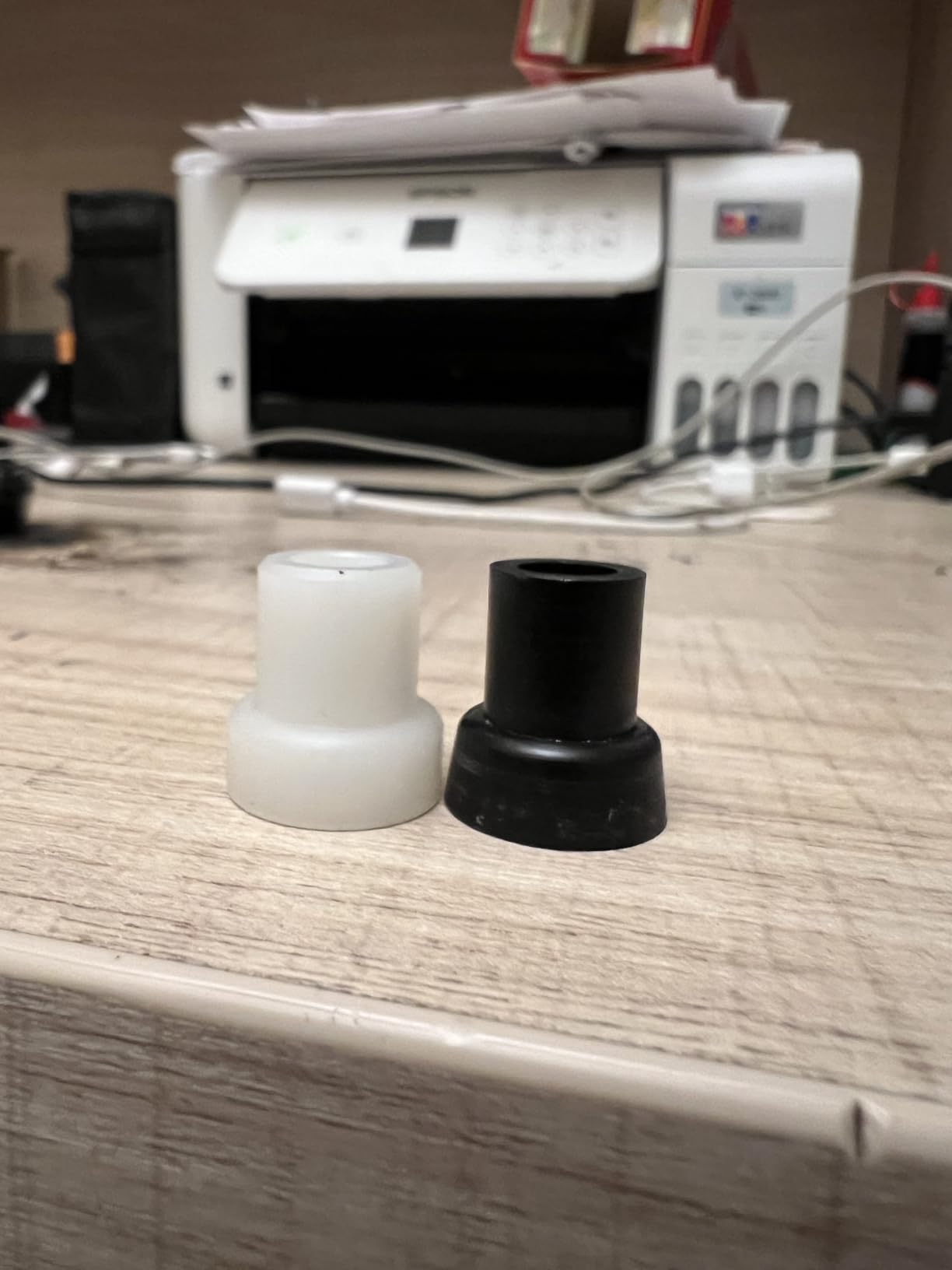
Most first-time players have no idea which lever feel they prefer. The Daija includes two interchangeable heads so you can change your mind without buying a new stick, which is a shortcut past a decision that otherwise takes months.
Combined with the Sanwa lever, that gives you a lever and a stick in one box with an out clause. The parts are standard sizes, so this does not lock you into one brand later.
You get a 3-meter detachable USB-A to USB-C cable, both joystick heads, and two tools. That cable matters more than it sounds: a three-meter lead reaches from a desk to a console across a room without an extension.
There is also a 3.5mm audio jack and a template for designing your own faceplate, so cosmetic customisation does not require extra purchases.
At 7.7 pounds this is the heaviest stick here, and it is also wired only. The heft is what gives the palm-rest design its stability, but it is a lot of object to move between rooms.
Button mapping runs through Nacon software on PC and Mac with game profiles, so console players cannot remap. The 4.2 rating comes from the widest spread in the guide, with a larger share of one-star reviews than any other pick, most of it about the weight and the price.
PS5, PS4 and PC
Full control panel with touchpad
Qanba 30mm buttons
4 pounds
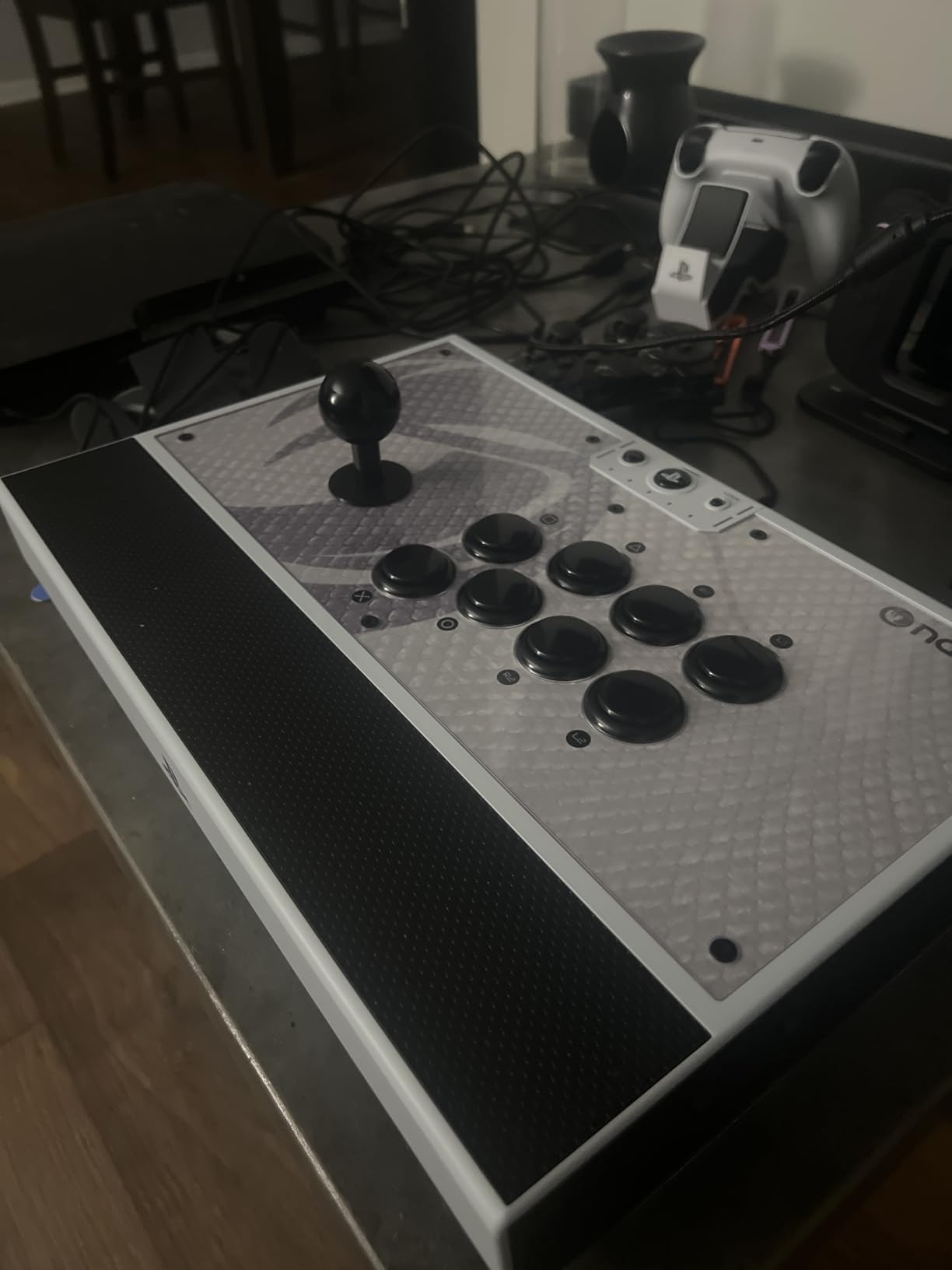
The Qanba N3 Drone 2 solves a problem most sticks ignore at this tier. It carries a full control panel with a PS5 touchpad, so you do not need to put the stick down to navigate system menus or change a setting.
It is officially licensed by Sony, works on PS5, PS4 and PC, and comes with Qanba 30mm B30 buttons and a Qanba OV7 Omron switch joystick. At 4 pounds and 14 by 8.7 by 4.6 inches it fits a normal desk.
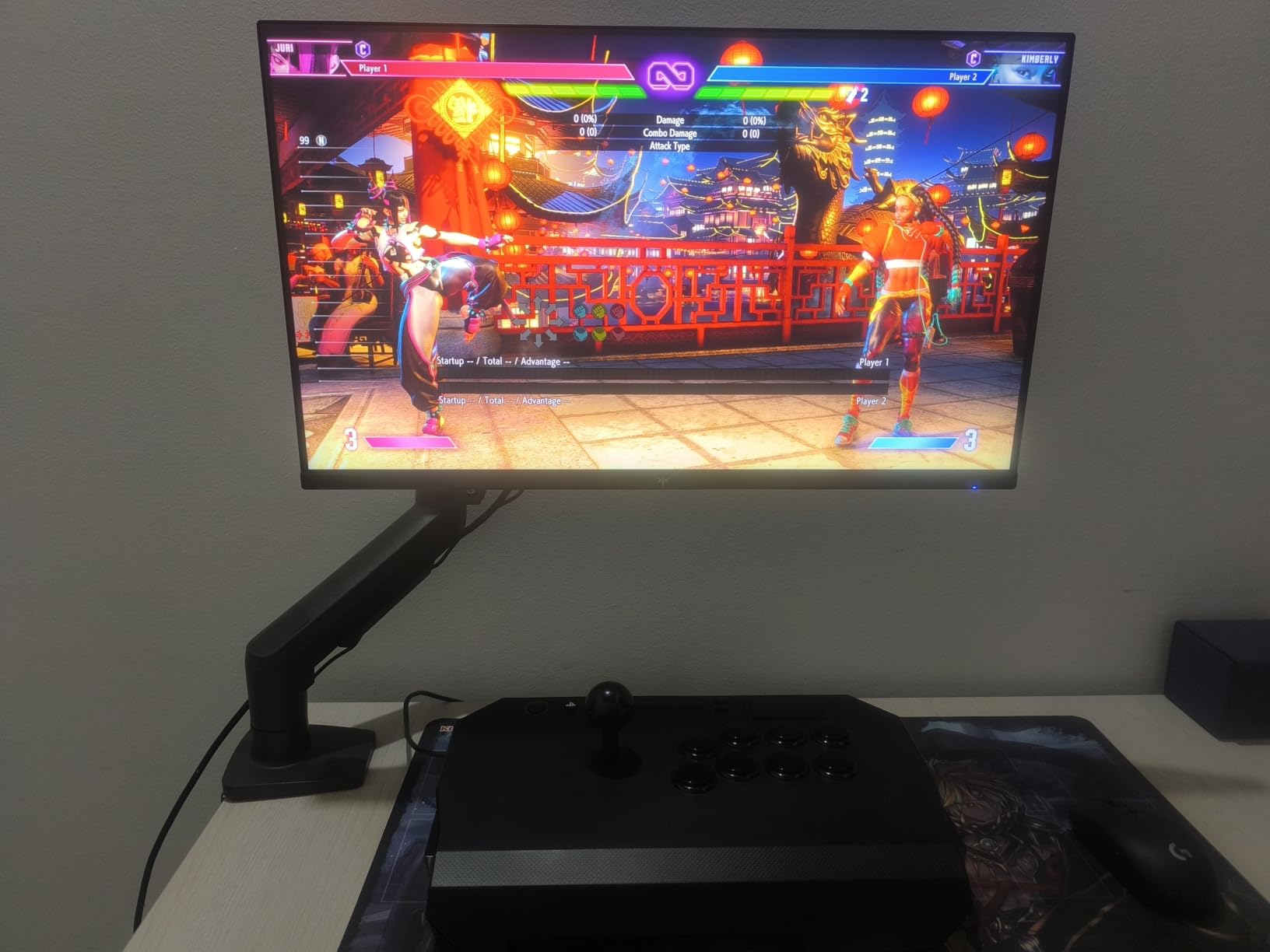
The OV7 stick uses Omron switches, and owners consistently mention how pronounced and satisfying the directional clicks feel. For a beginner, an audible, physical click is genuinely useful because it confirms the input registered before you look at the screen.
The quick-release screw on the lever is a small feature with an outsized effect. Swapping to Sanwa parts later takes a fraction of the time it does on sticks with fixed shafts.
There is a 3.5mm microphone input with a mute button control, which is rare on a stick without a headphone port. The catch reported by owners is that the mute button does not appear to control PS5 microphone or sound, so treat it as a physical switch rather than a functional one.
Turbo is available, but buyers warn that turbo button assignment is easy to lose track of once you start reassigning. Write your layout down before you start changing things.
At 4 pounds the stick can slide with heavy joystick play, particularly on a glass desk. The grippy top surface is an improvement over the glossier plastic of the original Drone, but it does not fully solve it.
Buttons are loud out of the box, which is fine in a bedroom and awkward in a shared space. Swapping in quieter buttons is the most common first mod among owners, and the quick-release lever screw makes the job painless.
Bluetooth, 2.4G and wired
Two dedicated macro buttons
40 hour 2.4GHz battery
Switch and Windows
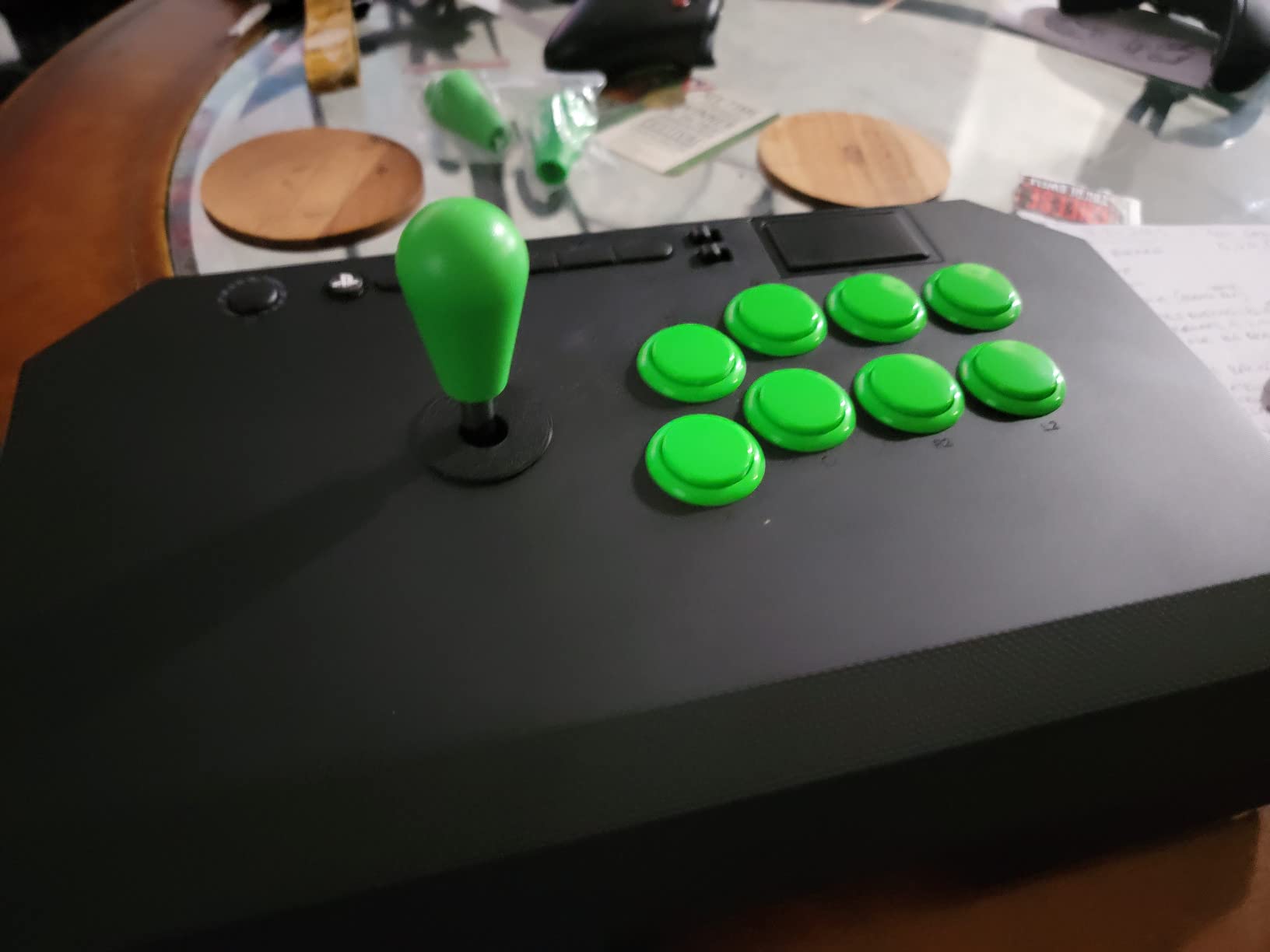
This is the most feature-dense Nintendo-and-PC stick in the guide. The thing that sets it apart is two dedicated macro buttons on the top panel, labelled P1 and P2, which you can bind to shortcuts or sequences that would otherwise be exhausting to perform by hand.
It also adds turbo functionality on top of Bluetooth, 2.4G and wired connectivity, and the dynamic button layout changes visually between Switch and PC modes so you always know which function sits where.
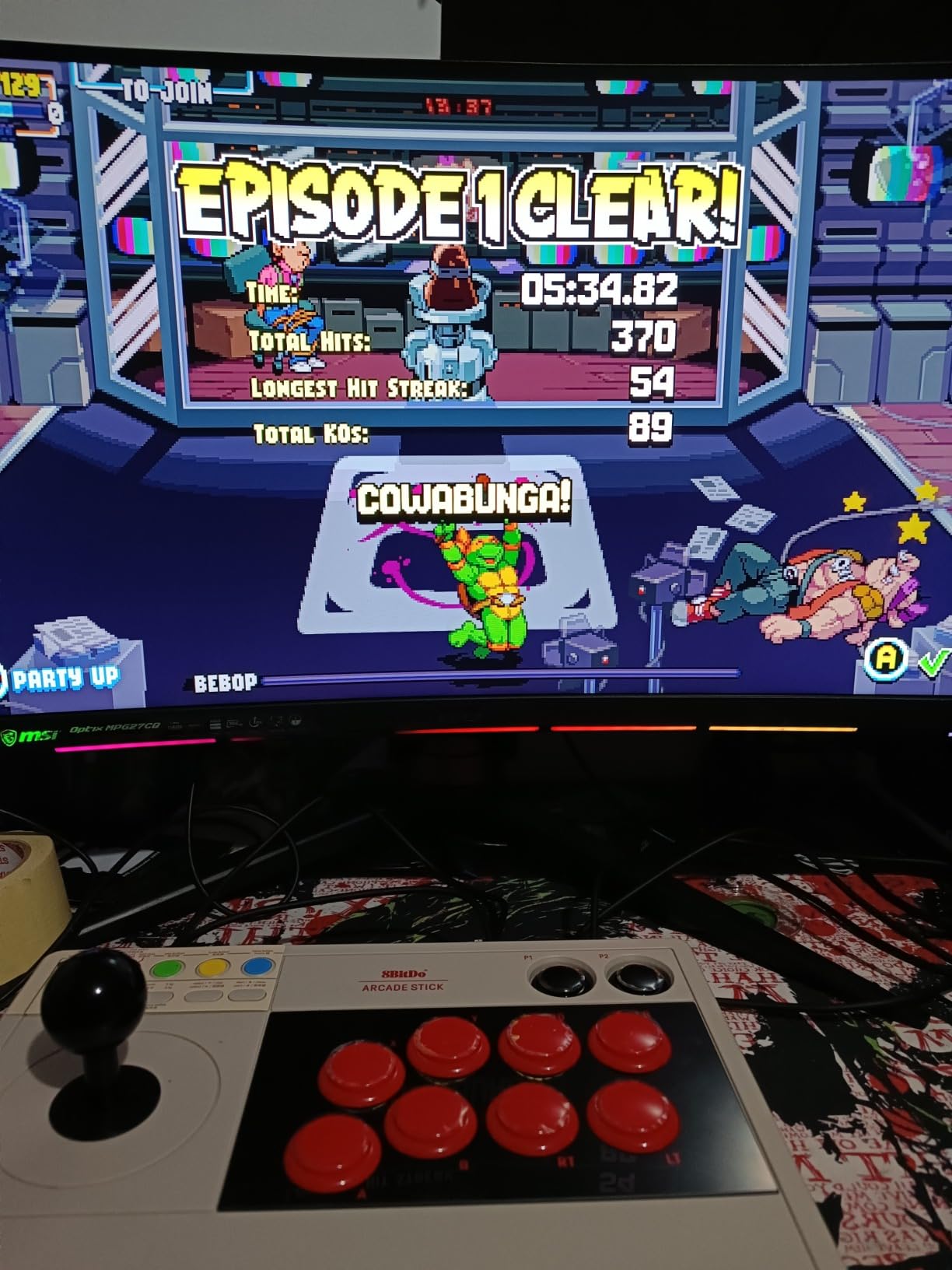
Macros are often sold as a competitive advantage. For a beginner they are a teaching tool. Binding a difficult motion input to a single button lets you watch what the move actually looks like at full speed before you attempt it yourself.
Turbo handles rapid-fire motions the same way. The one caveat owners report is that turbo-enabled buttons sometimes need reconfiguring after a firmware update, so re-check your bindings after any update.
You get around 40 hours on 2.4G and 30 on Bluetooth, with a four-hour charge, and the 2.4G receiver hides in a compartment in the case. For a stick you use in short sessions, charging is effectively a monthly task.
Wired USB-C is there when you want the lowest latency, which is what I would use for actual ranked play.
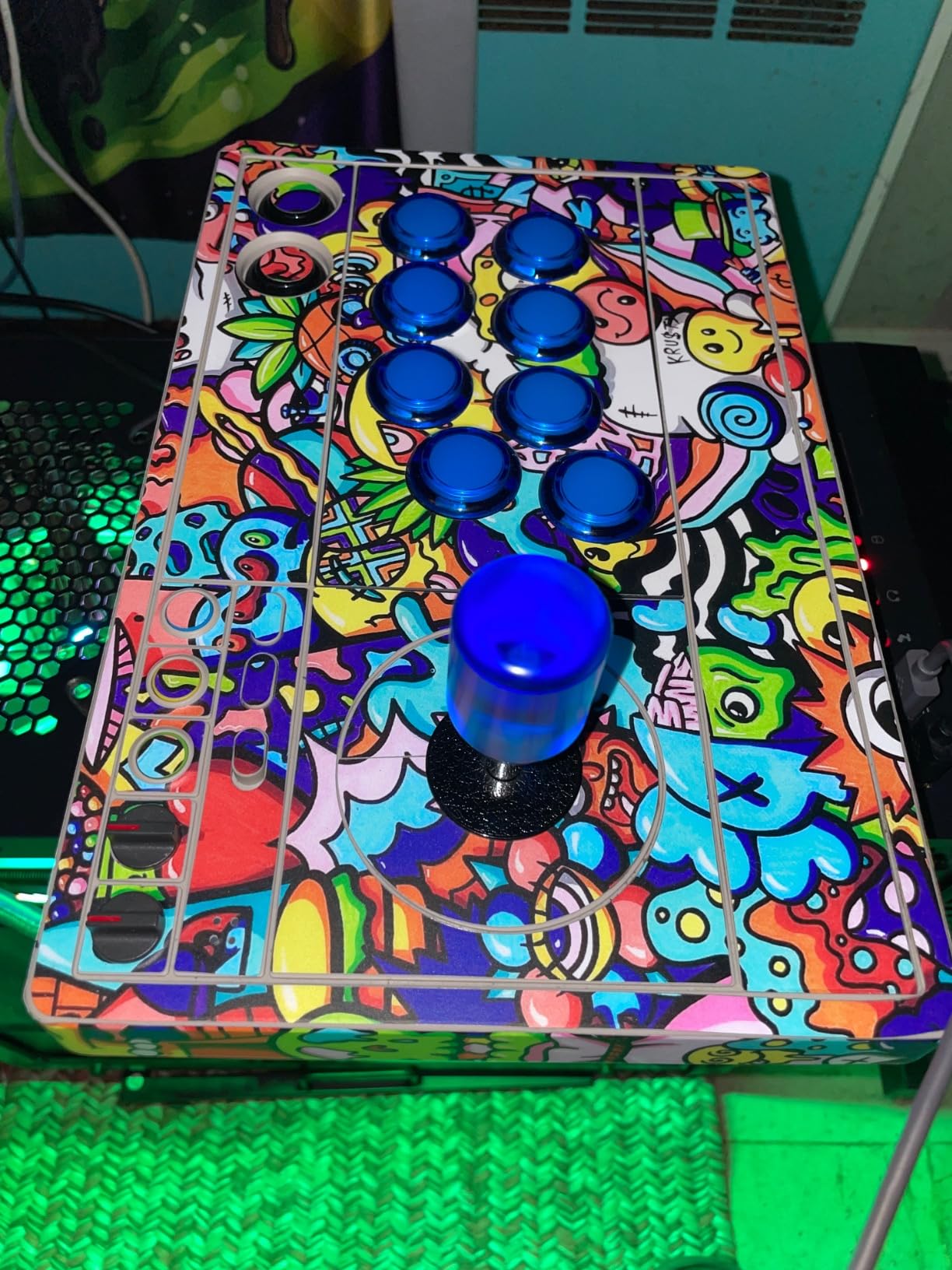
The universal mounting plate supports Sanwa JLF and similar sticks, and it accepts both 30mm and 24mm buttons. That flexibility is what makes this stick a good first home for a beginner who expects to keep changing their mind about parts.
8Bitdo Ultimate software handles mapping, macros and switchable profiles. The limitation is platform support: Switch and Windows only, so this is a Nintendo-side or PC-side purchase.
Bluetooth, 2.4G and wired
Widest device list in the guide
Turbo plus headset passthrough
Not for Xbox
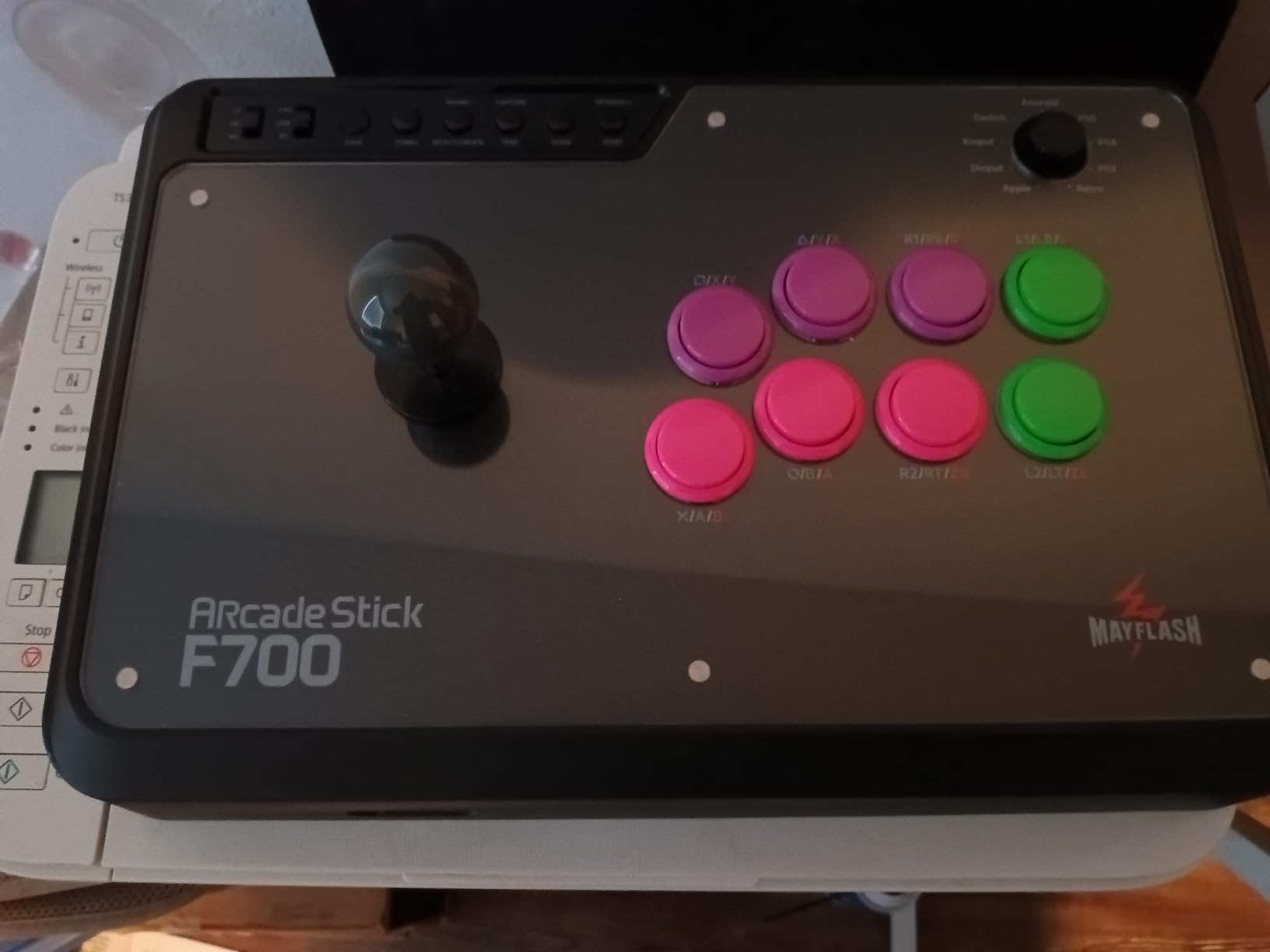
The F700 is the F300 idea taken further: broad platform support, standard Sanwa parts, turbo functions, and this time wireless. The device list is the widest in the guide, running from PS5 and PS4 through Switch, Windows, Apple devices, Android, Steam Deck, Raspberry Pi, and mini consoles.
It is also the only stick here with a wired headset port for chat and music on PS5, PS4 and PC XInput, which is a small thing that matters if you play long sessions with friends on voice.
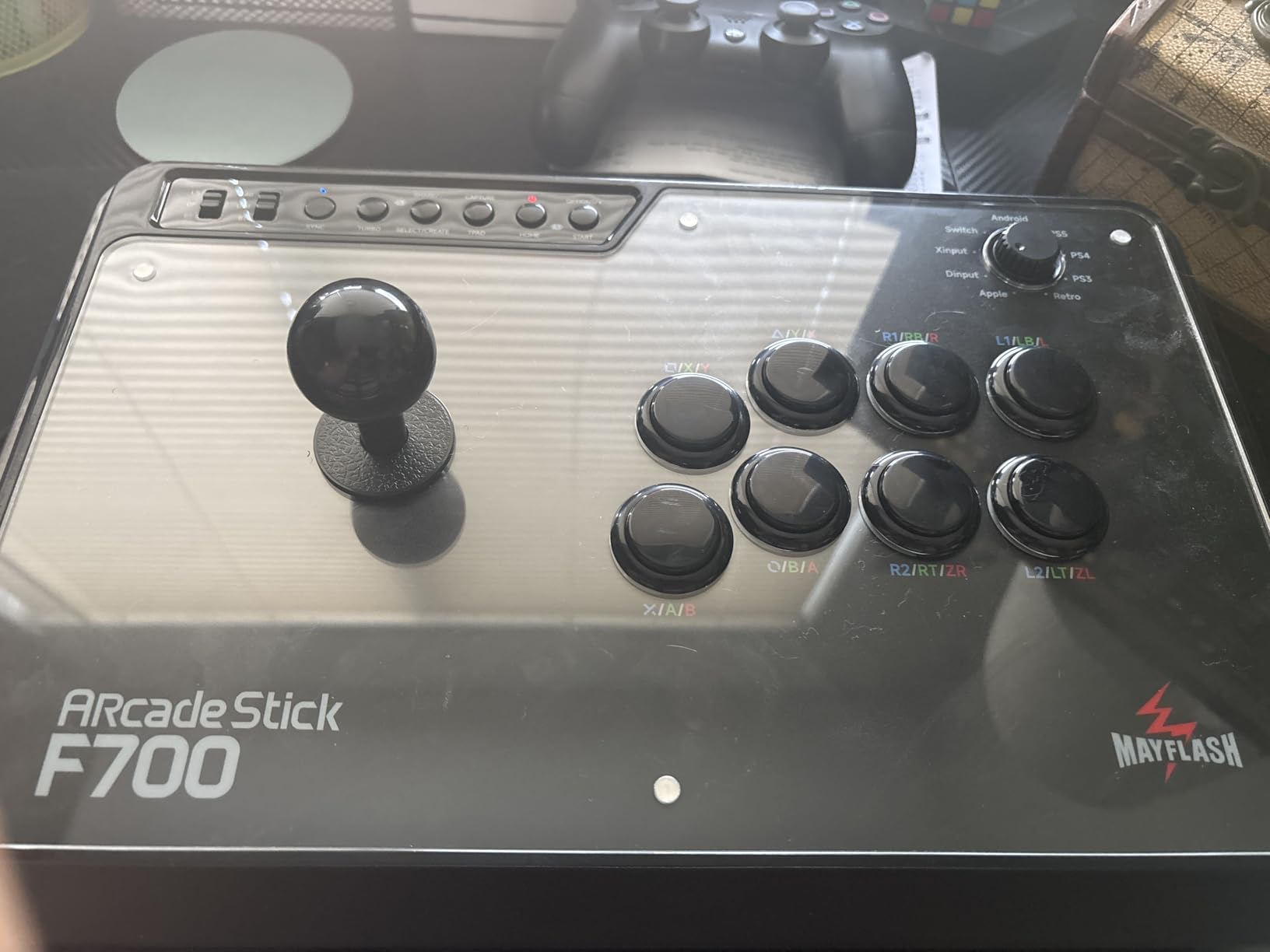
This stick is not compatible with Xbox Series S, Xbox Series X or Xbox One, and Mayflash sells a separate F700X model for those consoles. The console makers require their own wireless pairing, which is why the two lines are split.
PS5 support is also scoped to fighting games. That is fine for this audience, but it means the stick is not a general-purpose controller for a PS5.
Bluetooth, 2.4G and wired USB are all supported, and the 2.4G receiver stores in a hidden compartment. For Switch 2 Bluetooth support you need to update the firmware first, which takes a few minutes and is worth doing before you sit down to play.
At 3.3 kg this is the heaviest build in the guide, and that weight is what keeps it planted when you lean into a half-circle. If you prefer a lighter stick, the F300 above covers the same platforms in a smaller frame.
Choose the F700 if wireless is a requirement rather than a nice-to-have, or if you move between handheld, desktop and console. Its platform breadth means one device covers setups most players would fill with two controllers.
It sits at the top of the sensible price range for a beginner. Below it you lose wireless, above it you are buying tournament hardware you will not use yet.
This is the decision that eliminates the most wrong purchases. PlayStation players should look for a touchpad and share button. Xbox players have fewer options, and the officially licensed 8BitDo Xbox stick is the cleanest route. Nintendo and PC players have the widest choice, including wireless models.
Check whether a console needs an adapter before you buy. Adapters exist, but they are one more thing to fail.
Look for a stick that accepts Sanwa Denshi buttons and a standard lever shaft. Every stick in this guide except the Qanba uses parts you can buy anywhere, and that single feature determines whether your first upgrade is a fifteen-minute job or a project.
Owners treat coming with Sanwa parts as a decisive positive, and the community consensus is consistent: a well-built case with generic internals beats a famous case with proprietary parts.
A stick that slides across the desk is a stick that ruins your wrist position mid-combo. Anything above about 1.5 kg stays planted on a desk. Below half a kilo, expect to work at it, particularly on a lap or a glass surface.
Balance is the free upgrade. A mouse mat or a non-slip pad under a light stick solves most of the problem.
Six or eight buttons, in a Vewlix layout with the eight-button row in the classic inverted V, or a Noir layout with a straighter grid. Both work, and neither is wrong.
What matters more is hand size. Full-size 30mm buttons in an eight-button layout need real space in front of you. If your desk is small or your hands are small, a compact model avoids a cramped layout that causes mispresses while you are still learning.
For competitive play, wired is the safe default because it removes one variable. For casual practice on a sofa or a handheld, wireless removes cable snagging entirely. Several sticks here support both, which is the ideal answer.
Note the distinction between 2.4GHz and Bluetooth. They are not the same thing, and a stick listing only 2.4GHz is using a receiver, not a Bluetooth radio.
Turbo lets you practise rapid-fire motions without frame-perfect timing, and macro buttons let you watch a difficult sequence at full speed. Both shorten the early learning phase more than any hardware upgrade will.
Several sticks in this guide include turbo, and two 8BitDo models add programmable macros. Console-only players get less of this than PC players, because remapping on a console is restricted by the platform.
A stick that arrives with generic buttons will need a button set. You may also want a spare cable, a non-slip mat, and eventually a lever swap. Budget for the accessories on day one rather than discovering them later.
Sticks that ship with Sanwa 30mm buttons, like the Victrix Pro FS and the Nacon Daija, effectively include that first upgrade in the price. If you are on a tight budget and expect to mod anyway, that changes the arithmetic.
Buying tournament hardware on day one. Aluminum chassis, detachable levers and lockable control bars matter when you are travelling to events. They do not make you better at quarter-circles, and the weight is genuinely annoying at home.
Ignoring SOCD. SOCD is a cleaning technique for the gate on your joystick that stops dirt build-up causing a false input. A stick that fires a direction you did not press will get you punished before you understand why. Clean the gate before your first local.
Forgetting to check tournament rules. Some events restrict stick models, and some require turbo to be disabled or set a specific way. Read the rules for your local before you register.
Skipping the training mode. Fighting games all have one, and they are the only place you can practise a motion a hundred times without queueing. Ten minutes in training beats an hour of ranked losing.
While you are setting up, our guides to other first-time purchases like hydroponic systems for beginners and camera drones for beginners follow the same principle: buy for the task you are actually starting, not the one you might start next year.
The same logic applies if your beginner project is watching rather than playing. Our picks for telescopes for beginners and smart telescopes for beginners break the choices down the same way: what you will actually use it for, what the full setup costs in accessories, and what you can grow into later.
Start with motion inputs before anything else. Most games have a training mode with an input display, and you can watch a quarter-circle, half-circle, or double quarter-circle register in real time. Spend your first sessions making those motions land consistently before you try to combo anything.
Street Fighter 6 and Tekken 8 are the most beginner-friendly entry points, because their training modes show inputs clearly and both have substantial move lists laid out plainly. Once motions are reliable, The King of Fighters XV and Fatal Fury: City of the Wolves reward the same fundamentals with more depth.
Turn on the input display permanently for the first few weeks. It is the fastest feedback loop in any fighting game, and a stick makes the motions far easier to see because the stick physically returns to centre.
The Mayflash F300 is the best arcade fight stick for beginners. It works on Switch, PS4, Xbox Series, PC, Mac and Steam Deck from one box, accepts standard Sanwa Denshi buttons and sticks, and includes turbo functions. You can learn fundamentals on it for years, then upgrade the parts inside rather than replacing the whole stick.
The Mayflash F300 is the strongest budget beginner stick, and the HORI Fighting Stick Mini is the cheapest serious option. The F300 wins on platform coverage and Sanwa compatibility, while the Mini is a fraction of the size for laptop and handheld play. Both use standard part sizes, so neither is a dead end.
Buy a joystick fight stick. A stick separates directions from attacks, which is one thing to learn at a time, while a leverless controller also asks you to adapt to a flatter button arrangement. Choose leverless only if you already know your motions or mainly want a pad for platformers alongside your fighting games.
Yes, but check the platform list before buying. Most sticks here support PC over USB, and the wider models cover Switch, PS4, PS5, Xbox and Mac. Two exceptions matter: the Mayflash F700 does not support Xbox consoles, and it needs a firmware update for Switch 2 Bluetooth.
Standard Sanwa Denshi sticks are the safest first joystick because they fit almost every case in this guide. Gate type is a preference question: square gates feel familiar to most newcomers, while Japanese gates give more defined diagonal precision. Make sure the stick supports a lever swap if you may change your mind later.
If you play across more than one console or PC, start with the Mayflash F300. If you are Nintendo and PC only and want wireless plus remapping, take the 8BitDo Arcade Stick. On PlayStation and willing to spend more for a native touchpad, the HORI Fighting Stick Alpha is the pick. On Xbox, the licensed 8BitDo Xbox model is the only serious route. Travelling with a laptop, the HORI Fighting Stick Mini fits the bag. Buying once and never touching it again, the PDP Victrix Pro FS is the answer.
Whichever you pick, the real upgrade path runs in a fixed order: buttons first, then the lever, then the top plate. Start with buttons on anything below the Victrix, and you will spend your first upgrade budget where it actually changes how the stick feels.
Use the buttons on each review above to check the current details, and start in training mode rather than ranked. That single habit will do more for you than the model you picked.